
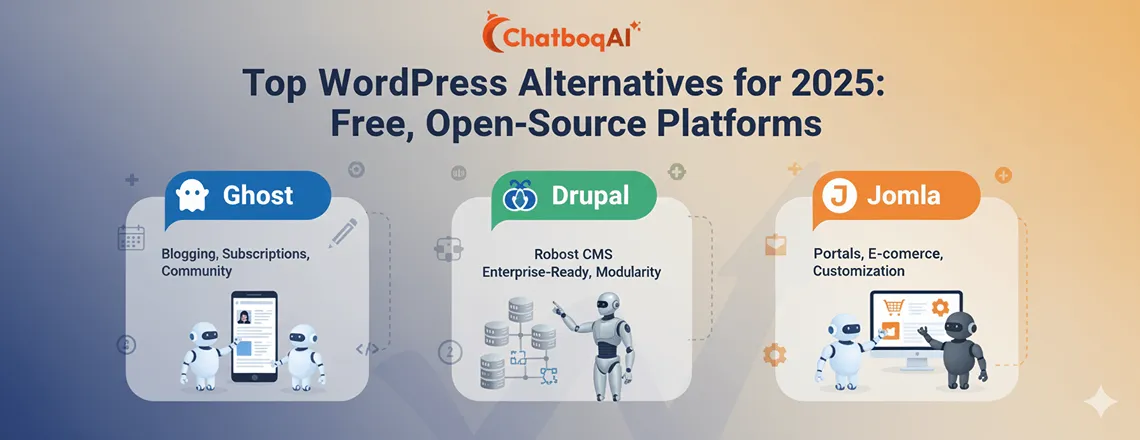
Top WordPress Alternatives for 2025: Free, Open-Source Platforms
WordPress dominates the web, powering over 43% of all websites using CMS platforms. Its plugin-based architecture, extensive themes, and vast developer community make it highly popular. Yet, many users struggle with CMS security vulnerabilities, frequent updates, and the learning curve for site maintenance. Website builders like Wix and Shopify offer more user-friendly dashboards and streamlined website tools, making many businesses and bloggers consider WordPress alternatives in 2025.
📑 Table of Contents
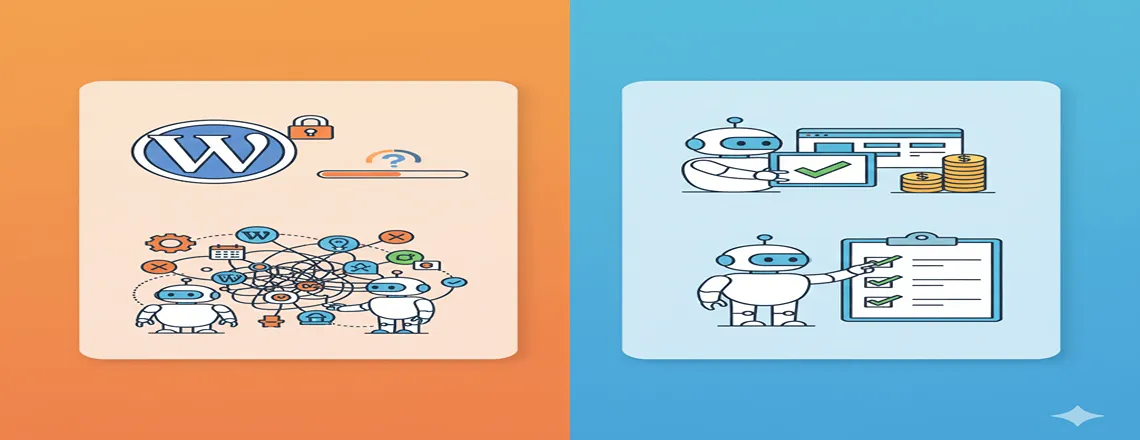
Many creators and small businesses find WordPress too complex or expensive, especially when integrating SEO tools, E-commerce support, and content publishing tools. Limitations such as outdated code, plugin conflicts, and slow site performance push users to explore open-source WordPress alternatives or hosted builders that provide drag-and-drop editors and no-code flexibility.
Key Highlights
| Drag-and-drop website builder tools SEO-friendly and optimized structure Mobile-responsive modern design Built-in security and SSL support Multilingual and global site compatibility |
What Makes a Great WordPress Alternative?
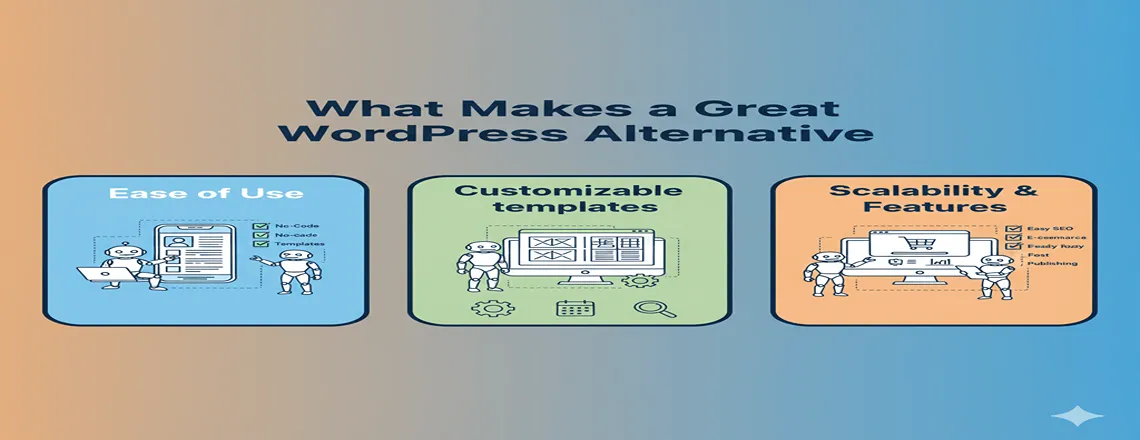
When choosing the best WordPress alternatives, it’s essential to balance functionality, usability, and cost. An ideal alternative should provide:
- Customizable templates and plugins, or extensions
- SEO-friendly architecture for better visibility
- Mobile responsive design
- Domain hosting and SSL integration
- Multilingual support for global reach
- Website analytics and tracking tools for performance insights
For advanced users and developers, features such as headless CMS flexibility, data security, and scalability are essential. Beginners, meanwhile, prefer drag-and-drop WordPress alternative CMS platforms with AI content tools and visual editors.
Top WordPress Alternatives for 2025
1. Drupal

Drupal is a developer-focused CMS platform and one of the most powerful open-source WordPress alternatives. It’s modular, secure, and perfect for multilingual sites.
Pros:
- Enterprise-grade security features (PCI compliance, encryption)
- Highly scalable and modular design
- Excellent for multilingual websites
Cons:
- Steep learning curve for beginners
- Overkill for small websites or blogs
Cost: Free (plus hosting and developer salaries if needed)
Example: Arsenal FC leverages Drupal modules for engagement features.
2. Joomla

Joomla balances usability with robust CMS features, making it a strong WordPress alternative for businesses and educational sites.
Pros:
- Built-in multilingual support
- Supports advanced banner and ad management
- More media types and flexibility than WordPress out of the box
Cons:
- Customization requires coding skills
- A smaller plugin ecosystem compared to WordPress
Cost: Free (plus hosting/domain)
Example: IKEA and Harvard University use Joomla for accessibility and multilingual features.
3. Adobe Commerce
Adobe Commerce is a self-hosted eCommerce CMS that is one of the most advanced WordPress alternatives for online stores.
Pros:
- Scalable for large stores
- Multi-store and multi-currency support
- Robust inventory and order management
Cons:
- Steep learning curve for beginners
- Requires hosting and developer expertise
Cost: Free (self-hosted), additional fees for hosting and extensions
Example: Land Rover manages multiple product lines and global sales with Magento.
4. Wix
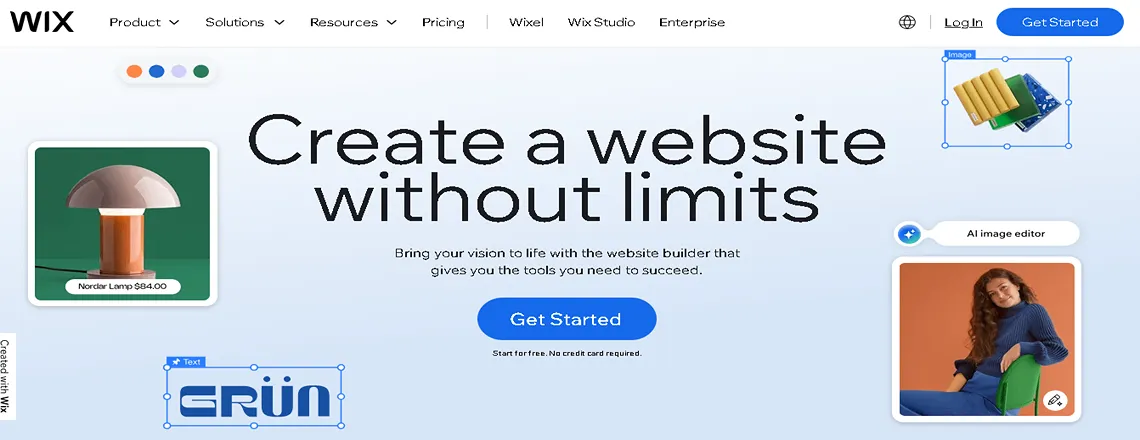
Wix is a beginner-friendly drag-and-drop builder and one of the most popular WordPress alternatives for beginners.
Pros:
- 500+ customizable templates
- Mobile-responsive, SEO-friendly
- Easy for beginners with Wix ADI (artificial design intelligence)
Cons:
- Limited backend access
- Can be costlier than WordPress long-term
Cost: $4.50–$35/mo, business plans $17–$35/mo
Example: Mariela Mezquita’s portfolio demonstrates animations and scrolling effects.
5. Shopify

Shopify is a hosted eCommerce platform is one of the best WordPress alternatives for entrepreneurs.
Pros:
- PCI-compliant and fully secure
- Drag-and-drop setup with 80+ themes
- First-party POS module for in-person sales
Cons:
- Extra fees for non-Shopify payments
- Not suitable for non-E-commerce websites
Cost: $29–$299/mo
Example: Happiness Abscissa uses Shopify for professional product display.
6. Squarespace
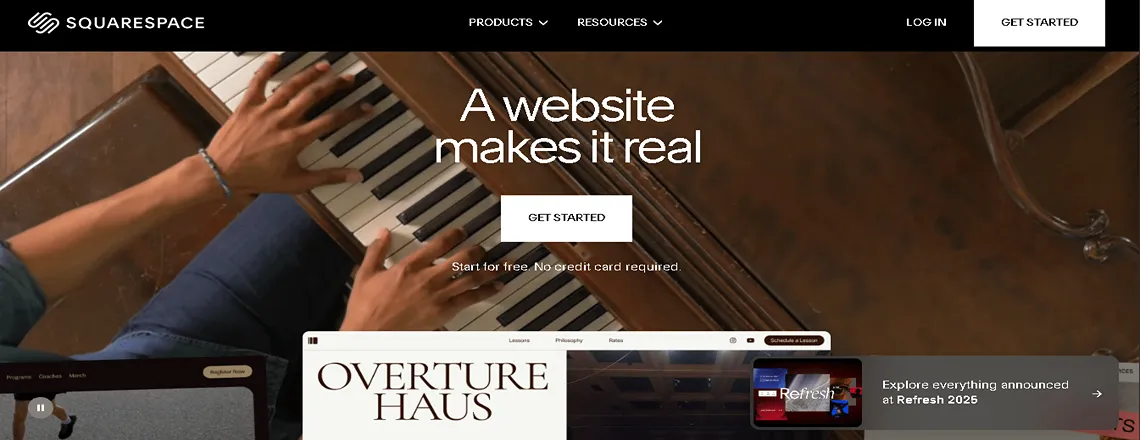
Squarespace is ideal for creatives who want simplicity and beauty. It’s a visually stunning WordPress alternative for portfolios and business sites.
Pros:
- Drag-and-drop editor, mobile-optimized
- Built-in scheduling, podcast, and newsletter tools
- Fully hosted with support
Cons:
- Limited plugins
- Not suitable for complex menus or deep site hierarchies
Cost: $16–$54/mo
Example: Blue Dog Bar uses Squarespace for minimal design and easy navigation.
7. Ghost
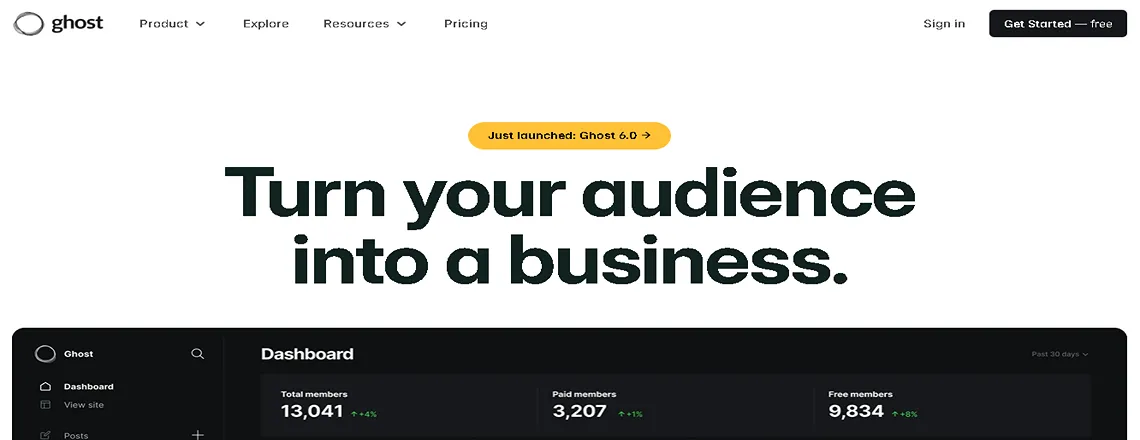
Ghost is a focused platform for bloggers — one of the fastest open-source WordPress alternatives for writing and newsletters.
Pros:
- Easy content publishing and newsletter integration
- Lightweight and fast
- Supports subscription monetization
Cons:
- Limited design and layout flexibility
- Hosting restrictions for some providers
Cost: Free/self-hosted or subscription plans
Example: The Browser monetizes content via subscriptions.
8. Weebly

Weebly is a hosted site builder that is another easy WordPress alternative for small stores and beginners.
Pros:
- Mobile-optimized templates
- Drag-and-drop editor
- Built-in eCommerce solutions
Cons:
- Poor backup options
- Restricted availability in some countries
Cost: Free to $38/mo
Example: DOUK SNOW online store uses Weebly for simple eCommerce.
9. Medium
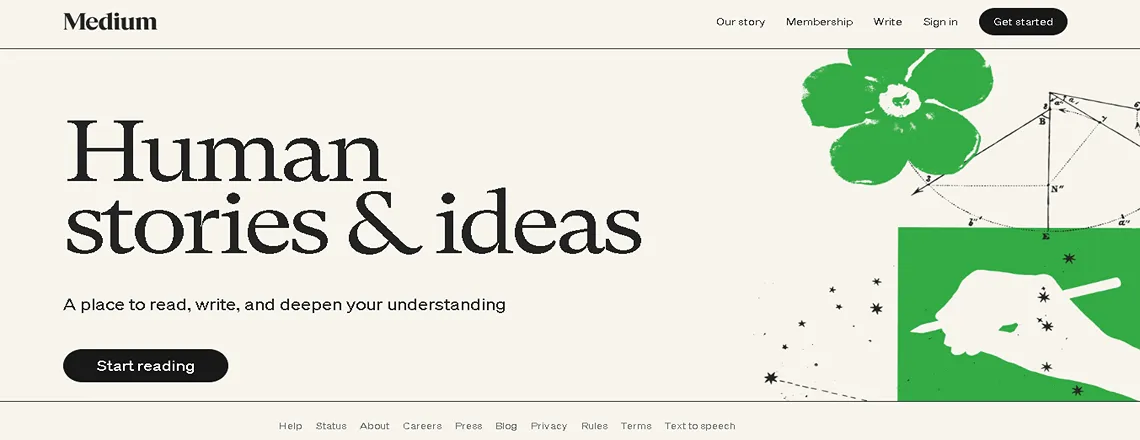
Medium is a platform for writers who want to reach without setup is a unique WordPress alternative for blogging.
Pros:
- Quick to start, no coding
- Built-in audience and easy promotion
- Free hosting
Cons:
- Limited customization
- Poor SEO control
- Not suitable for online stores
Cost: Free, optional membership $5–$50
Example: The Economist publishes long-form journalism on Medium.
Case Study: How Businesses Use CMS Platforms
Land Rover uses Magento to manage its product pages, automate customer interactions, and track website analytics. IKEA leverages it to publish multilingual content and integrate an AI Chatbot for customer inquiries.
Harvard University uses it for educational content distribution with automation workflows. Arsenal FC engages fans through AI-driven newsletters, personalized content, and website performance optimization.
Conclusion
While WordPress remains powerful, it’s not the only choice. Many free WordPress alternatives and hosted CMS platforms now offer faster performance, better security, and simpler workflows.
Whether you’re a blogger seeking the best CMS for blogs, a developer exploring headless CMS flexibility, or a small business looking for the best website builder in 2025, platforms like Drupal, Joomla, Wix, Shopify, and Ghost offer scalable, modern, and user-friendly experiences without the maintenance burden that comes with WordPress.
Frequently Asked Questions (FAQs)
Drupal and Joomla are among the best free and open-source alternatives to WordPress, offering high flexibility, scalability, and security.
Wix and Squarespace are the easiest for beginners, featuring drag-and-drop editors and AI-assisted design tools.
Yes, platforms like Drupal and Shopify have stronger built-in security features and fewer plugin vulnerabilities compared to WordPress.
Ghost and Medium are ideal for bloggers who want simple publishing tools, fast performance, and content monetization options.
Absolutely. Shopify, Adobe Commerce (Magento), and Wix offer excellent eCommerce tools with payment gateways, inventory management, and analytics.
Adobe Commerce and Drupal are best suited for enterprises that need scalability, multi-language support, and advanced integrations.
Yes, Joomla remains a strong CMS choice with multilingual support, flexible templates, and active developer updates.
A headless CMS separates the front-end and back-end, giving developers more flexibility to build dynamic web apps. Platforms like Strapi and Drupal offer headless architecture options.
Open-source CMS platforms offer more control and customization, while website builders like Wix and Squarespace are better for ease of use and speed.
Drupal, Ghost, and Wix provide excellent SEO features like clean URLs, structured data, and mobile optimization out of the box.
Yes, most platforms provide migration tools or plugins that let you transfer content, media, and even SEO metadata from WordPress.
Wix, Squarespace, and Weebly are the best no-code solutions that let users design websites without any programming knowledge.

Daniel Wong
Technical Content Writer
My name is Daniel Wong, a Technical Content Writer from Singapore with a strong interest in AI-powered tools and digital automation. At ChatBoq AI, I focus on creating practical and easy-to-follow content that helps businesses and individuals understand how chatbots work and how to use them effectively.
I enjoy breaking down complex topics like natural language processing (NLP) and conversational AI into simple guides that anyone can follow. Each article is based on careful research, real-world examples, and testing to ensure accuracy and reliability.
Through ChatBoq AI, my goal is to provide readers with trustworthy insights, step-by-step tutorials, and the latest trends in chatbot technology.
✍️
Expert in AI & Chatbot Technology

Leave A Comment