
How To Create A Chatbot For WhatsApp
Creating a WhatsApp chatbot can revolutionize how businesses handle customer engagement on WhatsApp. According to the reports on different platforms, WhatsApp has over 2.78 billion active users. This business messaging app offers unique opportunities for AI-powered customer support and WhatsApp marketing automation.
📑 Table of Contents
- How To Create A Chatbot For WhatsApp
- What Is A WhatsApp Chatbot?
- Key Capabilities
- Why Create A WhatsApp Chatbot?
- WhatsApp Business API Access
- Choose Your Development Plan
- How To Create A WhatsApp Chatbot: Step-by-Step
- Best Practices for Success
- Common Implementation Challenges
- Advanced WhatsApp Chatbot Features You Can Add
- Real Success Stories
- Start Your WhatsApp Automation
- Conclusion
- Frequently Asked Questions (FAQs)
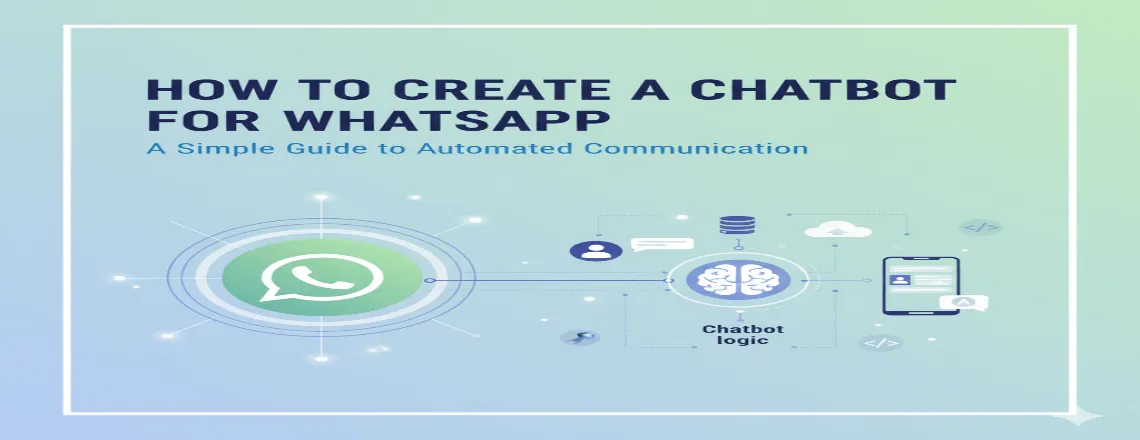
This complete guide reveals how to create a chatbot for WhatsApp that provides measurable results for your business.
Start Your Free Trial with Chatboq and build your first bot in minutes- no coding required.
What Is A WhatsApp Chatbot?
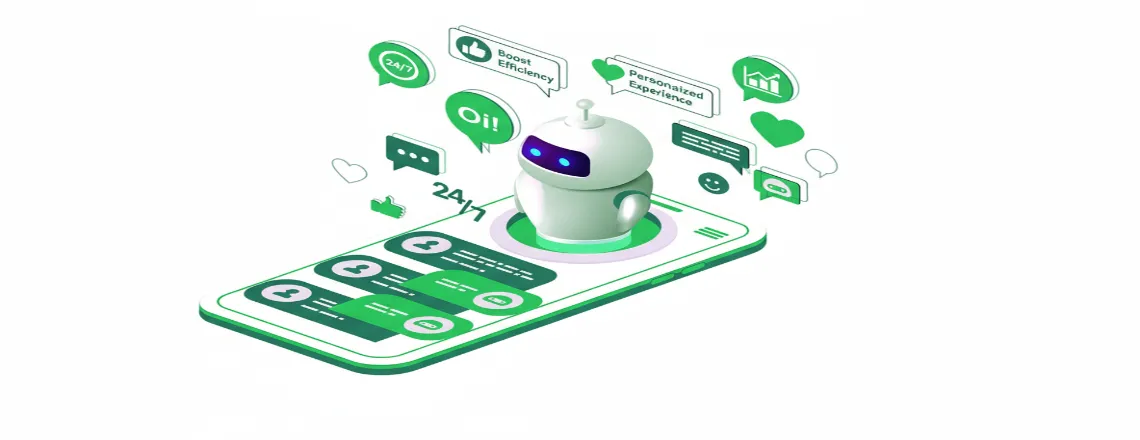
A WhatsApp chatbot is an intelligent automation messaging system that functions within the WhatsApp Business Platform. These advanced WhatsApp automation tools utilize AI and natural language processing to simulate human conversations, address customer inquiries, and drive business outcomes 24/7.
Key Capabilities
- Instant FAQ response, which reduces response time by 95%
- Order processing and payment collection through conversational commerce
- Appointment scheduling and automated reminders
- Lead qualification and nurturing workflows
- Multilingual customer support in 60+ languages
- Rich media sharing, like catalogs, videos, photos, and documents
Why Create A WhatsApp Chatbot?
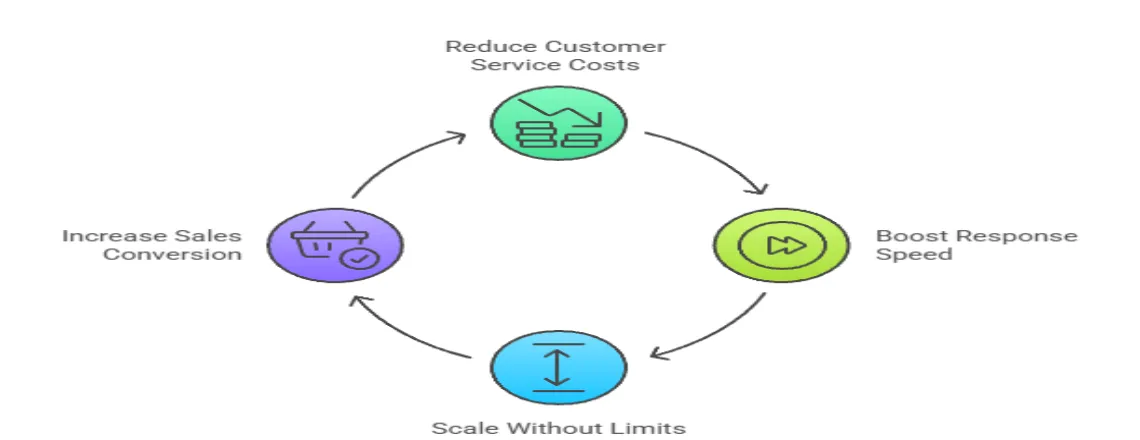
WhatsApp chatbots development delivers measurable business results:
Reduce Customer Service Cost
AI-powered customer support reduces functional expenses by up to 70%. Bots can handle regular inquiries automatically, freeing human agents to focus on more complex issues.
Boost Response Speed
Instant replies enhance customer satisfaction scores by 40%. No more waiting hours for generic questions about store hours or order status.
Scale Without Limits
Can handle 10,000+ synchronous conversations. Your WhatsApp automation tools are always active, ensuring that global customers receive help at any time.
Increase Sales Conversion
WhatsApp Marketing automation can drive a 25% higher conversion rate through personalized product recommendations and cart recovery campaigns.
WhatsApp Business API Access
Get an approval through a certified Business Solution Provider (BSP), and the top Business Solution Providers include:
| BSP Provider | Best For | Pricing | Approval Time |
| 360Dialog | European business, GDPR compliance | €0.05-0.15/message | 3-5 days |
| Twillo | Developers, global reach | $0.005-0.20/message | 5-7 days |
| Vonage | Enterprise features, scalability | Custom pricing | 7-10 days |
| MessageBird | Multi-channel integration | $0.045-0.165/message | 4-6 days |
Choose Your Development Plan
No-Code Platforms
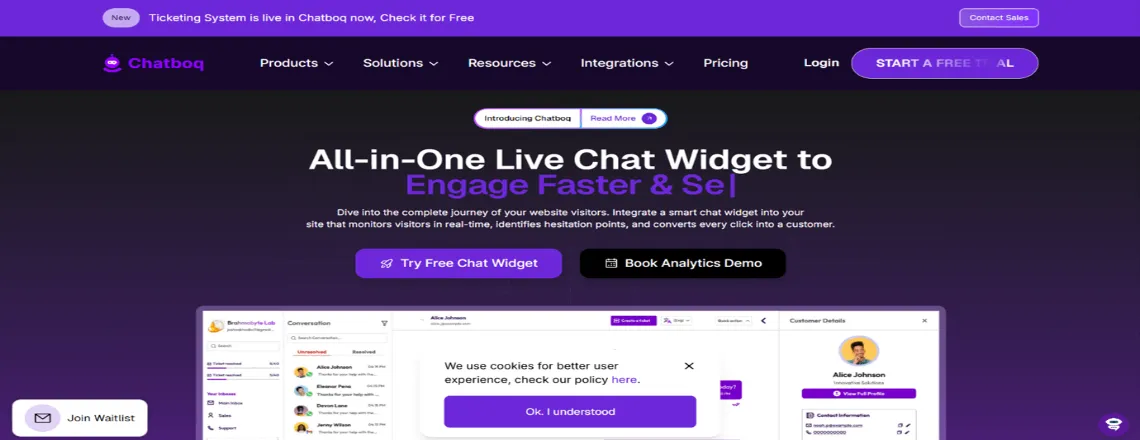
1. Chatboq
- Advanced Flow Designer
- CRM integration, real-time analytics, and AI-powered intent recognition included
- Pricing is free for <1,000 subscribers
- Best for lead generation, marketing automation.
2. Chatfuel
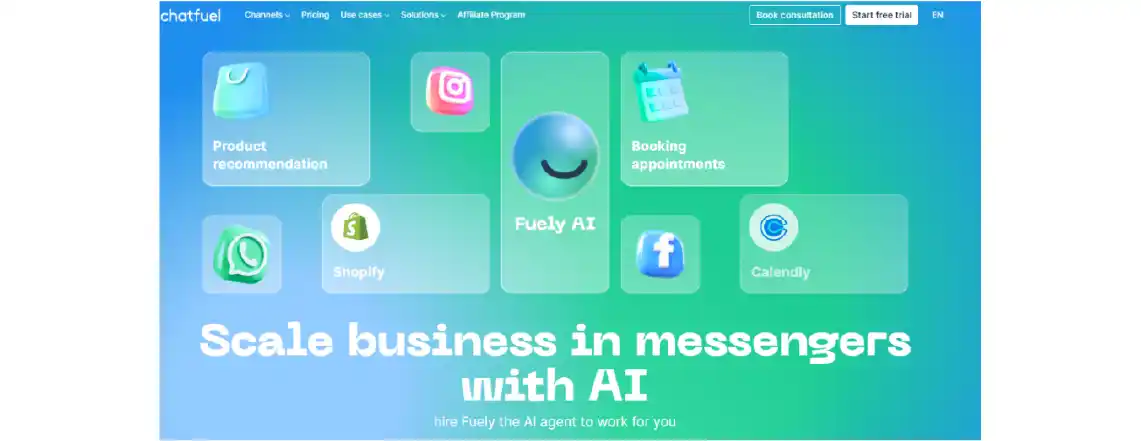
- Visual drag and drop builder
- AI-powered intent recognition
- Pricing is $39/month
- Best for marketing automation
3. ManyChat

- Advanced flow designer
- CRM integrations included
- Pricing is $15/month
- Best for: Lead generation
4. Landbot
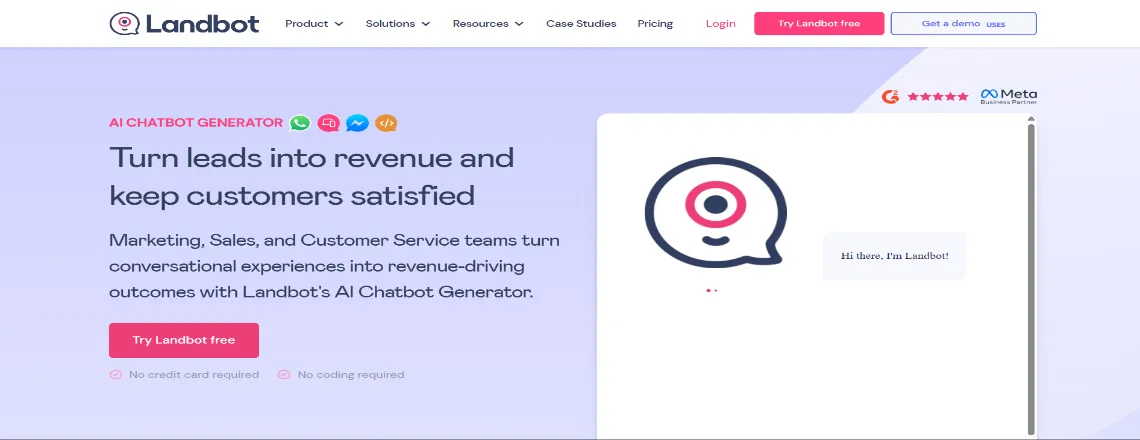
- Conversational experience focus
- Real-time analytics
- Pricing: $30/month
- Best for: Customer onboarding
Custom Development (Advanced Control)
Alt Text – Development plan with custom development include – Node.js + Express, Python + Django, PHP + Laravel, Java + SpringBoot
Technology Stack Options
- Node.js + Express – Faster Deployment
- Python + Django – AI/ML Integration friendly
- PHP + Laravel – Cost-effective solution
- Java + SpringBoot – Enterprise-grade scalability
Technical Infrastructure Requirements
- HTTPS webhook endpoints (SSL required)
- Database for conversation storage
- API rare limits (Prevents blocking)
- 99.9% uptime hosting guarantee
WhatsApp chatbot pricing varies from $50-500/month for most businesses, depending on message volume and features.
How To Create A WhatsApp Chatbot: Step-by-Step
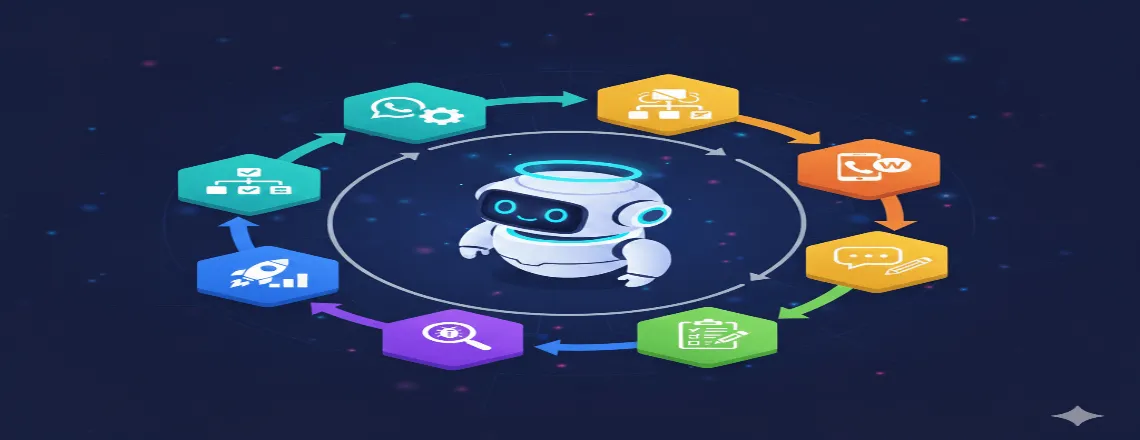
Step 1: Set Up WhatsApp Business API
To build a chatbot, you’ll need access to the WhatsApp Business Platform (Cloud API). This is provided directly by Meta or via a Business Solution Provider (BSP) like Twilio.
- Meta’s Cloud API: Best if you want full control and long-term scalability.
- BSPs (like Twilio, 360Dialog): Great for faster setup and testing.
Step 2: Choose a Development Method
There are two main ways to create a chatbot:
- No-Code Platforms (fast & beginner-friendly):
Tools like Chatboq, ManyChat, or Botpress let you drag and drop flows, design conversations visually, and connect easily with WhatsApp. - Custom Development (for developers):
Use Node.js, Python, or Java frameworks to connect to the WhatsApp API and build tailored chatbot logic.
Step 3: Connect Your WhatsApp Number
- Register your business phone number with WhatsApp Business Manager.
- Verify ownership via SMS or voice call.
- Link this number to your chatbot platform or API setup.
Step 4: Design Chatbot Flows
Plan out the conversations your chatbot will handle. For example:
- Greeting Message: “Hi, welcome to [Your Brand]! How can I help you today?”
- FAQ Flow: Automate answers for common questions like shipping, pricing, or availability.
- Order Tracking: Pull data from your backend system and provide real-time updates.
Step 5: Handle Message Rules & Templates
WhatsApp has strict rules:
- You can reply freely within 24 hours of the customer’s message.
- Beyond 24 hours, you must use pre-approved message templates (e.g., order confirmation, appointment reminders).
- Templates need to be approved in WhatsApp Manager before use.
Step 6: Test Your Chatbot
- Use a sandbox (e.g., Twilio Sandbox) or Meta’s test environment.
- Check greetings, quick replies, error handling, and integrations.
- Ensure fallbacks direct customers to a human agent if the bot can’t resolve the issue.
Step 7: Launch & Monitor
Once your bot is live:
- Track analytics (open rates, response time, drop-off points).
- Gather customer feedback.
- Continuously improve your flows and add new use cases.
Best Practices for Success
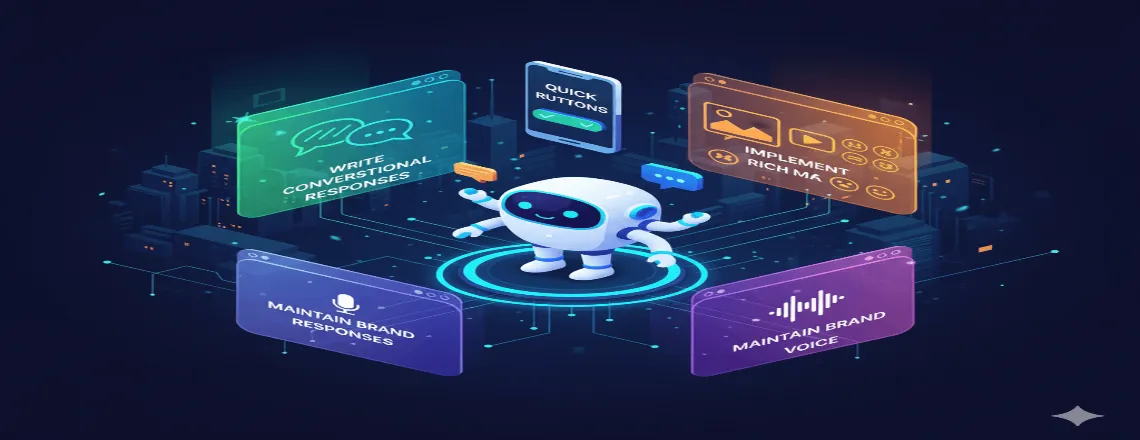
Write Conversational Responses
Good Example: “I found 3 blue shirts in your size! Which style interests you most? “
Bad Example: “SEARCH_RESULTS: 3 items match criteria BLUE_SHIRT size_MEDIUM”
Use Quick Reply Buttons
Guide conversations efficiently:
Bot: “How can I help today?”
Buttons: [ Track Order] [ Shop Now] [Support]
Implement Rich Media
Visual elements boost engagement by 60%:
- Product images with prices
- Video tutorials for common questions
- PDF catalogs and brochures
- Location maps for store finder
Maintain Brand Voice
Your WhatsApp chatbot examples should reflect brand personality:
- Friendly: Use emojis and casual language
- Professional: Formal tone, detailed responses
- Playful: Humor and creative responses
Common Implementation Challenges
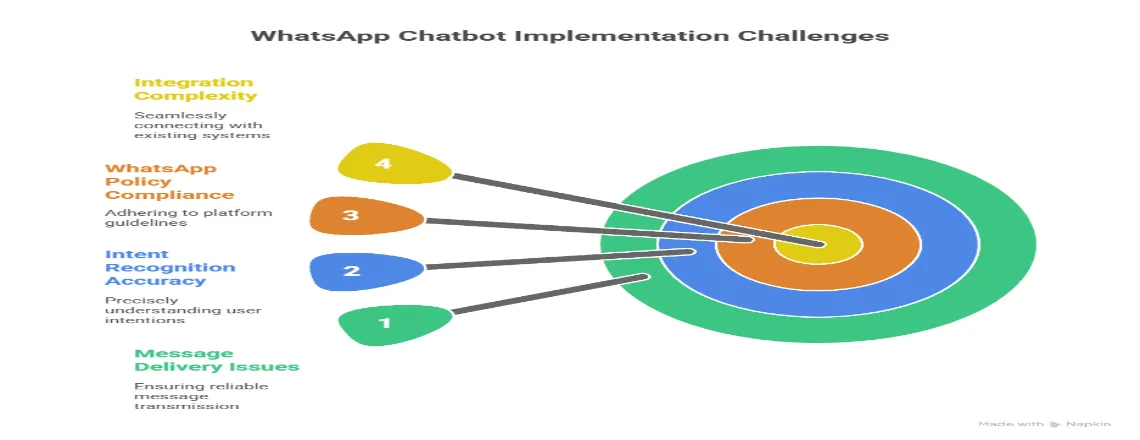
Challenge 1: Message Delivery Issues
Solution: Implement retry logic and webhook verification. Use BSPs with 99.9% uptime guarantees.
Challenge 2: Intent Recognition Accuracy
Solution: Start with simple intents. Gradually add complexity as you gather real conversation data for training.
Challenge 3: WhatsApp Policy Compliance
Solution: Stay updated with WhatsApp Business Policy changes. Avoid spam-like behavior and respect opt-out requests.
Challenge 4: Integration Complexity
Solution: Use API-first platforms. Document all integrations and maintain staging environments for testing.
Advanced WhatsApp Chatbot Features You Can Add
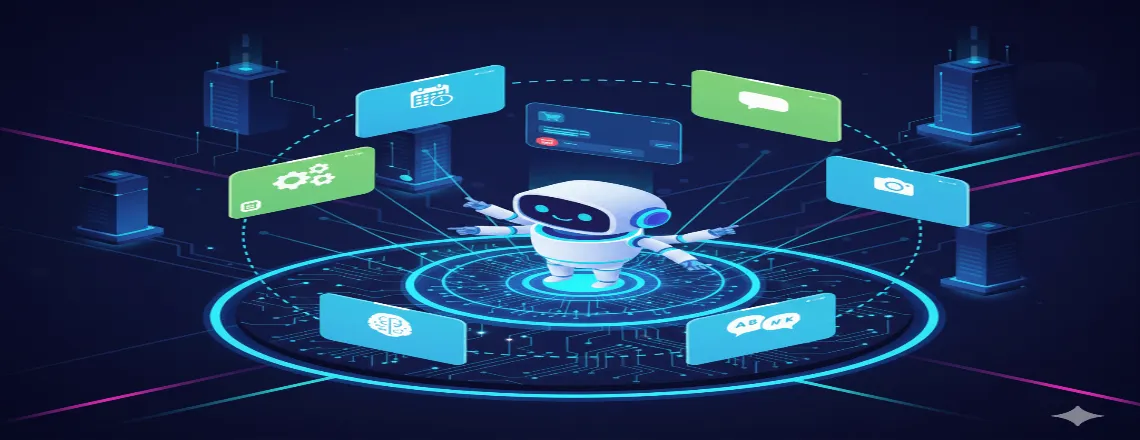
AI-Powered Personalization

Dynamic Product Recommendations: Use purchase history and browsing behavior to suggest relevant products. This increases sales by 35% on average.
Predictive Customer Support: Identify frustrated users through sentiment analysis and proactively offer help or escalate to human agents.
Payment Processing Integration

Secure Payment Collection:
- Stripe integration for global payments
- PayPal for a familiar checkout experience
- Regional payment methods (UPI in India, Alipay in China)
Cart Recovery Automation: Automatically sends personalized offers to customers who abandon their carts.
Voice Message Handling

Process audio messages using speech-to-text APIs:
- Google Speech-to-Text – 120+ languages
- Azure Cognitive Services – Real-time transcription
- Amazon Transcribe – Medical/legal vocabulary
Multi-Agent Handoff
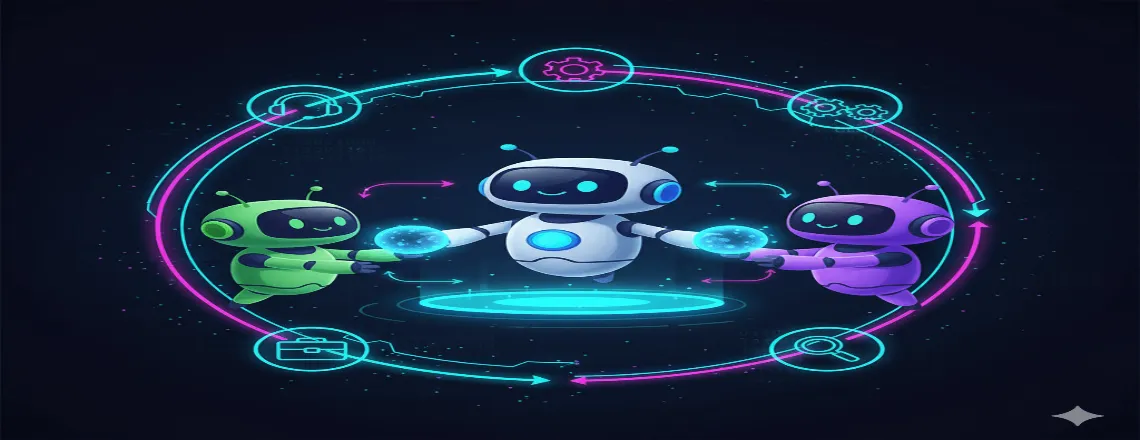
Intelligent Routing:
- Sales inquiries → Sales team
- Technical issues → Support specialists
- Billing questions → Accounts department
Context Preservation: Transfer full conversation history when escalating to human agents.
WhatsApp Catalog Integration
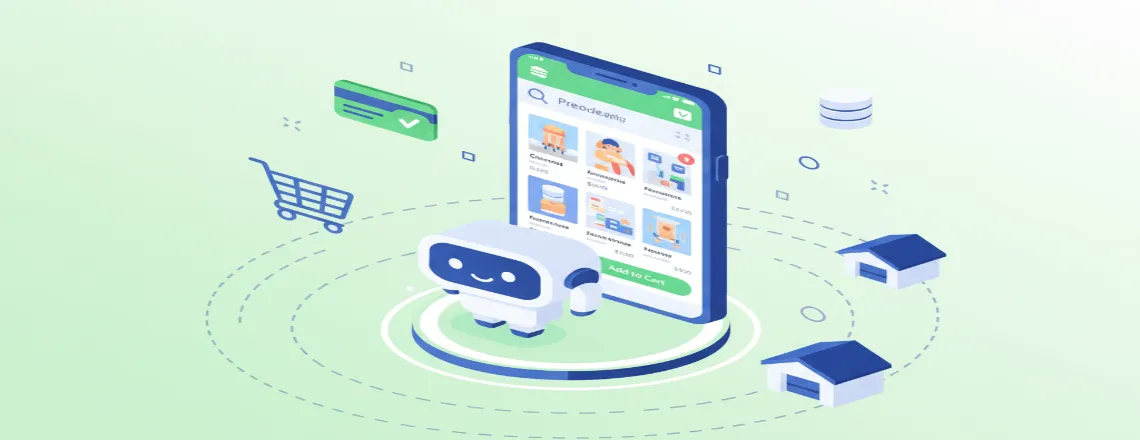
Showcase products directly in chat:
- High-quality product images
- Pricing and availability
- Direct purchase buttons
- Inventory synchronization
Real Success Stories
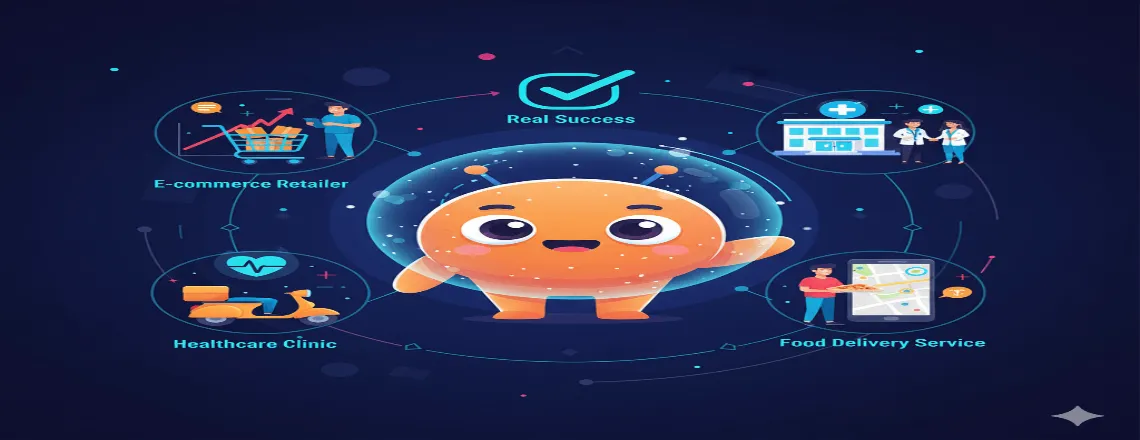
Case Study 1: E-commerce Retailer
Company: Fashion brand with 500K+ customers
Challenge: High support ticket volume, slow response times
WhatsApp Chatbot Solution
- Order tracking automation
- Size guide recommendations
- Return process handling
Results after 6 months
- 75% reduction in support tickets
- Response time: 24 hours → 30 seconds
- Customer satisfaction: 3.2/5 → 4.6/5 stars
- $180,000 annual cost savings
Case Study 2: Healthcare Clinic
Company: Multi-location medical practice
Challenge: Appointment booking bottleneck, missed appointments
WhatsApp Chatbot Solution
- 24/7 appointment scheduling
- Automated reminders and confirmations
- Pre-visit health questionnaires
Results after 4 months
- 60% of appointments booked via chatbot
- No-show rate reduced from 25% to 8%
- 40 hours/week saved on phone scheduling
- Patient satisfaction improved by 45%
Start Your WhatsApp Automation
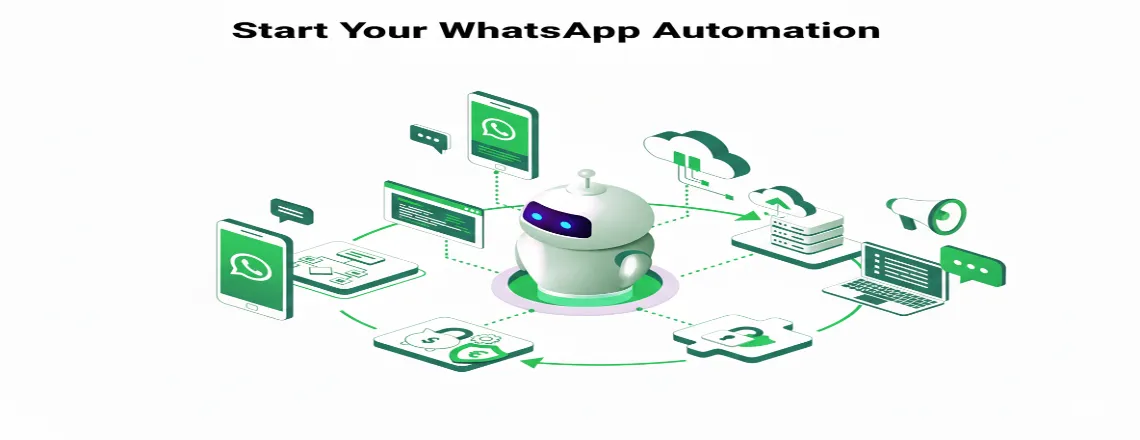
You now have everything needed to create a powerful WhatsApp chatbot that transforms customer experience and drives business growth.
Your next steps:
- Choose your BSP (360Dialog, Twilio, or Vonage)
- Select development approach (no-code vs. custom)
- Design conversation flows for your top 5 use cases
- Apply for WhatsApp Business API access
- Launch with a focused beta test group
Success Timeline
- Week 1-2: API approval and basic setup
- Week 3-4: Bot development and testing
- Week 5: Beta launch with monitoring
- Week 6+: Full deployment and optimization
Conclusion
Creating a WhatsApp chatbot represents a strategic investment that can fundamentally transform your business operations and customer relationships. With WhatsApp’s massive user base of 2.78 billion active users, implementing intelligent automation on this platform isn’t just an opportunity, as it’s becoming essential for competitive businesses.
Frequently Asked Questions (FAQs)
A WhatsApp chatbot is an intelligent automation messaging system that functions within the WhatsApp Business Platform. It uses AI and natural language processing to simulate human conversations, handle customer questions, and drive business outcomes 24/7.
$50-500/month for most businesses. No-code platforms start free (Chatboq), paid plans $15-39/month. BSP costs €0.05 to €0.20 per message.
No. Utilize no-code platforms like Chatboq, ManyChat, or Chatfuel, which feature drag-and-drop builders. Custom development offers more control but requires coding.
3-10 days through BSPs. 360Dialog is the fastest (3-5 days), Vonage takes 7-10 days. Requires business verification.
Yes, over 60 languages are supported, with AI-powered intent recognition and automatic language detection.
24-hour free reply window, then pre-approved templates required. Must follow WhatsApp policies and avoid spam behavior.
10,000+ conversations. Operates 24/7 without fatigue, perfect for high-volume or global businesses.
75% fewer support tickets, 95% faster responses, 70% cost reduction, 25% higher conversions, 40% better satisfaction.
Yes. CRM, payment processors (Stripe, PayPal), inventory, scheduling, e-commerce. Custom development allows for any API integration.
Automatic handoff to human agents with full conversation history. Intelligent routing to appropriate departments.
Track response times, satisfaction scores, ticket volume, conversion rates, and cost savings. Real-time analytics included.

Daniel Wong
Technical Content Writer
My name is Daniel Wong, a Technical Content Writer from Singapore with a strong interest in AI-powered tools and digital automation. At ChatBoq AI, I focus on creating practical and easy-to-follow content that helps businesses and individuals understand how chatbots work and how to use them effectively.
I enjoy breaking down complex topics like natural language processing (NLP) and conversational AI into simple guides that anyone can follow. Each article is based on careful research, real-world examples, and testing to ensure accuracy and reliability.
Through ChatBoq AI, my goal is to provide readers with trustworthy insights, step-by-step tutorials, and the latest trends in chatbot technology.
✍️
Expert in AI & Chatbot Technology

Leave A Comment