

Live Chat Records: How to Access, Analyze, and Boost Your Customer Support
Live chat records are the secret to improved customer service and customer retention. These recorded chats reveal what customers need. They also show how your staff performs. You can integrate them with your CRM system to get a complete view of customer interactions. By using AI-powered insights, you can identify problems faster. This helps improve satisfaction and overall service quality.
📑 Table of Contents
- Live Chat Records: How to Access, Analyze, and Boost Your Customer Support
- Key Highlights
- What Are Live Chat Records?
- Why is Managing Live Chat Records Important?
- Security, Privacy, and Compliance of Live Chat Records
- How to Access Your Live Chat Records
- Live Chat Retention and Archiving
- Analyzing Chat Transcripts for Insights
- Key Metrics to Track in Customer Support Analytics
- Best Practices for Chat Transcript Management
- Boosting Customer Support Using Chat Data
- Tools and Software for Managing Live Chat Records
- Overcoming Common Challenges
- Case Studies: Real Results from Chat Analysis
- Conclusion
- Frequently Asked Questions (FAQs)

This blog explains how to access, analyze, and use your chat data to make support more efficient.
Key Highlights
| Live chat records improve customer support efficiency Analyze transcripts to understand customer needs Track agent performance and training opportunities Secure storage ensures privacy and compliance Metrics guide workflow and satisfaction improvements |
What Are Live Chat Records?
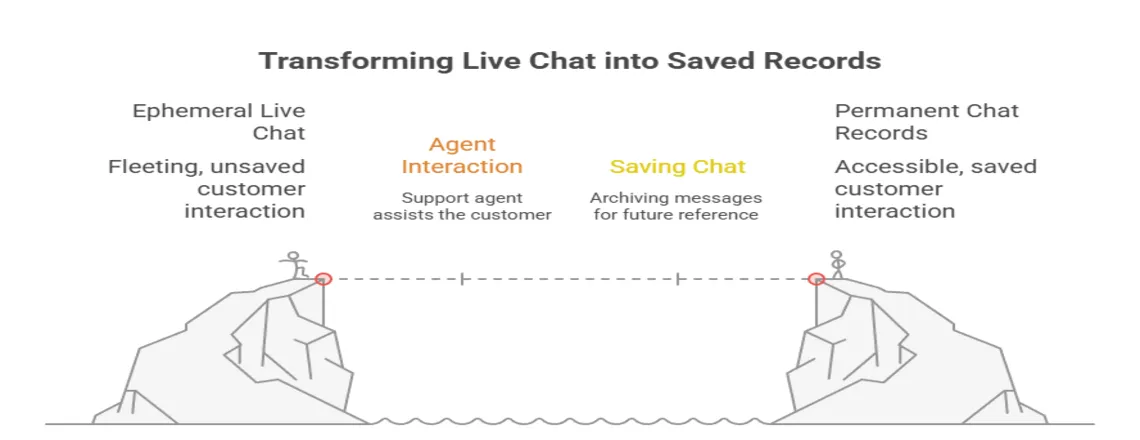
Live chat records are saved conversations between customers and agents or chatbots. These transcripts provide a detailed record of interactions for review and training purposes. They capture every interaction for reference and analysis. They capture all messages exchanged during the chat session for future reference. They include every timestamp, message, and interaction detail from every chat session. Chat transcripts show the exact words used during conversations.
These records give you complete visibility into customer interactions. They help understand what works well and what needs to be fixed in your support process.
Why is Managing Live Chat Records Important?
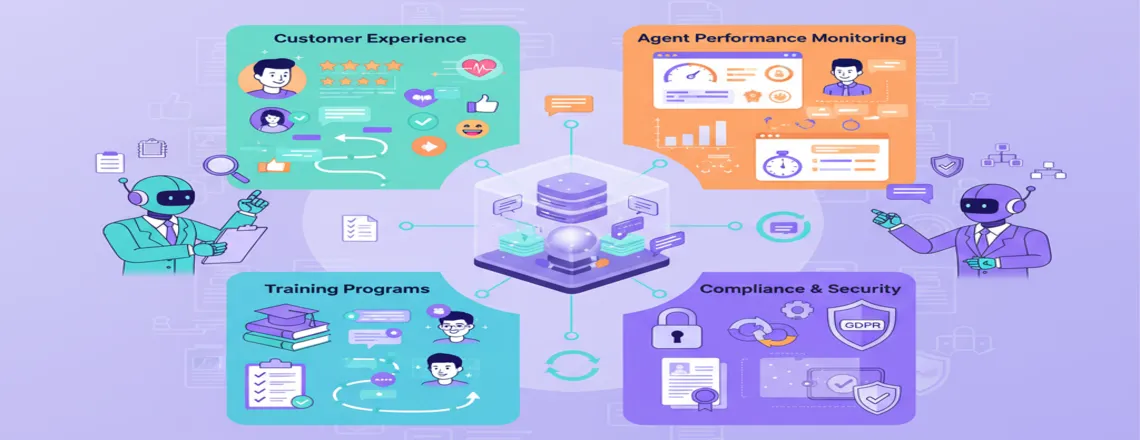
Managing live chat records helps improve customer service and enhance operational efficiency. Recorded chats provide valuable business insights. They help boost agent productivity and allow support staff to deliver personalized experiences. By tracking customer engagement metrics, you can improve satisfaction. This also helps build stronger customer loyalty.
Improving Customer Experience
Live chat history reveals customers’ preferences and common issues they face. This insight allows you to develop better support resources and faster solutions. You can provide more personalized services by reviewing previous conversations to improve customer experience. This makes customers feel valued and understood in each interaction.
Monitoring Agent Performance
Live chat records show how each agent interacts with customers in different situations. They provide insights that help identify top performers and effective approaches. Monitoring response times, resolution rates, and customer feedback allows you to optimize workflows. This helps agents deliver faster and higher-quality service.
Supporting Training Programs
Live chat conversations are great for training new agents. They include both good examples and situations that need improvement. By practicing with these conversations, agents gain experience in handling various situations. This makes sure they are ready for real customer interactions.
Compliance
Chat transcript management is necessary for meeting privacy standards and compliance requirements. The GDPR requires that personal data collected in conversations be managed with care.
Security, Privacy, and Compliance of Live Chat Records
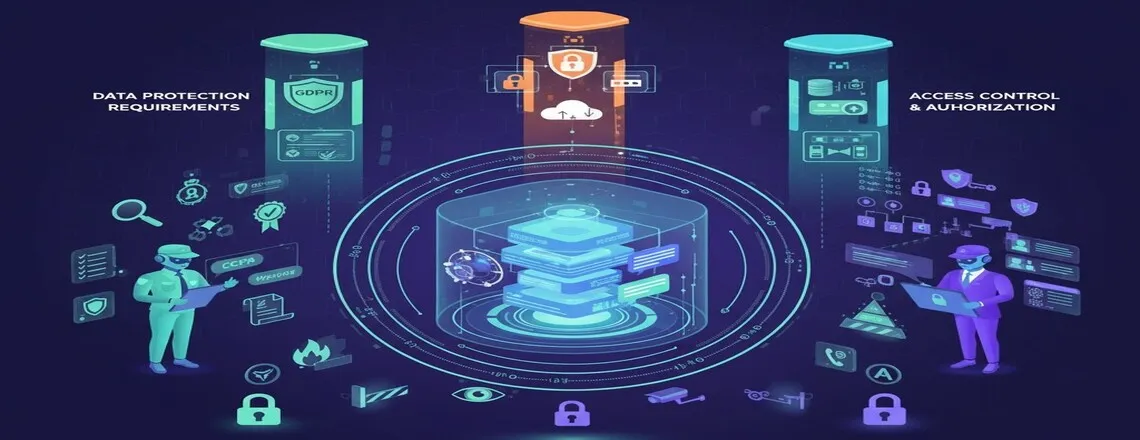
Protecting live chat records is critical for data governance. Employees must follow privacy laws such as GDPR and CCPA. They need to ensure customer data is stored securely and shared only when necessary. Anonymize data when possible and restrict access to sensitive details.
Data Protection Requirements
GDPR and CCPA need clear handling of customer conversation data. You must get proper consent before recording any chats. Customers should also be allowed to request access to their data. Live chat records should be kept securely with strong security measures and access controls. Only authorized staff should have permission to view sensitive customer information.
Secure Storage Methods
You should use password-protected systems and update your security regularly. You should use password-protected systems and update your security regularly. Create backup copies of live chat records in secure locations to prevent data loss. Limit access to these records based on job roles.
How to Access Your Live Chat Records
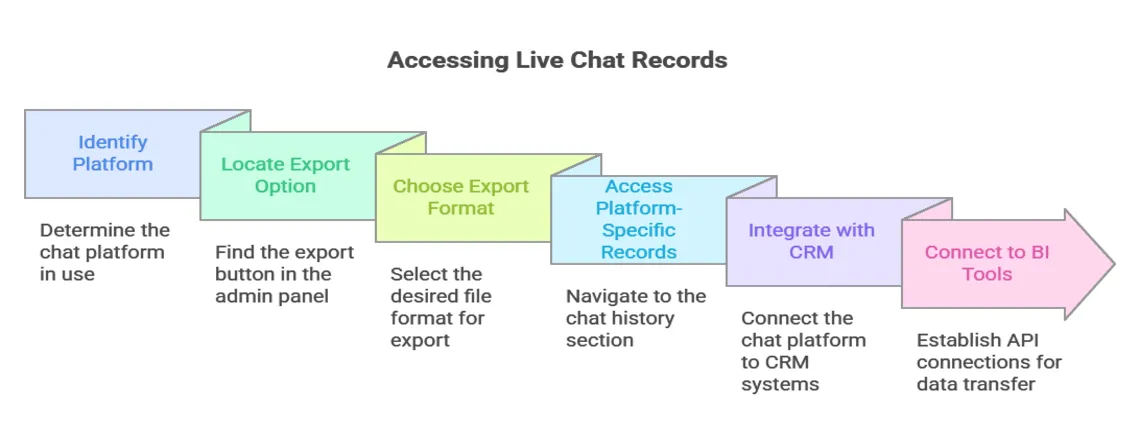
Accessing live chat records can be straightforward depending on your platform. Common methods include:
- Exporting Chat Data
Most chat platforms offer export options in their admin panels. You should look for “Export” or “Download” buttons in your chat history section. The most common export formats are CSV, Excel, and PDF files. You can choose the format that works best with your analysis tools. - Platform-Specific Access
Different platforms store live chat records in different locations. Most customer support tools allow you to view past chats. This makes it easy to track and review previous interactions.
- Integration with Other Tools
You can also connect your chat platform to CRM systems for complete customer views. This helps agents see previous conversations during new interactions. Many platforms offer APT connections to business intelligence tools. This allows automatic data transfer for regular analysis.
Live Chat Retention and Archiving
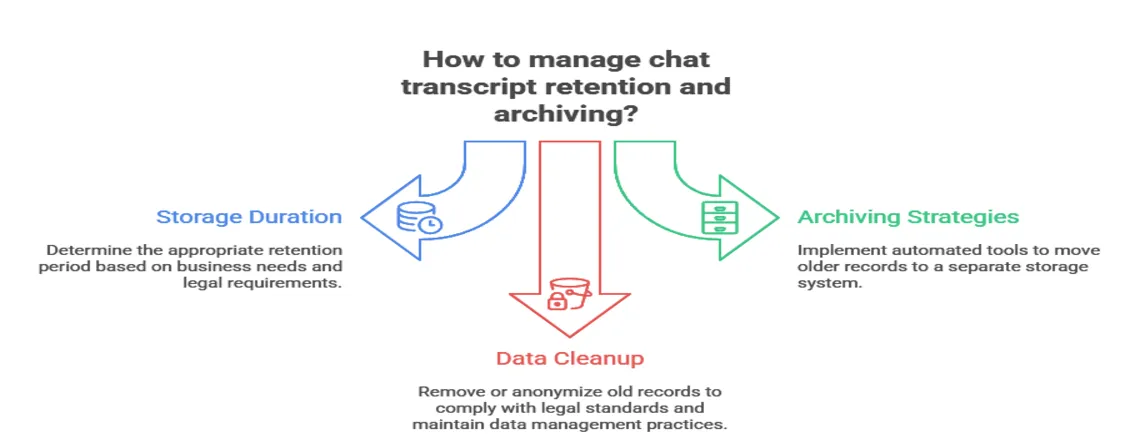
Maintaining historical records requires a clear retention approach. Some steps for retention and archiving are:
- Storage Duration: You should keep chat transcripts for at least one year. This is generally enough for most business purposes. Some industries may need longer retention periods for legal compliance.
- Archiving Strategies: Archive older live chat records in a separate storage system. This keeps your main platform running smoothly while preserving important data. You can use automated archiving tools to move records based on age or other criteria.
- Data Cleanup: Removing or anonymizing old records to follow legal requirements is important. This also helps your company maintain proper data management practices. Make sure to remove personal information while keeping any useful business data.
Analyzing Chat Transcripts for Insights
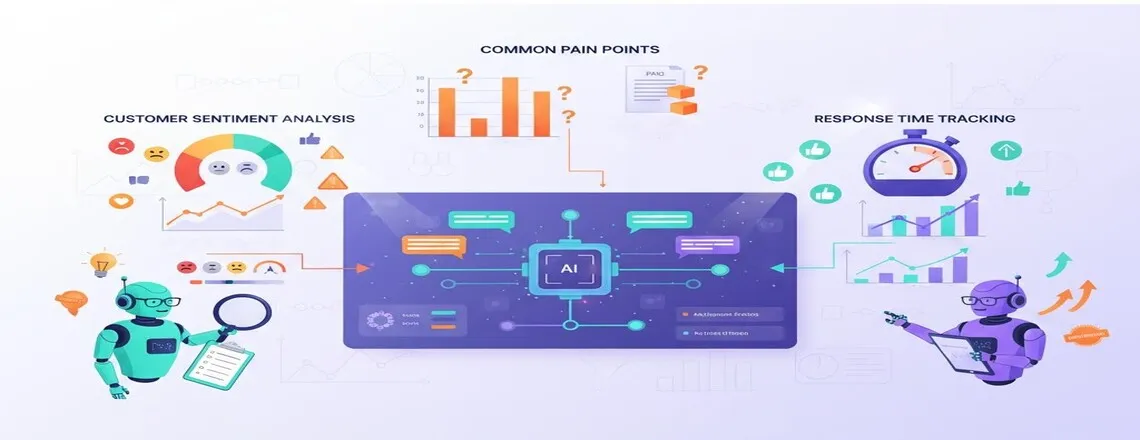
Reviewing chat transcripts allows teams to understand customer needs and check service effectiveness. The key areas to examine are:
Customer Sentiment Analysis
Reviewing conversations helps you understand customer sentiment, including positive feedback, complaints, and frustration. You can group chats into categories to track changes in service quality over time.
Common Pain Points
Keeping track of common questions and problems shows where your support needs improvement. Organizing repetitive questions makes your FAQ section more useful. This approach also prepares agents for handling similar cases.
Response Time Tracking
Monitoring response speed for both initial and follow-up questions helps gauge customer satisfaction. Calculating average response times by issue type shows which questions need longer handling.
Key Metrics to Track in Customer Support Analytics
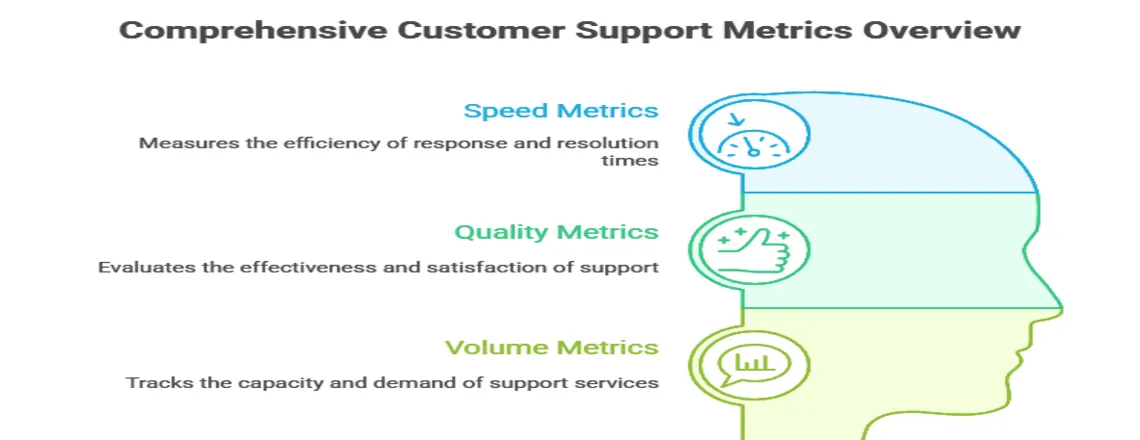
Monitoring support metrics helps evaluate performance and service quality. The important measures are:
Speed Metrics
Track these timing measurements:
- First response time (initial reply speed)
- Average response time (overall conversation speed)
- Resolution time (time to solve problems)
- Total conversation duration
Quality Metrics
Measure these service quality indicators:
- First-contact resolution rate (problems solved in one chat)
- Customer satisfaction scores from post-chat surveys
- Escalation rate (chats transferred to supervisors)
- Return contact rate (customers who need extra help)
Volume Metrics
Track these capacity measurements:
- Daily chat volume
- Peak hour traffic
- Agent use rates
- Abandoned chat rates
Best Practices for Chat Transcript Management
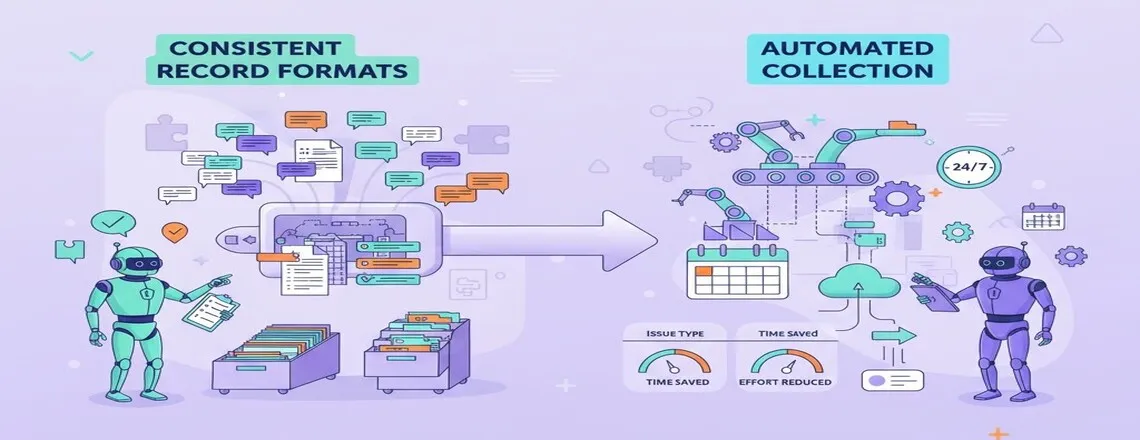
Properly managing chat records ensures teams can retrieve and review information efficiently. The key steps are:
Consistent Record Formats
Standard templates make chat summaries consistent and organized. This approach makes retrieving past conversations much simpler. Consistently tagging issues, product types, and resolution outcomes also improves reporting and analysis.
Automated Collection
Automatic data collection reduces repetitive tasks and guarantees all conversations are recorded. By scheduling regular exports, you can keep reports up to date without extra daily effort.
Boosting Customer Support Using Chat Data

Chat records form a foundation for improving support performance. AI insights and automation analytics help identify issues and optimize processes. Some practical applications are:
Personalized Service
Agents can use previous chat records to deliver faster and more personalized service. Chat summaries in customer profiles give agents a clear view of previous issues. This helps provide faster and more personalized support.
Workflow Improvements
Review chat records to spot friction points in your support process. You can apply these insights to refine your support process. This helps resolve issues more quickly and boosts customer satisfaction.
Scheduling Based on Data
Track chat trends to assign the right number of agents when traffic is high. Reviewing past data also helps your team get ready for seasonal or unexpected surges.
Tools and Software for Managing Live Chat Records

Various SaaS support platforms can help manage chat data. Cloud-based chat solutions assist in reviewing these records efficiently. Some tools are:
Built-in Platform Features
Most chat platforms come with analytics and reporting tools that make starting analysis easier. They typically track metrics such as chat volume, response speed, and agent performance.
Specialized Analytics Tools
Consider dedicated chat analytics software for advanced analysis needs:
- Chatboq: AI-powered chat insights, performance tracking, and automation analytics
- ChatMetrics: Detailed conversation analysis and reporting
- Klaus: Quality management and agent coaching tools
- MaestroQA: Conversation review and team performance tracking
Business Intelligence Integration
You can connect your chat records to analytics platforms to create detailed dashboards. This allows you to create detailed dashboards and track trends. API integrations make it easy to combine chat data with other business insights for a complete view of customer interactions.
Overcoming Common Challenges
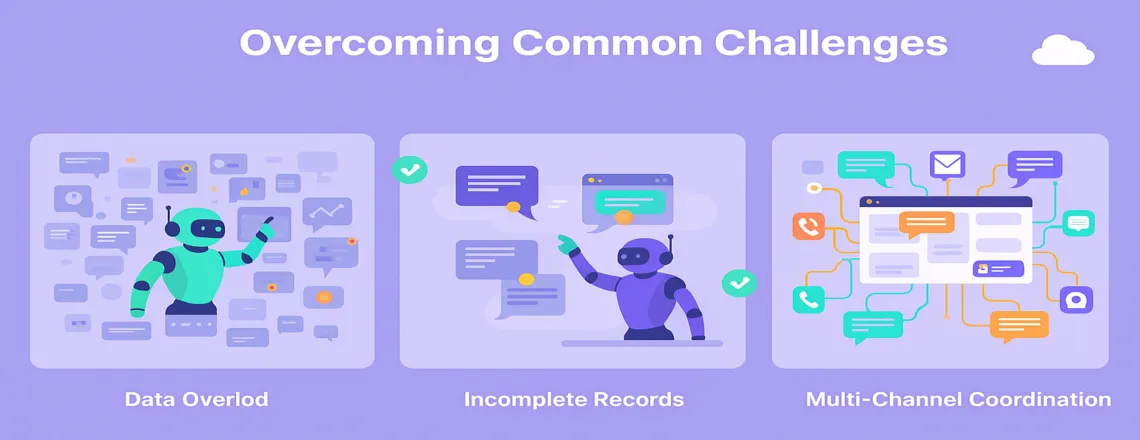
Managing chat records can be tricky, particularly when volumes are high. Some common challenges include:
Data Overload
Prioritize metrics that matter most for your business goals and avoid trying to track everything at once. Start with a few key measurements that affect customer satisfaction. You can add more as your analysis process matures.
Incomplete Records
Make sure your chat platform is configured to save all conversations. Some systems require you to manually enable recording features. Train agents to close chats properly and add summary notes so important details aren’t lost.
Multi-Channel Coordination
Use tools that merge chat records with other customer touchpoints. (Such as email, social media, and phone. This helps create unified customer profiles. Agents can then easily view the full history of interactions for each customer.
Case Studies: Real Results from Chat Analysis
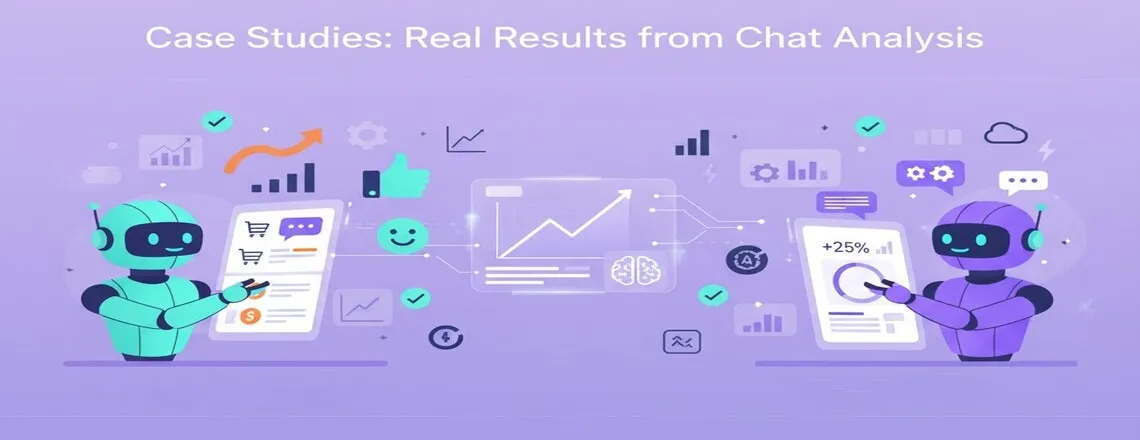
E-commerce Company Success
Problem: An online retailer noticed that agents were asking the same questions to customers. This repetition caused longer resolution times. By reviewing chat records, they realized this was slowing down support.
Solution: They created conversation templates that included order history, eliminating repeated questions. This allowed agents to resolve issues much faster.
SaaS Platform Improvement
Problem: After reviewing chat data, they realized that customers struggled with technical terms. This insight highlighted areas where communication could be simplified. This confusion was affecting satisfaction levels.
Solution: They simplified their response templates and added visual guides for common issues. Within three months, customer feedback showed a 25% improvement.
Conclusion
Live chat records contain valuable insights. They can help improve the quality of your customer service. By reviewing these conversations regularly, you learn what customers need. You can also identify areas where agents can improve. Start with your existing chat data. Track key metrics like response times and common issues. Use these insights to train your team. Refine your support processes based on the findings.
Analyzing chat records increases customer satisfaction. It also makes support operations run more smoothly. Use Chatboq to track chat interactions automatically. It analyzes the data and suggests improvements for better customer support.
Frequently Asked Questions (FAQs)
Chat records should be stored for at least a year, though some industries may require longer retention depending on regulations.
Yes. Real conversations provide practical examples, helping agents learn from both successful interactions and mistakes.
You can start with spreadsheets or use your chat platform’s built-in reporting tools, which are beginner-friendly.
Yes, they are accurate for basic metrics like response time, but human review is still needed for deeper insights.
Key metrics include first response time, resolution time, and first-contact resolution rate, as they directly affect customer experience.
Absolutely. Reviewing conversations shows common pain points, feature requests, and customer needs that guide improvements.
Logs should be reviewed at least monthly to track trends, improve service, and catch recurring issues.
Yes, if stored properly. Use encrypted systems, limit access, and follow privacy regulations to keep them safe.
Yes. Most privacy laws give customers the right to request deletion, and businesses should respond within the required timeframe.

Daniel Wong
Technical Content Writer
My name is Daniel Wong, a Technical Content Writer from Singapore with a strong interest in AI-powered tools and digital automation. At ChatBoq AI, I focus on creating practical and easy-to-follow content that helps businesses and individuals understand how chatbots work and how to use them effectively.
I enjoy breaking down complex topics like natural language processing (NLP) and conversational AI into simple guides that anyone can follow. Each article is based on careful research, real-world examples, and testing to ensure accuracy and reliability.
Through ChatBoq AI, my goal is to provide readers with trustworthy insights, step-by-step tutorials, and the latest trends in chatbot technology.
✍️
Expert in AI & Chatbot Technology

Leave A Comment