
How to Identify a Chat Widget on a Website?

Looking to identify a chat widget on a website? Live chat has become a top customer support channel because it is fast, convenient, and cost-effective. Businesses, including E-commerce stores, Saas platforms, and service websites, use chat widgets to connect with visitors in real time, improve engagement, and increase conversions.
📑 Table of Contents
- How to Identify a Chat Widget on a Website?
- What is a chat widget?
- How does a live chat widget work?
- Why Should You Identify a Chat Widget?
- How to Identify Chat Widgets on a Website?
- Benefits of Chat Widgets on Website
- Chatboq: The Best Tool for Chat Widgets
- Why Chatboq Stands Out
- Conclusion
- Frequently Asked Questions (FAQs)
Whether you are analyzing competitors, evaluating tools, or planning to integrate a CRM chat solution, understanding how it works is essential.
On most websites, it appears as a small pop-up or floating icon, usually in the bottom right corner, with messages like “Need Help?” or “Chat With Us Now.” This makes it easy for visitors to start a conversation and get immediate support.
What is a chat widget?

A chat widget is a small interactive interface embedded on a website that enables visitors to communicate with support teams or AI-powered chatbots directly. It helps businesses respond to questions quickly and improves overall customer satisfaction.
Key Features
- Floating chat bubble or icon for easy access
- Greetings like “Hi! How can we help you today?”
- Branding labels such as “Powered by Chatboq”
- Real-time notifications for agents
These features improve customer support efficiency, enhance visitor experience, and drive SaaS/CRM adoption.
How does a live chat widget work?

Although it may vary slightly, most work in the same way. Once integrated on your website, you can set the widget to online, allowing visitors to chat with your agents, or offline, where visitors can submit a support ticket that your team follows up on via email.
From the agent’s side, they receive notifications when a visitor starts a chat and can respond in real time, similar to texting on a phone. Many tools allow limiting the number of chats per agent to ensure quality support.
After a chat ends, you can:
- Close the chat: end the conversation without further action.
- Add a tag or note: track reasons for visitor contact if analytics are available.
- Move to another channel: follow up via email or another method if the issue needs more time or investigation.
Some chat solutions integrate with CRM software, enabling agents to view visitor history and personalize responses.
Why Should You Identify a Chat Widget?

Identifying chat widgets on websites can help businesses and marketers:
- Learn about chat tools competitors are using
- Compare chat software before selecting one for your website
- Analyze customer support strategies and engagement techniques
This helps in choosing the best SaaS live chat solution for your business.
How to Identify Chat Widgets on a Website?

Identifying a chat widget on a website is simple if you know what to look for. Here are some key signs:
Chat Icons
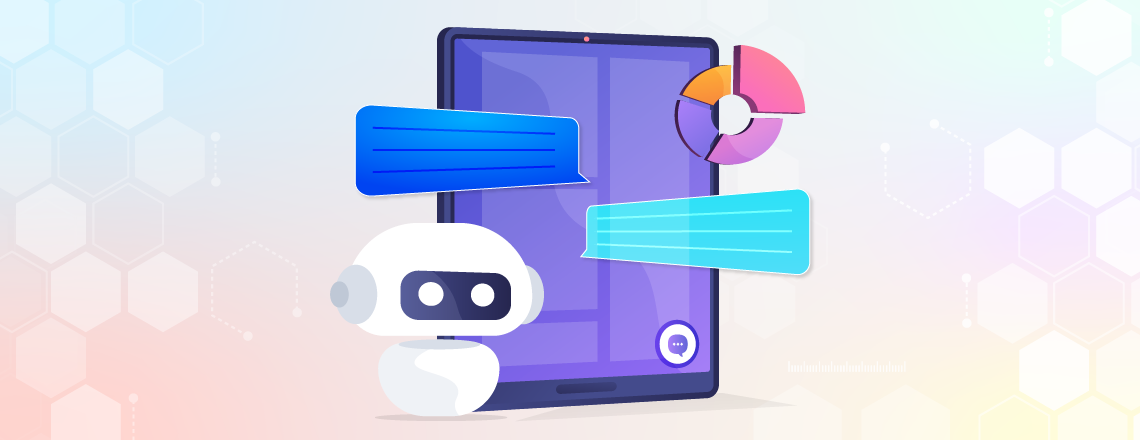
Look for icons like a chat bubble, headset, or customer service avatar, usually at the bottom right corner of the page.
Pop-Up Messages

Messages such as “Need Help?” or “How Can I Help You Today?” often appear to grab attention.
Proactive Invitations

Some widgets trigger pop-ups after a few seconds, saying things like “Hi there! Do you need help?”
Labeled Text

Words like “Live Chat,” “Support,” or “Help” indicate a widget for customer assistance.
Interactive Windows
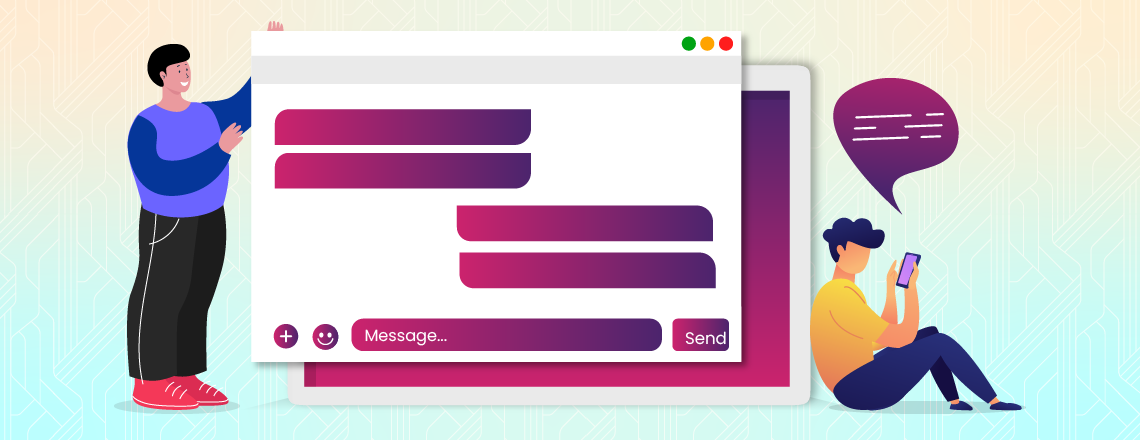
Clicking the icon opens a chat window with a message box, typing area, or buttons to start a conversation.
Modern chat widgets may include AI chatbots, hybrid widgets, or social media integration, providing seamless omnichannel customer support.
Benefits of Chat Widgets on Website
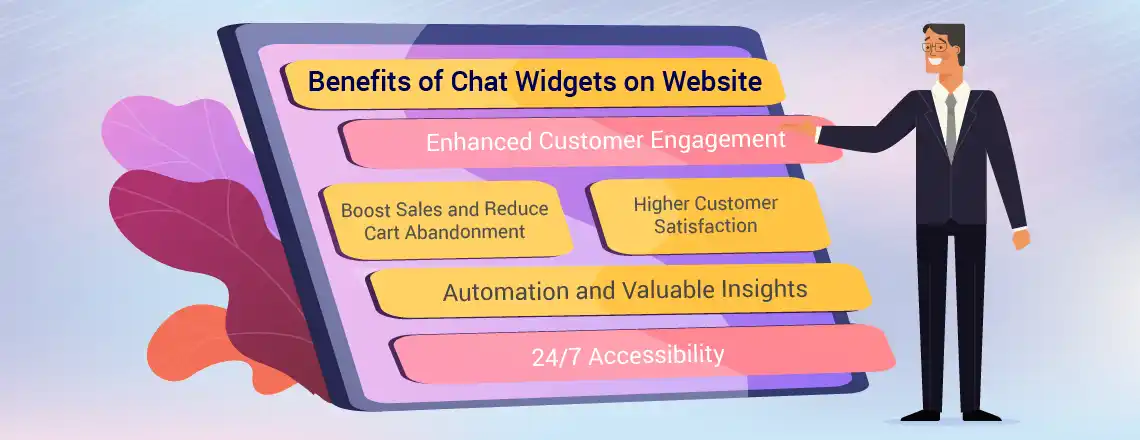
Integrating a chat widget can significantly improve your website’s user experience and conversion rates.
- Enhanced Customer Engagement: Widgets greet users and answer queries instantly, keeping them engaged.
- Boost Sales and Reduce Cart Abandonment: 79% of businesses report increased sales with chat widgets, which also help prevent abandoned carts by providing timely support.
- Higher Customer Satisfaction: Fast, helpful responses improve the overall customer experience.
- Automation and Valuable Insights: Widgets collect customer feedback, reviews, and other data to help automate marketing and improve services.
- 24/7 Accessibility: Chat widgets provide round-the-clock support, handling inquiries even when your team is offline.
Start your free trial with Chatboq today.
Chatboq: The Best Tool for Chat Widgets
Choosing the right chat solution is crucial for maximizing engagement and satisfaction. Chatboq offers smart SaaS chat widgets designed for websites, e-commerce stores, and businesses of all sizes.
Why Chatboq Stands Out
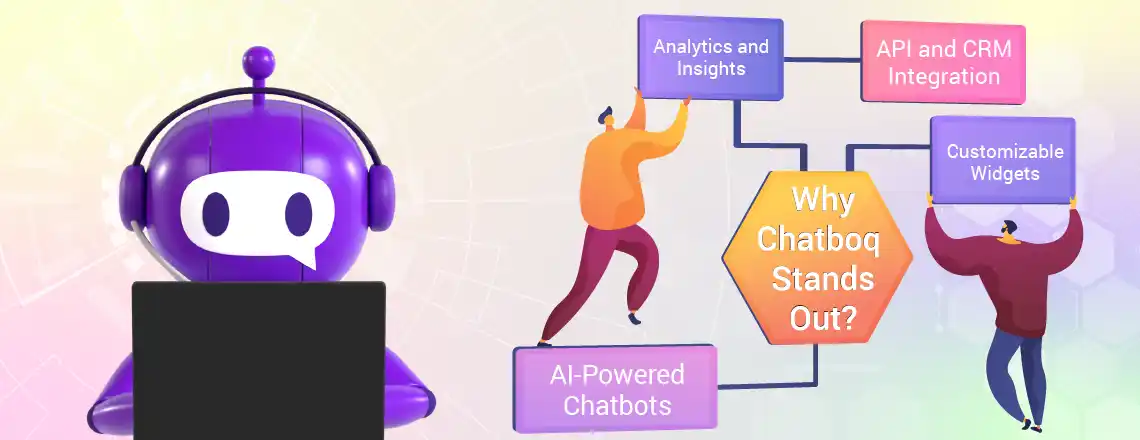
- AI-Powered Chatbots: Deliver fast and accurate responses
- API and CRM Integration: Connects seamlessly with your existing systems
- Customizable Widgets: Match your branding and user experience
- Analytics and Insights: Track visitor interactions to improve support and sales
Start your free trial with Chatboq today and see how our chat widgets can boost engagement, increase conversions, and enhance customer satisfaction
Conclusion
Chat widgets are essential tools for modern businesses. They enhance engagement, reduce cart abandonment, and provide actionable insights. Visitors can easily identify it through icons, pop-ups, and interactive windows.
Integrating a reliable solution like Chatboq ensures real-time support, seamless CRM integration, and 24/7 accessibility, helping your business stay ahead in customer support and SaaS innovation.
Book a demo now and experience Chatboq’s smart chat solutions firsthand.
Frequently Asked Questions (FAQs)
A chat widget is a small interactive tool embedded on a website that allows visitors to chat with live agents or AI chatbots in real time. It works by displaying a floating icon or pop-up message, enabling instant communication, collecting visitor information, and integrating with CRM or analytics platforms.
Look for floating chat bubbles, proactive pop-up messages, labeled text like “Live Chat” or “Support,” and interactive chat windows. Modern widgets may include AI chatbots, hybrid support, or social media integration.
It boosts customer engagement, improves support efficiency, reduces cart abandonment, and increases conversions. They also provide analytics and insights to optimize marketing strategies and enhance customer satisfaction.
Yes! Modern chat widgets like Chatboq integrate seamlessly with CRM systems and SaaS platforms. This allows businesses to track visitor interactions, personalize communication, and improve sales and support processes.
AI chatbots handle repetitive queries efficiently and provide 24/7 support, while live agents excel at solving complex issues. Hybrid chat widgets combine both, offering fast automated responses with the option for human intervention when needed.
By providing instant support, answering visitor questions, and guiding users through the purchase process, it reduces cart abandonment and improves conversion rates. Personalized recommendations through AI-powered widgets further boost sales.
Chatboq offers smart, AI-powered widgets with CRM integration, customizable design, and real-time analytics. Businesses can start a free trial, book a demo, and leverage Chatboq to increase engagement, improve support efficiency, and boost conversions.

Daniel Wong
Technical Content Writer
My name is Daniel Wong, a Technical Content Writer from Singapore with a strong interest in AI-powered tools and digital automation. At ChatBoq AI, I focus on creating practical and easy-to-follow content that helps businesses and individuals understand how chatbots work and how to use them effectively.
I enjoy breaking down complex topics like natural language processing (NLP) and conversational AI into simple guides that anyone can follow. Each article is based on careful research, real-world examples, and testing to ensure accuracy and reliability.
Through ChatBoq AI, my goal is to provide readers with trustworthy insights, step-by-step tutorials, and the latest trends in chatbot technology.
✍️
Expert in AI & Chatbot Technology

Leave A Comment