
Enhancing Customer Support: Reduce Time to Resolution with Chatbots
Customer support speed matters more than ever. When people reach out, they’re looking for answers right now.
📑 Table of Contents
- Enhancing Customer Support: Reduce Time to Resolution with Chatbots
- Key Highlights
- Why Reducing Time to Resolution Matters
- How Chatbots Help Reduce Resolution Time
- Key Metrics and KPIs to Track
- Implementation Roadmap and Strategy
- Real-World Examples and Use Cases
- Best Practices and Common Pitfalls
- Challenges, Limitations, and Mitigation
- Future Trends and Innovations
- Conclusion
- Frequently Asked Questions (FAQs)
Customer support chatbots have changed how businesses respond to customers. They help reduce time to resolution by huge margins while keeping satisfaction high.
Every moment counts. Someone waiting for help with an order or account gets frustrated fast. Long waits damage your scores and drive people to competitors. Research proves 60% of customers won’t stick around longer than two minutes.

This article walks you through how customer support chatbots slash resolution times. You’ll pick up strategies that actually work, metrics worth watching, and examples from real companies.
Key Highlights
| Chatbots drastically reduce customer resolution times 24/7 instant responses improve customer satisfaction Integrates with systems for faster issue handling Tracks metrics like FCR, CSAT, and containment AI complements agents, not fully replacing them |
Why Reducing Time to Resolution Matters
Time to resolution (TTR) tells you how long it takes to fix a customer’s problem. The clock starts when they contact you. It stops when you’ve solved their issue.
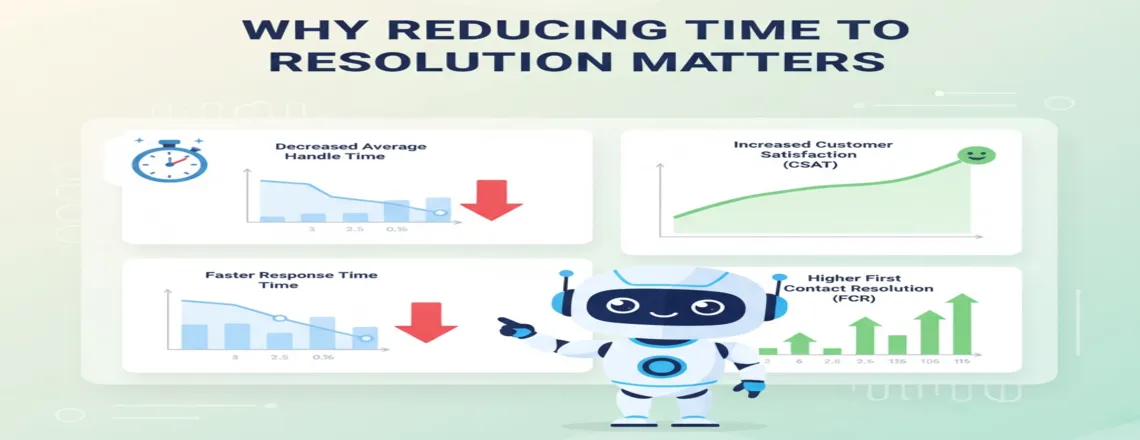
Speed creates happiness. Quick answers build customer loyalty that lasts. Companies with low TTR enjoy 25% better customer satisfaction scores, according to research.
People don’t forget how fast you helped. Quick fixes build trust. They bring customers back. Slow support ruins relationships. Bad experiences get shared with friends, family, and anyone who’ll listen online.
First contact resolution (FCR) connects straight to TTR. When chatbots fix things on the first try, you skip follow-up tickets completely.
Slow resolutions drain your budget. Each minute an agent spends on one ticket leaves others waiting. Customer support chatbots juggle multiple conversations at once. Queue buildup during busy times drops significantly.
Costs go down when bots take routine questions. AI chatbots for support cut operational expenses by 30% on average across companies.
Your response speed shapes how people see your brand. Fast service generates positive reviews and recommendations. Slow times push customers away. Data shows 33% leave after one bad experience.
How Chatbots Help Reduce Resolution Time

Customer service automation through chatbots transforms how you handle support. Here’s the real impact.
Instant, 24/7 Responses and Availability
Chatboq stays awake around the clock. It answers questions instantly – 3 AM or 3 PM doesn’t matter.
Traditional teams work limited hours. People wait till morning for help. Chatbots end that frustration.
24/7 customer assistance helps customers worldwide in their time zone. Conversational AI replies in seconds. Questions get answers immediately.
Handling High Volumes and Multitasking
A support agent handles 5-10 chats hourly. Chatbots process hundreds simultaneously without slowing down.
Black Friday rushes don’t crash automated support solutions. Bots scale instantly when demand spikes. Queue buildup stops happening.
Chatbot response time stays steady under pressure. Stressed agents slow down. Bots maintain speed constantly.
Integration with Knowledge Bases and Backend Systems
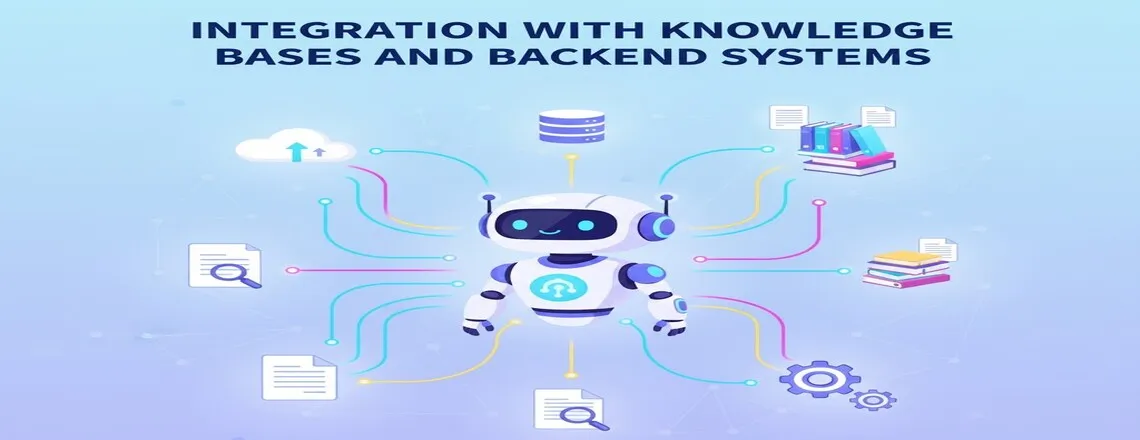
Smart chatbots plug into your current systems. Order status, account info, tracking details – all pulled instantly.
Knowledge base integration opens your entire help center to bots. They locate articles and answers without someone searching manually.
Support ticket management runs on autopilot. Chatbots create tickets with complete conversation context and customer data. Agents step in without making people repeat everything.
Real-time data access kills the “let me check” delay. Bots grab shipping updates in milliseconds. Payment confirmations and balances, too.
Routing and Escalation Logic

Some questions need humans. AI chatbots for support know when to escalate.
Chatboq uses chatbot analytics to spot complex queries. Password resets stay automated. Technical bugs go straight to specialists.
This hybrid approach blends automation speed with human skills. Handoffs include full conversation records. Agents see what customers have already tried.
Context Awareness and Natural Language Processing
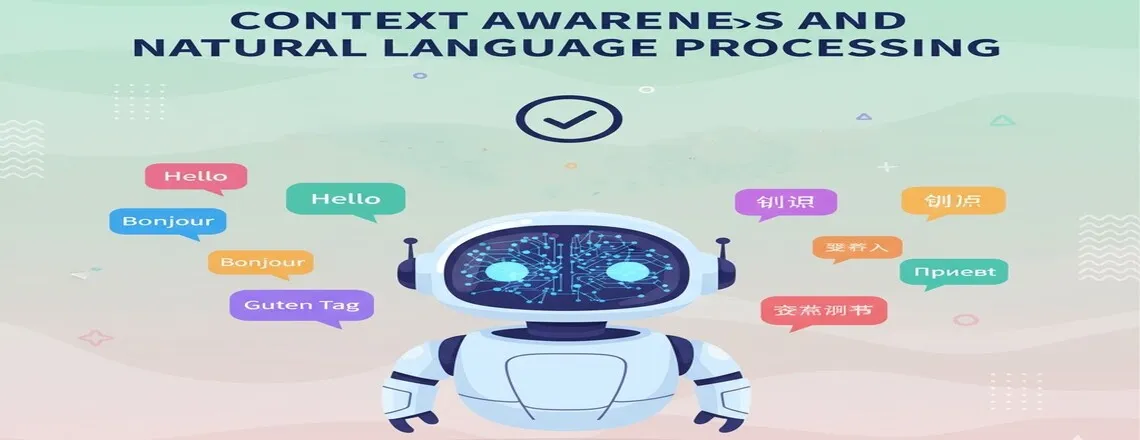
Today’s bots get context, not just keywords. Natural language processing (NLP) catches customer intent despite typos or slang.
Conversational AI handles different phrasings correctly. “Where’s my package?” and “Track my order” both work.
Understanding cuts back-and-forth exchanges. Bots grasp needs from the first message. Chatboq picks up your business language over time.
Self-Service and Guided Troubleshooting
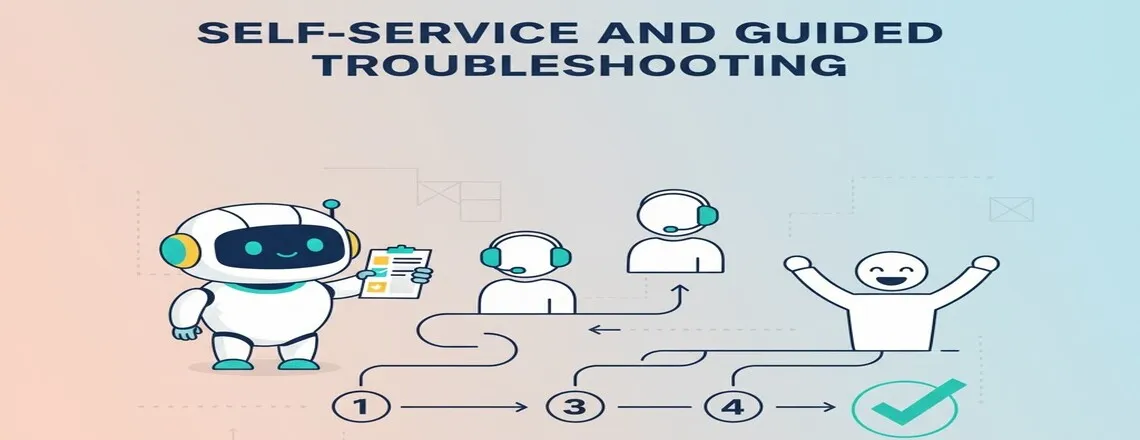
Self-service chatbots guide customers through fixes step-by-step. Decision trees handle common issues like connectivity problems or account setup.
These flows let people help themselves. Customer experience (CX) improves significantly. Solving problems independently feels empowering.
Password resets, order changes, basic troubleshooting – these rarely need agents anymore. Bots finish faster than humans can.
Continuous Learning and Optimization
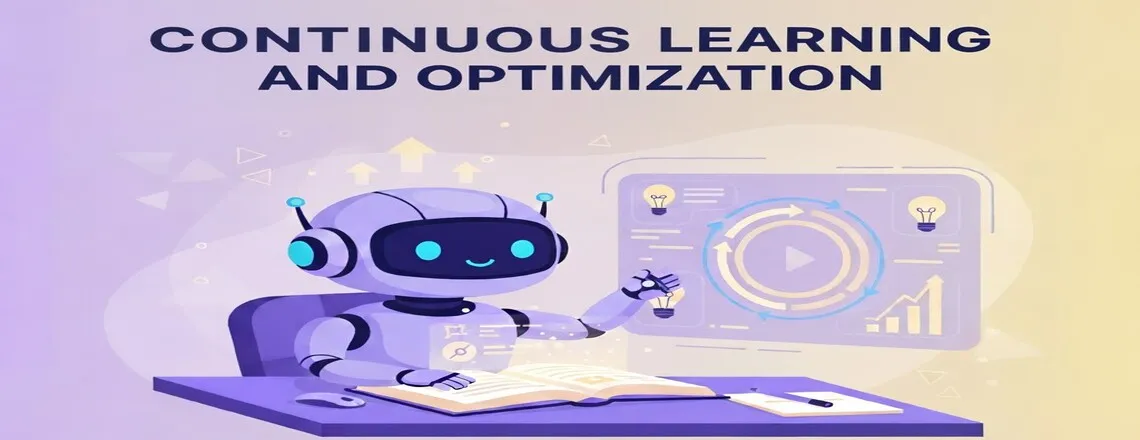
AI-powered virtual assistants improve with each conversation. They study which responses succeed and adjust.
Chatbot testing and training continue forever. Updates boost accuracy and add capabilities. Chatbots refine answers through machine learning from actual interactions.
Analytics show question patterns. Spot emerging issues early. Add fixes before problems grow. Workflow automation reaches beyond single conversations.
Key Metrics and KPIs to Track
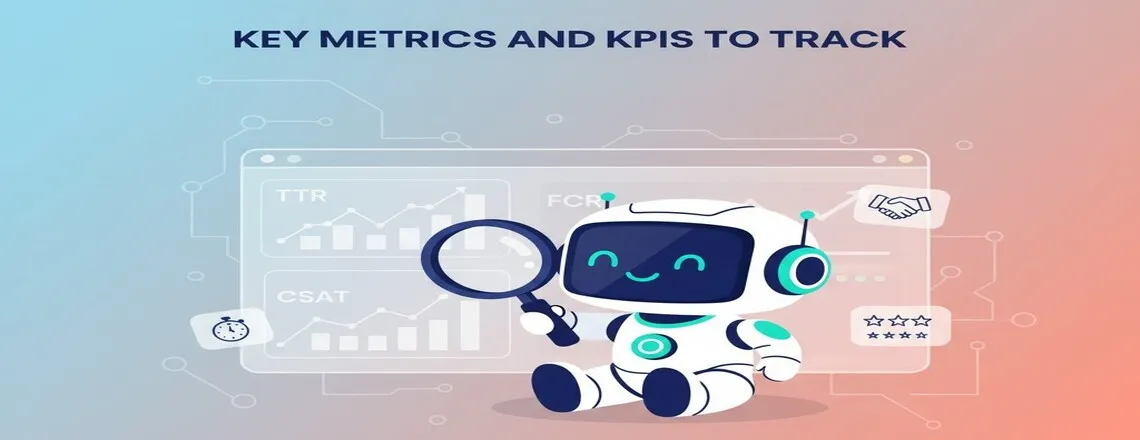
Success needs measurement. These numbers reveal if your chatbot truly reduces time to resolution.
- Time to First Response tracks how fast customers hear back. Quick first replies create positive expectations.
- Average Time to Resolution is a main metric. Separate bot-only fixes from bot-to-human handoffs.
- First Contact Resolution Rate reveals what percentage gets solved in one interaction. Target 70% or higher FCR. This directly impacts overall resolution time.
- Chatbot Containment Rate shows conversations handled without human help. Aim for 60-80% containment. High rates mean fewer escalations and lower costs.
- Customer Satisfaction Scores measure quality plus speed. Shoot for 4 out of 5 or better. Speed without satisfaction accomplishes nothing.
- Support Team Productivity Gains count too. Compare tickets per agent before and after. Teams typically handle 30-50% more with bot help.
- Bot Accuracy and Fallback Rate indicate correct information frequency. Chatboq offers detailed accuracy analytics. Use this for continuous improvement.
Implementation Roadmap and Strategy
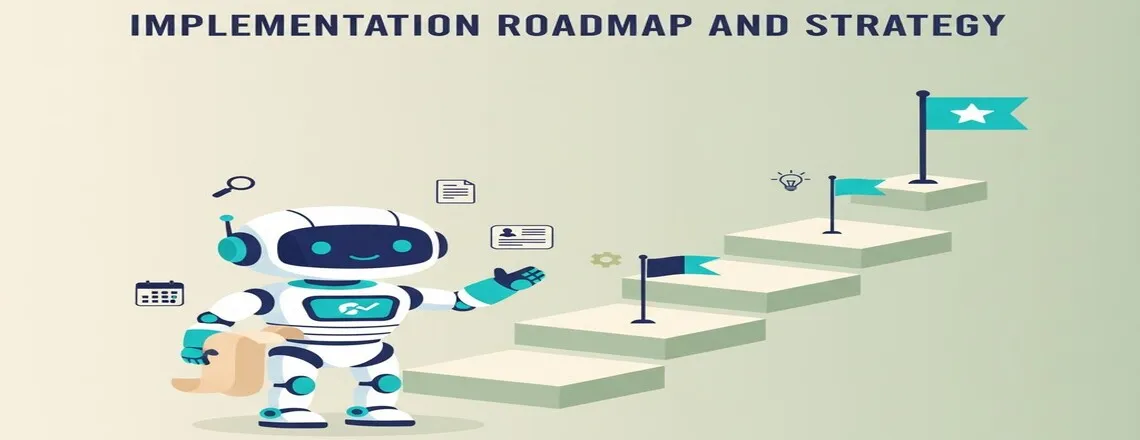
A successful chatbot rollout requires structured planning, data-backed setup, and gradual scaling. Successful rollout requires planning. These steps ensure smooth implementation..
Step 1: Audit Your Support Data
Review ticket history from 6-12 months back to identify automation opportunities.
- Find frequent question types and their average resolution times
- Use analytics tools that categorize tickets automatically
- Calculate baseline metrics like current TTR, FCR, and CSAT
- Identify high-volume, low-complexity queries perfect for automation
- Document common customer pain points and bottlenecks
Step 2: Define Bot Scope
Pick 5-10 frequent, simple use cases initially for quick wins.
- Order status, account info, and password resets work great
- Document exact responses needed for each use case
- Set realistic goals for ticket reduction in targeted categories
- Avoid complex queries that need human judgment initially
- Create clear escalation criteria for when bots should hand off
Step 3: Choose Your Platform
Select a platform that offers complete customer support automation capabilities.
- Evaluate NLP quality for understanding customer intent
- Check integration options with existing systems
- Review analytics depth for performance tracking
- Assess omnichannel support capabilities across channels
- Compare pricing models and scalability options
Step 4: Build Knowledge Base
Gather all support docs into a structured format for bot access.
- Organize content by topic and maintain consistency
- Map intents to understand question variations
- Train with multiple phrasings of the same question
- Include entity recognition for products and order numbers
- Remove outdated information and fill content gaps
Step 5: Develop Flows
Write scripts that sound natural and match your brand voice.
- Ditch robotic language that feels impersonal
- Use flow templates for common scenarios
- Customize flows for your specific business needs
- Add brand personality that resonates with customers
- Build branching logic based on customer responses
Step 6: Integrate Systems
Link chatbot to CRM, ticketing, and order management platforms.
- Connect with popular platforms like Zendesk, Salesforce, and others
- Enable live chat integration for smooth handoffs to agents
- Test integrations thoroughly before launch
- Verify data flows correctly and securely between systems
- Set up helpdesk automation rules for ticket routing
Step 7: Launch Pilot
Roll out to a specific customer segment first to test thoroughly.
- Watch closely for issues and user feedback
- Monitor performance in real-time during launches
- Collect feedback actively through surveys and reviews
- Compare pilot metrics against control groups
- Make adjustments based on early results
Step 8: Monitor and Expand
Grow gradually after pilot success without rushing company-wide deployment.
- Don’t rush the company-wide rollout too quickly
- Continuous training improves bot performance over time
- Use machine learning to refine responses automatically
- Check metrics weekly and celebrate wins
- Add new capabilities based on customer needs
Ready to implement these steps? Chatboq offers automated analytics, intent mapping, real-time monitoring, and machine learning to guide your entire implementation journey.
Real-World Examples and Use Cases
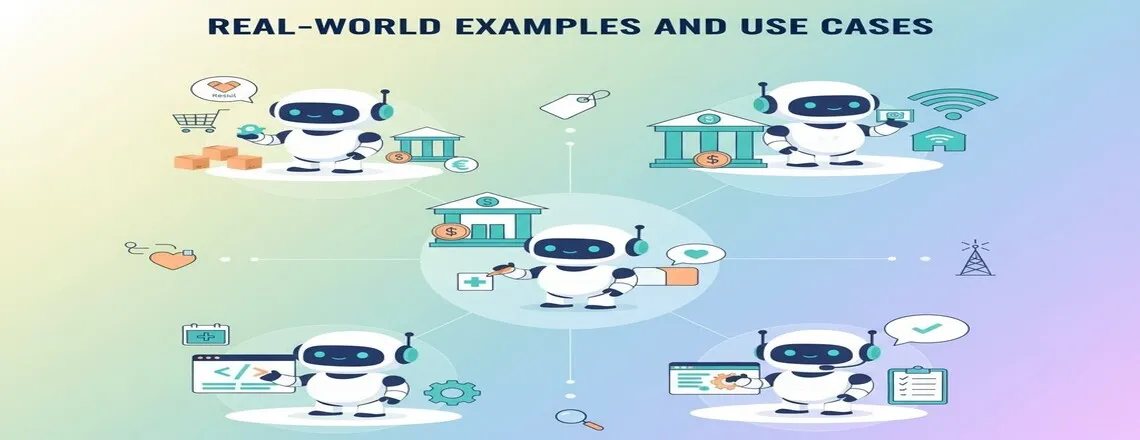
Actual chatbot results help you understand possibilities. Here are examples across industries.
E-commerce Order Tracking
Retailers face thousands of “where’s my order” questions daily. Chatboq connects with shipping APIs for instant updates. Conversations take 30 seconds versus 5 minutes with agents. One retailer dropped order tickets by 65% in two months.
Banking and Financial Services
Banks deploy AI chatbots for support handling account questions 24/7. Balance and transaction questions get immediate answers. Security stays intact. One regional bank dropped resolution time from 8 minutes to 2 minutes for routine stuff.
Telecommunications Troubleshooting
Internet companies deal with constant tech support needs. Self-service chatbots walk customers through network fixes step-by-step. Diagnostic questions guide solutions. One telecom resolved 40% of connectivity issues through bots.
SaaS and Software Support
Software firms integrate chatbots with knowledge bases for instant help. Chatboq triggers contextual help based on actions. Struggling with a feature? The bot offers tutorials immediately. One project tool cut tickets by 55%.
Healthcare Appointment Scheduling
Medical offices use chatbots for bookings and cancellations. Phone wait times drop significantly. Patients get instant confirmation. One dental office eliminated 70% of appointment calls.
Best Practices and Common Pitfalls
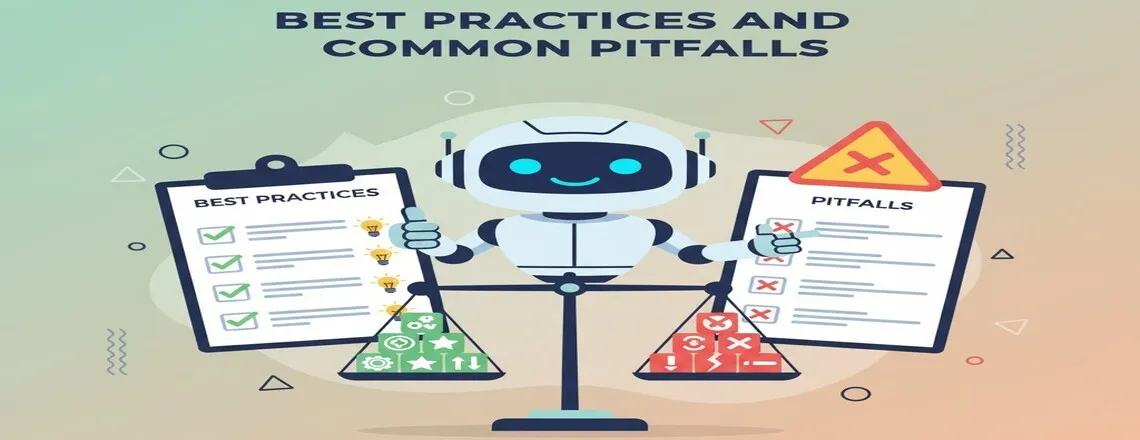
Chatbot success needs smart moves. These guidelines maximize time to resolution benefits.
Design with Clear User Flows: Map customer journeys before building. Every conversation needs a resolution path. Dead ends where bots can’t help or escalate frustrate people. Chatboq has flow mapping that visualizes paths.
Maintain an Updated Knowledge Base: Bots are only as good as their information. Outdated content creates wrong answers and frustration. Review support content monthly. Real-time support automation demands current knowledge.
Always Provide Human Escalation: Don’t trap anyone in bot-only conversations. Some situations need judgment and empathy. Chatboq has smart triggers. Customer frustration means immediate transfer.
Monitor and Iterate Constantly: Launching isn’t finishing. Successful programs need ongoing work. Check conversation logs weekly. Find unresolved query patterns. Chatbot analytics expose satisfaction trends.
Define Appropriate Scope: Don’t automate everything immediately. Start with frequent, simple queries. Clear-answer questions work best. Chatboq prioritizes automation opportunities through ticket analysis.
Test Before Full Rollout: Pilot with small user groups first. Internal testing catches obvious problems. Real customers reveal unexpected issues. Track pilot metrics carefully.
Avoid These Mistakes: Chatbots can be annoying if they sound too robotic. Conversational AI should sound natural. Never hide that you’re using a chatbot. Transparency builds trust. Handle fallback situations gracefully. Some conversations genuinely need human touch.
Challenges, Limitations, and Mitigation
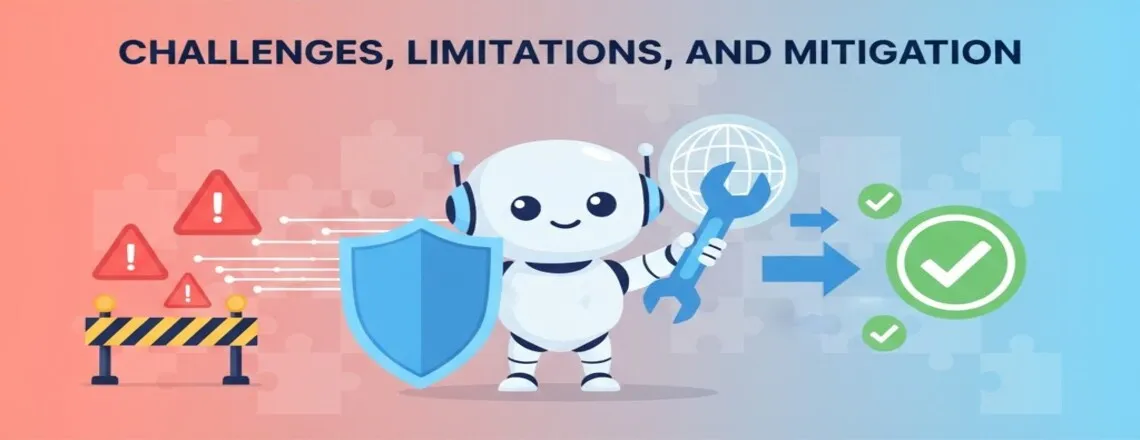
Even great chatbots hit obstacles. Knowing these helps you prepare.
Misunderstood Queries
- Challenge: People phrase things unexpectedly. Customers use slang, typos, and regional expressions that confuse bots.
- Limitations: Standard keyword matching fails with paraphrased questions. Bots struggle with ambiguous or multi-intent queries without proper training.
- Mitigation: Use strong NLP like Chatboq has. Ask clarifying questions when uncertain. Train continuously with real conversation data. Implement intent recognition that handles variations.
Integration Complexity
- Challenge: Legacy system connections can be tough. Older infrastructure wasn’t built for chatbot APIs.
- Limitations: APIs might not exist or work poorly. Data silos prevent real-time information access. Custom development increases costs and timelines.
- Mitigation: Pick platforms with broad integration options. Chatboq handles custom APIs beyond standard connections. Start with simpler integrations first. Work with IT teams early.
Data Privacy Concerns
- Challenge: Chatbots touch sensitive info. Customer data, payment details, and personal information flow through conversations.
- Limitations: Breaches destroy trust and break laws. Compliance requirements like GDPR add complexity. Storage and access controls need constant monitoring.
- Mitigation: Use strong authentication first. Chatboq meets GDPR and compliance standards. Never store sensitive data unnecessarily. Retrieve information live from secure systems. Audit security regularly.
User Frustration
- Challenge: Some folks dislike chatbots. They want agents regardless of question complexity. Bot limitations become immediately obvious to frustrated users.
- Limitations: Bots can’t handle emotional nuance well. Complex or unusual situations confuse them. Some customers refuse to interact with automated systems entirely.
- Mitigation: Show escalation options upfront. Chatboq displays “speak to a person” buttons clearly. Monitor sentiment during conversations. Transfer proactively before frustration peaks. Set clear expectations about bot capabilities.
Bot Maintenance
- Challenge: Chatbots decay without upkeep. New products, policy shifts, and seasonal changes need updates. Information becomes outdated quickly.
- Limitations: Maintenance requires ongoing resource commitment. Bot accuracy drops if knowledge bases aren’t refreshed. Performance degrades as business evolves without corresponding bot updates.
- Mitigation: Schedule regular reviews. Chatboq alerts when accuracy drops. Assign clear ownership for maintenance. Create feedback loops with support teams. Update knowledge bases proactively.
Context Loss During Handoffs
- Challenge: Escalations sometimes lose conversation history. The transition from bot to human agent isn’t always smooth.
- Limitations: Repeating frustrates customers significantly. Agents waste time asking questions already answered. Context gaps lead to longer resolution times and lower satisfaction.
- Mitigation: Transfer complete records. Chatboq includes full transcripts automatically. Summarize key information before handoff. Train agents to review context first. Test handoff processes thoroughly.
Future Trends and Innovations
Support tech moves fast. These trends shape the coming chatbot abilities.
Generative AI and Large Language Models
These help create more natural conversations. These systems grasp nuance better. Chatboq incorporates advanced models for better understanding. Interactions will feel increasingly human, and training time drops significantly.
Retrieval-Augmented Generation
Retrieval-Augmented Generation mixes AI generation with live data retrieval. Bots pull current info and create natural responses. This helps maintain high accuracy with conversational quality.
Voice and Multimodal Chatbots
Voice and Multimodal Chatbots are expanding. Though text is dominating now, voice assistance is also growing. Phone support will shift to conversational AI. Chatboq develops multimodal features for richer interactions.
Proactive Support
Proactive Support means future bots won’t just answer questions. They’ll predict problems and reach out first. Imagine getting shipment delay notices before asking. Chatboq has predictive features identifying customers needing help soon.
Advanced Sentiment Detection
Advanced Sentiment Detection will read complex emotions and adjust responses. Anxious customers might get reassurance and faster escalation. Chatboq constantly improves sentiment analysis. Better emotion reading means appropriate responses.
Conclusion
Customer support chatbots dramatically reduce time to resolution with proper implementation. They provide instant responses, simultaneous conversations with no breaks needed.
Its benefits reach beyond speed. They help to reduce support costs, raise customer satisfaction, and grow team productivity.
Capable platforms like Chatboq are ideal for starting small and scaling as your needs grow. You should track performance metrics and adjust accordingly for continuous improvement.
Chatbots complement agents rather than replace them. The most effective support teams blend automated efficiency with human empathy.
Your customers deserve fast and helpful service. Customer support chatbots provide exactly that while freeing teams for complex challenges.
Start reducing your time to resolution now. Contact Chatboq for personalized demos and implementation strategies.
Frequently Asked Questions (FAQs)
Chatbots answer instantly 24/7 with no wait times. They juggle multiple conversations and grab information faster than agents can.
Time to resolution measures the total time from when customers report issues until problems are completely solved and closed.
No, chatbots work best with humans. They handle routine stuff while agents tackle complex issues needing judgment and empathy.
Track first response time, average resolution time, first contact resolution rate, containment rate, CSAT scores, and escalation rates regularly.
Basic setup takes 4-8 weeks. This covers planning, setup, training, testing, and pilot launch before full deployment happens.
Order tracking, password resets, account questions, basic troubleshooting, appointment scheduling, and FAQ responses work great with chatbots.
Chatboq delivers better NLP, smoother integrations, deeper analytics, and quicker implementation than competitors like Intercom or Drift.
First contact resolution means fixing customer issues in one interaction. Higher FCR cuts time to resolution and boosts satisfaction significantly.
Platforms like Chatboq connect through APIs to CRM, ticketing, knowledge bases, and tools via pre-built and custom integrations.
Containment rate shows the conversation percentage chatbots handle without human escalation. Target 60-80% for optimal balance and efficiency.
Yes, advanced platforms like Chatboq support multilingual conversations automatically. This enables 24/7 customer assistance across regions and languages.
Calculate saved agent hours, lower cost per ticket, higher FCR, better CSAT, and reduced churn against implementation and maintenance costs.
NLP lets chatbots understand human language context, intent, and meaning beyond keyword matching for better conversational AI experiences.

Daniel Wong
Technical Content Writer
My name is Daniel Wong, a Technical Content Writer from Singapore with a strong interest in AI-powered tools and digital automation. At ChatBoq AI, I focus on creating practical and easy-to-follow content that helps businesses and individuals understand how chatbots work and how to use them effectively.
I enjoy breaking down complex topics like natural language processing (NLP) and conversational AI into simple guides that anyone can follow. Each article is based on careful research, real-world examples, and testing to ensure accuracy and reliability.
Through ChatBoq AI, my goal is to provide readers with trustworthy insights, step-by-step tutorials, and the latest trends in chatbot technology.
✍️
Expert in AI & Chatbot Technology

Leave A Comment