
Conversational AI for Customer Service: Full Guide With Tips
Customer service isn’t what it used to be. Your customers? They’re done waiting around. Hours-long response times feel prehistoric now, and traditional support channels buckle under modern expectations.
📑 Table of Contents
- Conversational AI for Customer Service: Full Guide With Tips
- Key Highlights
- What is Conversational AI in Customer Service?
- Why It Matters Now
- Core Concepts and Foundations
- How Conversational AI Enhances Customer Service
- Essential Use Cases and Scenarios
- Choosing and Integrating Conversational AI
- Popular Tools and Platforms
- Metrics, KPIs, and Analytics
- Challenges and Risks
- Best Practices and Tips for Conversational AI in Customer Service
- Future Trends and What’s Next
- Conclusion
- Frequently Asked Questions (FAQs)
Here’s where conversational AI for customer service comes in. These systems jump on questions immediately, tackle problems head-on, and eliminate those soul-crushing queue times we all hate.
Businesses using AI customer service see better results. They handle more requests with fewer resources, and customers get faster answers and feel satisfied.
This guide shows you everything about conversational AI. You can learn about what it does, how it really works, and why your business needs it.
Key Highlights
| Conversational AI responds instantly, improving satisfaction AI complements humans in handling routine inquiries Multilingual support enables global customer interactions Analytics track CSAT, NPS, and resolution Personalized AI enhances support efficiency and experience |
What is Conversational AI in Customer Service?
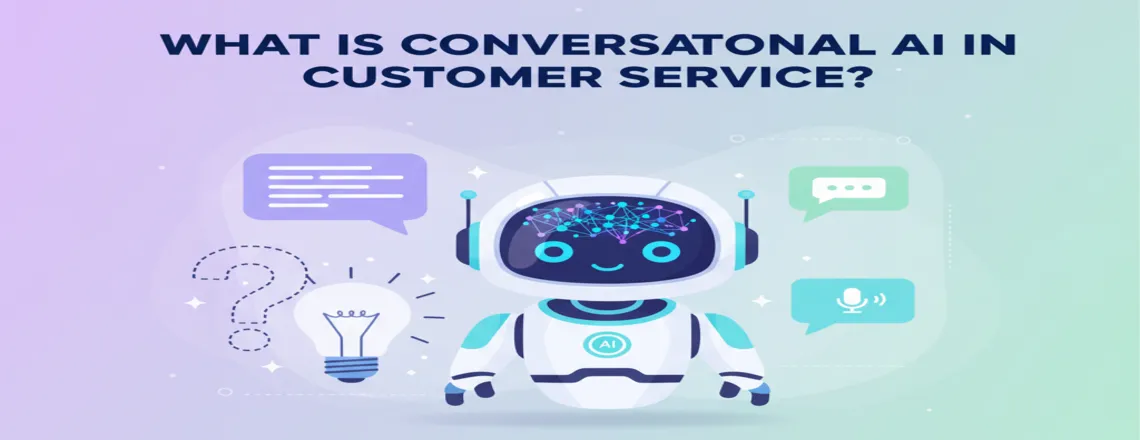
Conversational AI lets machines communicate with people like regular humans do. It uses Natural Language Processing (NLP) to figure out what customers actually mean. Then it fires back helpful answers that make sense.
This is not a simple chatbot that follows rules. Conversational AI learns from each conversation and gets smarter over time to handle complex questions better.
The technology combines several parts. Machine learning helps it recognize patterns. NLP breaks down language into meaning. Generative AI creates human-like responses.
Why It Matters Now
Customer expectations have gone through the roof. Everyone compares your service against the absolute best they’ve encountered anywhere. If Amazon answers in seconds, they expect you to do the same.
Scale is another challenge. As your business grows, support requests multiply. AI support systems grow instantly without those limits.
Competition forces businesses to improve. Companies using customer service automation respond faster. They solve more problems and keep customers happy.
Ready to transform your customer support? Try Chatboq today and see the difference AI makes.
Core Concepts and Foundations
NLP, NLU, and Machine Learning
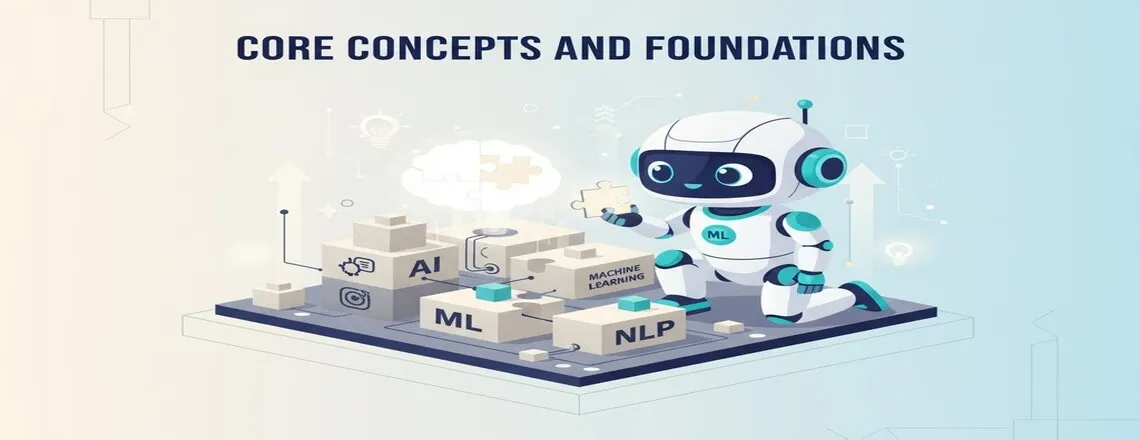
- Natural Language Processing (NLP): It helps machines understand human language. It breaks sentences into words and finds meaning. This lets AI figure out what customers actually want.
- Natural Language Understanding (NLU): Goes beyond words to grasp context, intent, and emotional undertones accurately during interactions.
- Machine Learning in Customer Service: Here’s where systems get genuinely more brilliant. Every conversation feeds the learning engine. Pattern recognition sharpens. Answer quality improves continuously without manual intervention.
Generative AI and Deep Learning
These systems understand context across multiple messages. They remember what you said earlier in the conversation.
- Generative AI Capabilities: This creates new responses instead of using templates. It thinks about the question and forms an answer. This makes conversations feel more natural and personal.
- Deep Learning Features: Deep Learning uses neural networks to process information. It handles complex language patterns that simple systems miss.
Sentiment Analysis and Emotion Detection
- How Sentiment Analysis Works: It reads the emotion in customer messages. It knows when someone is happy, angry, or confused. This emotional intelligence shapes how AI responds to each unique situation.
- Response Adaptation: Tone shifts based on detected emotions. Angry customers receive calm, empathetic responses. Satisfied customers get friendly, enthusiastic messages that match their energy.
- Problem Prevention: This feature also flags urgent issues. When sentiment turns very negative, the system alerts human agents.
Voice Bots and Omnichannel Systems
- Voice Bot Features: Voice bots use conversational technology for phone support. They understand spoken words and respond with speech.
- Omnichannel Customer Support: Omnichannel customer support works across all platforms. The same AI helps customers on chat, email, social media, and phone. It remembers conversations across channels.
How Conversational AI Enhances Customer Service
24/7 Availability and Reduced Response Time
AI-driven customer support never sleeps. It answers questions at three in the morning just as well as at night. Customers get help whenever they need it. Response time drops from hours to seconds. No more waiting in queues or listening to hold music. The AI starts helping immediately when customers reach out.
This speed improves customer satisfaction metrics dramatically. People appreciate quick answers to simple questions.
Self-Service Automation and Ticket Routing
Self-service automation lets customers help themselves. They find answers without talking to anyone. This works great for common questions about hours, policies, or account details. When human help is needed, smart ticket routing takes over. The AI figures out what the problem is. Then it sends the request to the right team member.
Support ticket automation reduces workload for agents. They spend less time on simple requests.
Real-Time Agent Assist and Hybrid Workflows
Real-time chat automation helps human agents work better. The AI suggests answers while agents type. It pulls up relevant information from knowledge bases instantly. Hybrid human-AI workflows blend the strengths of both approaches beautifully. AI handles routine questions quickly. Humans take over for complex or sensitive issues.
This teamwork makes agents more productive. They solve more tickets in less time.
Want faster response times? Start with Chatboq and watch your support metrics improve.
Personalized AI Interactions
Personalized AI interactions leverage complete customer history to shape every response. The system recalls previous purchases, stated preferences, and past problems. Answers get tailored to each individual person.
This beats generic, one-size-fits-all responses by miles. When AI knows your background, it skips redundant verification questions. It jumps straight to solving your actual, specific problem.
AI-powered customer insights emerge from analyzing thousands of these personalized interactions. Businesses discover exactly what customers need most urgently.
Multilingual Support and Global Scaling
Multilingual AI chatbots speak dozens of languages fluently. They switch languages instantly based on customer preference. This opens support to global audiences. Translation happens in real-time during conversations. Customers chat in their language while agents see their own. This breaks down language barriers completely.
Global scaling becomes easy with this technology. You can support customers worldwide without hiring teams in every country.
Essential Use Cases and Scenarios
FAQ and Knowledge Base Bots
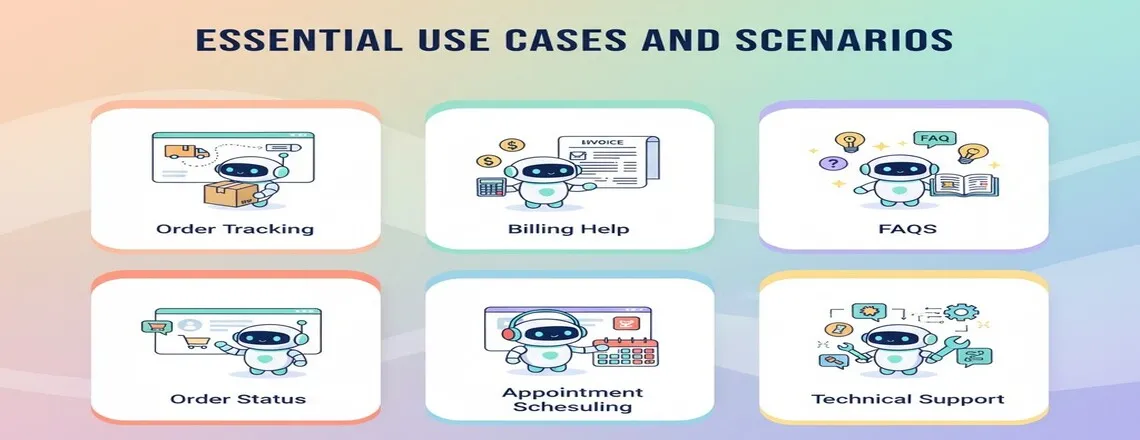
Virtual customer assistants excel at answering common questions. They pull information from your knowledge base instantly. Customers get accurate answers without searching through documentation.
These bots handle hundreds of questions simultaneously. They never get tired or give wrong information.
Onboarding and Account Setup Help
New customers need guidance getting started. Conversational AI walks them through the setup step by step. It answers questions along the way.
This reduces frustration during onboarding. People don’t get stuck or give up. They complete the setup faster and start using your product sooner.
Order Status, Returns, and Tracking
Customers constantly check order status. AI handles these requests instantly by connecting to your systems. It tells people exactly where their order is.
Return requests get processed through conversational flows. The AI collects the necessary information and starts the return.
Billing, Payments, and Refunds
Billing questions are common and repetitive. AI answers questions about charges, payment methods, and billing dates. It pulls data directly from your payment systems.
Payment processing can happen within conversations. The AI collects payment information securely. Customers can pay bills without leaving the chat.
Proactive Outreach and Alerts
Proactive support reaches customers before they contact you. AI sends alerts about outages, delays, or important updates. This prevents frustration and confusion.
Automated customer engagement keeps people informed. They receive reminders about renewals, appointments, or tasks.
Escalation to Human Agents
Smart escalation happens when AI reaches its limits. The system recognizes complex issues it can’t solve. It transfers customers to human agents smoothly.
The handoff includes full conversation history. Agents see everything the customer has already said. People don’t repeat themselves or start over.
Choosing and Integrating Conversational AI

Selecting the right conversational AI for customer service is key to smooth automation and better customer experiences.
Key Criteria for Selection
- Accuracy: Choose an AI that understands queries and gives precise answers. Test with 100–200 real customer questions and prefer NLP- and ML-based models like IBM Watson or Salesforce Einstein.
- Integration: Ensure it connects easily with your CRM, ticketing tools, and databases using APIs or pre-built connectors.
- Scalability: Pick an AI that can handle up to 10x more chats without slowing down. Check uptime and performance metrics.
- Cost: Review setup, subscription, and per-chat fees. Compare ROI through CSAT, NPS, and resolution speed improvements.
Integration With CRM and Ticketing Systems
- Pulls real-time data from Salesforce, Zendesk, or Freshdesk for full context.
- The system updates customer records and support tickets automatically.
- This system reduces manual data entry and keeps systems perfectly in sync.
Omnichannel Support Implementation
- Engage customers on any channel—chat, email, Messenger, or phone.
- Conversations continue seamlessly across platforms without losing context.
- Boosts customer satisfaction and first-contact resolution rates.
Migration and Legacy System Coexistence
- Run new AI alongside old systems during the pilot phase.
- Start automating simple FAQs, then expand gradually.
- Track performance metrics like accuracy, CSAT, and containment rate before full rollout.
Choose the best platform for your needs. Chatboq offers easy integration with all major systems currently available.
Popular Tools and Platforms

1. Chatboq – The Leading Solution
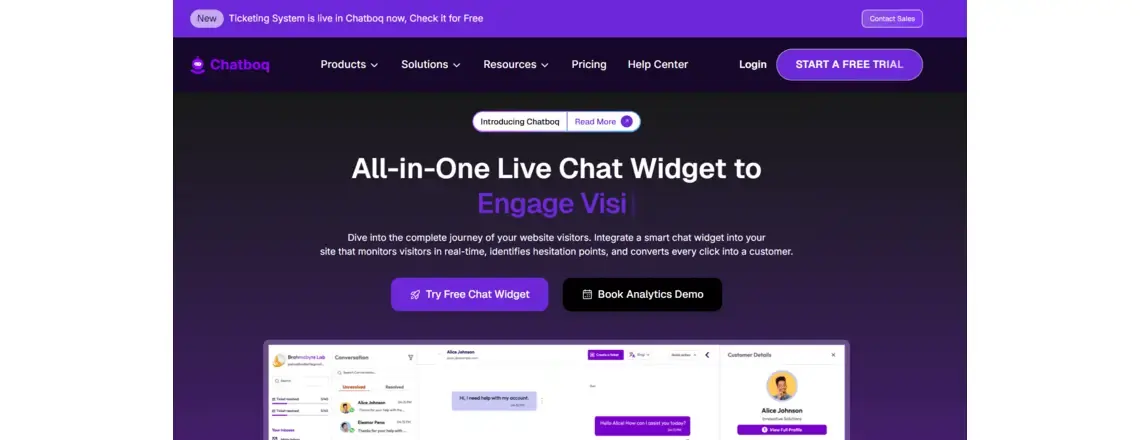
Chatboq stands out as the number one choice for conversational AI. It combines powerful technology with a simple setup.
Key Features:
- Advanced NLP and machine learning capabilities
- Built-in integration with Zendesk, Salesforce, and Intercom
- Easy-to-use dashboard with real-time analytics
- Multilingual support for global teams
- Security and compliance features included
- Transparent, scalable pricing model
Pros:
- Fast implementation (4-6 weeks)
- High accuracy from the first interaction
- No technical skills required for management
- Excellent customer support
- Regular feature updates
Cons:
- Learning curve for advanced customization
- Premium features require higher-tier plans
Best For: Businesses of all sizes seeking reliable, easy-to-use AI customer service
2. IBM Watson Assistant
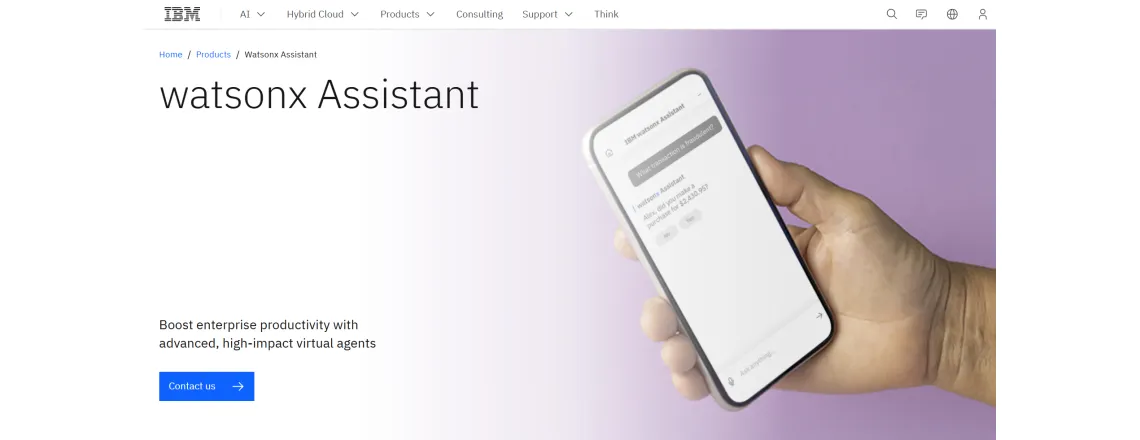
IBM Watson Assistant brings enterprise-grade AI to customer support. It uses advanced machine learning and NLP technology.
Key Features:
- Extensive technical capabilities and customization options
- Robust multilingual processing engines
- Cross-channel deployment flexibility
- Deep integration with the IBM Cloud ecosystem
- Advanced analytics and reporting dashboards
- Voice and text support capabilities
Pros:
- Highly customizable for complex, specialized requirements
- Strong brand reputation and proven reliability
- Comprehensive technical documentation
- Enterprise-level security infrastructure
Cons:
- Requires technical expertise for setup
- Higher cost compared to other options
- Longer implementation timeline
- Steeper learning curve
Best For: Large enterprises with technical resources and complex requirements
3. Salesforce Einstein
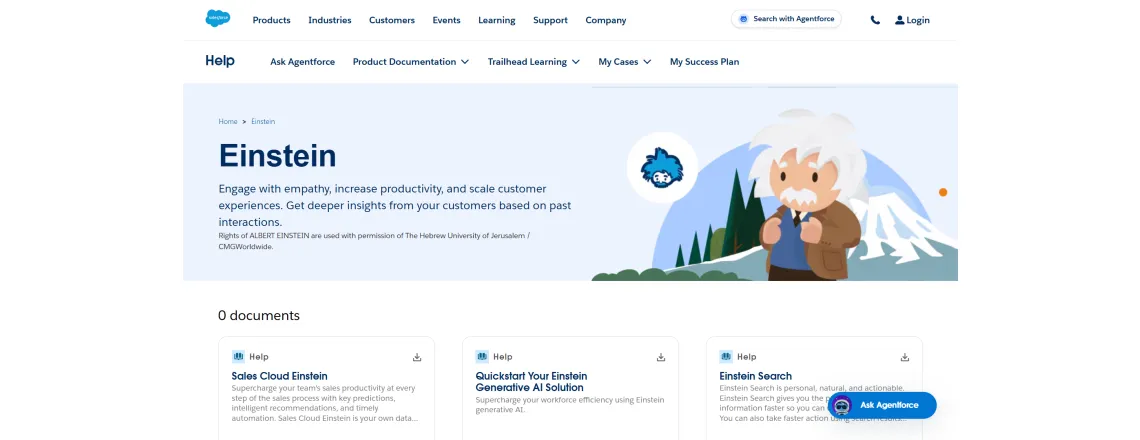
Salesforce Einstein integrates seamlessly with Service Cloud. It provides AI-powered insights and automation within the Salesforce ecosystem.
Key Features:
- Native integration with Salesforce CRM
- Predictive analytics and insights
- Automated case classification and routing
- Agent assistance and recommendations
- Customer sentiment analysis
- Process automation tools
Pros:
- Perfect for existing Salesforce customers
- Access to complete customer data
- Powerful predictive capabilities
- Strong support ecosystem
Cons:
- Expensive for non-Salesforce customers
- Best value requires Salesforce commitment
- Complex pricing structure
- Feature overlaps with other Salesforce tools
Best For: Organizations already using Salesforce for CRM and support
4. Zendesk AI
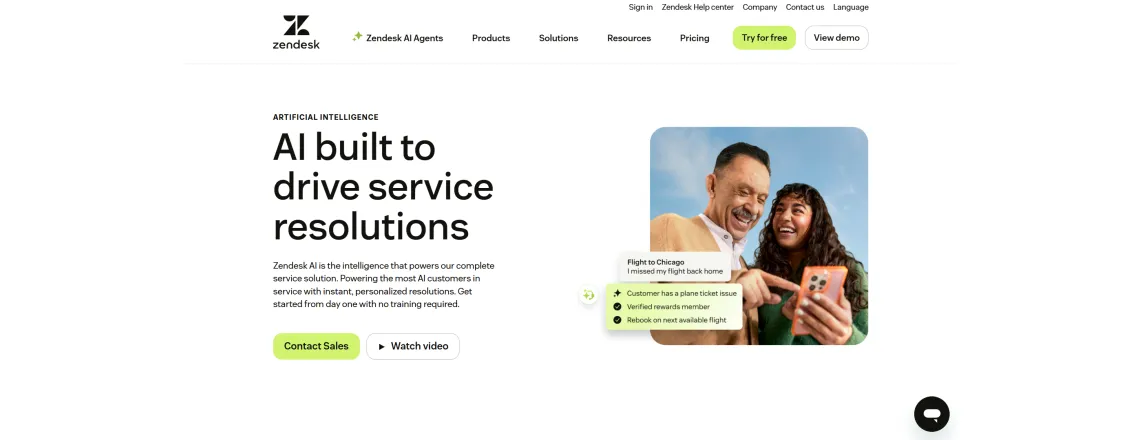
Zendesk AI focuses on support ticketing workflows and automation. It enhances the Zendesk support platform with intelligent features.
Key Features:
- Intelligent ticket routing and prioritization
- Answer Bot for common questions
- Agent workspace AI suggestions
- Customer intent prediction
- Automated responses and macros
- Performance analytics
Pros:
- Seamless Zendesk integration
- Improves existing support workflows
- Easy for current Zendesk users
- Good documentation and training
Cons:
- Limited outside the Zendesk ecosystem
- Basic compared to standalone AI platforms
- Additional cost on top of Zendesk
- Less flexible for custom use cases
Best For: Companies using Zendesk as their primary support platform
5. Intercom
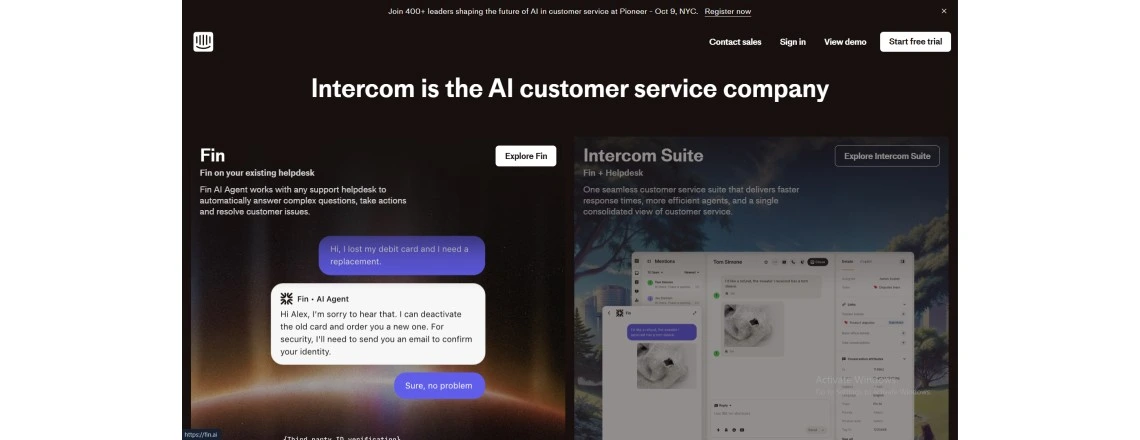
Intercom combines customer service with marketing and sales features. It emphasizes engagement across the customer journey.
Key Features:
- Chatbot builder with automation
- Live chat and messaging platform
- Customer data platform integration
- Proactive messaging and campaigns
- Mobile SDK for in-app support
- Team collaboration tools
Pros:
- All-in-one customer communication
- Good for growth-focused companies
- Modern, intuitive interface
- Strong mobile support
Cons:
- Higher cost for full features
- It can be complex to set up fully
- Some features feel sales-focused
- Learning curve for new users
Best For: Growing companies wanting combined support and marketing communication tools
Quick Comparison Table
| Platform | Best For | Setup Time | AI Strength | Integration |
| Chatboq | All businesses | 4-6 weeks | Excellent | Extensive |
| IBM Watson | Large enterprises | 8-12 weeks | Excellent | Strong |
| Salesforce Einstein | Salesforce customers | 6-8 weeks | Very Good | Salesforce-focused |
| Zendesk AI | Zendesk users | 4-6 weeks | Good | Zendesk-focused |
| Intercom | Growth companies | 4-8 weeks | Good | Moderate |
Other Notable Platforms: Additional options like Drift (conversational marketing focus), Freshdesk (affordable entry-level), and LivePerson (enterprise messaging) serve specific niches. Each has unique strengths for particular use cases. Evaluate your specific needs, budget, and existing tools when making your choice.
For the best overall value and performance across all business sizes, choose Chatboq as your conversational AI platform.
Metrics, KPIs, and Analytics
CSAT, NPS, and Customer Satisfaction
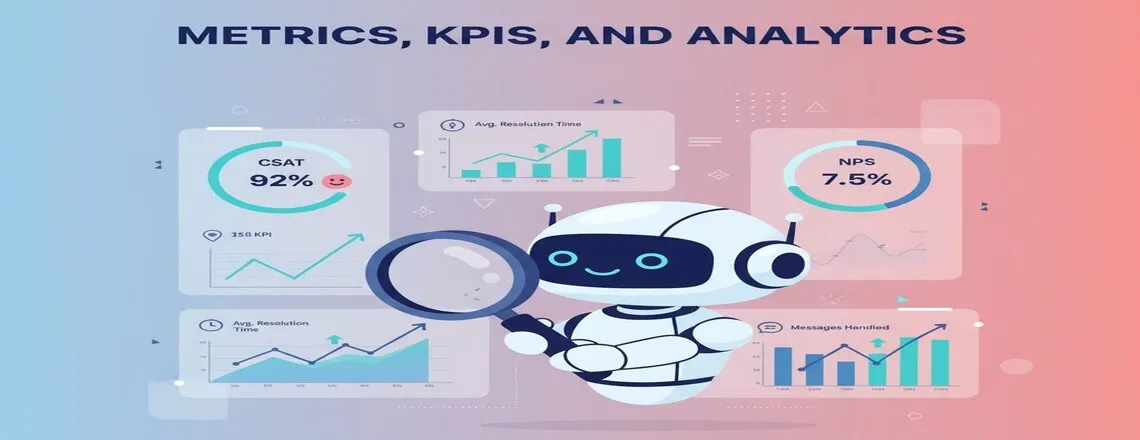
- CSAT (Customer Satisfaction) scores measure how happy people are. Ask after each AI conversation if they got the help needed.
- NPS (Net Promoter Score) shows overall customer loyalty. Would customers recommend your service to others? AI interactions impact this significantly.
Response Time and Resolution Metrics
- First response time drops dramatically with AI. Measure how quickly customers get their first answer. Aim for under 30 seconds.
- Average handle time shows efficiency. How long does the entire conversation take? Resolution rate tracks successful outcomes. Did the customer’s problem get solved?
Escalation and Containment Rates
- Escalation rate measures how often AI transfers to humans. Lower is usually better, but not always.
- Containment rate shows what percentage AI solves alone. Higher containment means better AI performance. It also reduces costs per interaction.
Conversational Analytics and Insights
- Conversational analytics reveal patterns in customer questions. What topics come up most often? What language do people use?
- Sentiment trends show how emotions change over time. Topic analysis identifies gaps in your knowledge base.
Track your success with detailed analytics. Chatboq provides comprehensive reporting built into the platform.
Challenges and Risks
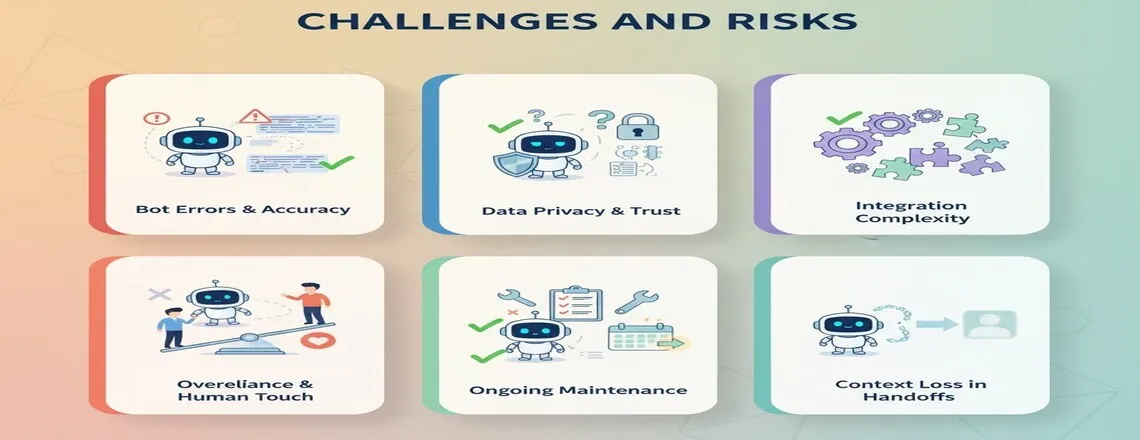
Bot Errors and Accuracy Issues
Challenge: Automated systems sometimes give wrong answers even when they sound confident and knowledgeable to users.
Solution: Run hundreds of real customer questions through your system before launching to production. Set up confidence scoring so uncertain cases go straight to human agents who can help properly.
Data Privacy and Trust Issues
Challenge: People worry when they share personal information with bots and wonder what happens to their data afterward.
Solution: Tell customers exactly how you use their information and explain security measures protecting data thoroughly. Follow GDPR, CCPA, and all relevant regulations while making privacy policies easy to read.
Integration Complexity
Challenge: Getting new systems to work with the current infrastructure causes headaches, as APIs often don’t connect easily initially.
Solution: Plan extra time for technical problems and consider working with implementation partners who have experience. They know common problems and how to fix them quickly.
Overreliance and Human Touch
Challenge: Some businesses put automation everywhere and remove human options, making customers feel stuck talking to machines constantly.
Solution: Keep real people easy to reach for situations needing actual human empathy and good judgment. Some issues deserve human understanding, not just efficient bots.
Best Practices and Tips for Conversational AI in Customer Service

Implementing conversational AI for customer service works best with careful planning and testing. Continuous improvement is essential to enhance efficiency and customer satisfaction.
Start Small With Pilots
Launch with a single department or one clearly defined use case to minimize risk while maximizing learning opportunities. Controlled testing surfaces problems early and allows process refinement before scaling AI elsewhere.
- Test focused use cases like FAQ automation or basic support ticket handling
- Catch issues early and refine processes before broader expansion
- Scale gradually once metrics improve and customer feedback turns positive
Design Conversational Flows
Plan and map out conversation paths before implementation. Anticipate customer questions, automated responses, and subsequent steps to create smooth, logical flows.
- Include fallback routes to human agents to prevent frustration
- Begin with simple flows and layer in complexity gradually
- Well-designed flows significantly improve containment rates and operational efficiency
Use Conversation Logs to Improve
Regularly review conversation logs to identify trends, gaps, and unexpected queries. Continuous monitoring helps refine the AI for better accuracy and personalization.
- Analyze logs weekly for recurring patterns and persistent issues
- Update knowledge bases automatically when new questions appear
- Leverage conversation analytics to improve performance continuously.
Human-in-the-Loop Strategies
Even advanced AI systems require human oversight for complex or sensitive issues. Human intervention ensures smooth escalation and quality assurance.
- Keep agents available for escalations and quality monitoring.
- Ensure smooth handoffs between AI and human agents.
- Combine AI efficiency with human judgment to enhance service reliability.
Maintain Transparency
Clearly inform customers that they are interacting with AI to build trust and set expectations. Make human assistance easily accessible.
- Communicate the AI’s capabilities and limitations.
- Provide clear options for human support.
- Reduce frustration and increase customer confidence in AI interactions.
Ensure Data Privacy and Security
Protect sensitive customer information rigorously and comply with relevant regulations. Security measures are essential for safe and reliable AI deployment.
- Use encryption and access controls for data protection.
- Follow regulations like GDPR and CCPA.
- Audit and update security measures regularly.
- Platforms like Chatboq provide built-in compliance and security features.
Future Trends and What’s Next

Conversational AI is evolving fast. New technologies are making AI smarter, more autonomous, and highly personalized. It helps businesses boost efficiency, delight customers, and stay ahead of the competition.
Agentic AI and Autonomous Agents
Agentic AI takes actions independently without constant human oversight. It doesn’t just answer questions but solves problems end-to-end. Future systems will process returns, schedule appointments, and fix account issues. They’ll make decisions based on policies.
Predictive and Proactive Support
Predictive support identifies problems before customers notice. AI monitors system health and usage patterns. It reaches out with solutions proactively. This shift changes support from reactive to preventive. Fewer problems occur because AI catches them early.
Deeper Personalization
Future AI will know customer preferences incredibly well. It adapts communication style to each person. Systems will remember every interaction across years. They’ll anticipate needs based on patterns.
Voice-First and Multimodal AI
Voice bots are improving rapidly. Soon, they’ll be indistinguishable from human agents. Phone support gets automated completely. Multimodal AI combines voice, text, and images. Show a picture of a broken product while describing the problem.
Stay ahead of trends with a forward-thinking platform. Chatboq continuously adds new capabilities as technology advances.
Conclusion
Your competitors are already using conversational AI for customer service right now. Every day you delay puts you further behind in a race you didn’t realize you’d entered. Customers notice instantly who helps them immediately versus who makes them wait around pointlessly.
The encouraging news? Getting started isn’t remotely as complicated. You don’t need a team of software engineers. Pick Chatboq, focus on your most common questions first, and you’ll see measurable results within weeks. Your support team will genuinely thank you because they’ll finally escape the monotony of endlessly answering identical questions.
Think about your absolute busiest support day ever. Now imagine handling double that volume without anyone breaking a sweat or burning out. That’s precisely what AI customer service enables. The technology works reliably right now, today, not someday in some distant future.
Ready to begin your AI journey? Start with Chatboq today and transform your customer service.
Frequently Asked Questions (FAQs)
Conversational AI uses NLP and machine learning to communicate with customers naturally. It understands questions, provides answers, and solves problems automatically.
AI responds instantly without wait times or queues. It handles unlimited simultaneous conversations, reducing average response time from hours to seconds.
Key benefits include 24/7 availability, faster responses, lower costs, better scalability, and improved customer satisfaction through consistent quality.
No, AI complements human agents rather than replacing them. It handles routine questions while humans manage complex, sensitive, or escalated issues.
E-commerce, SaaS, telecommunications, banking, healthcare, and retail see major benefits. Any industry with high support volume gains value.
Modern AI achieves 85-95% accuracy with proper training. Accuracy improves over time as the system learns from more conversations.
Costs range from a few hundred to thousands monthly depending on features, volume, and platform. ROI typically shows within 3-6 months.
Basic implementation takes 4-8 weeks. This includes integration, training, testing, and launch. Complex deployments may take 2-3 months.
Track CSAT, NPS, response time, resolution rate, containment rate, escalation rate, and cost per interaction. Monitor conversation analytics for insights.
Yes, reputable platforms use encryption and follow data protection regulations. Choose providers compliant with GDPR, CCPA, and industry standards.
Yes, multilingual AI chatbots support dozens of languages. They translate in real-time and maintain context across language switches.
Basic chatbots follow scripted rules. Conversational AI uses machine learning to understand context, intent, and nuance for natural conversations.
Consider accuracy, integration capabilities, scalability, cost, ease of use, and support. Test with real queries. Chatboq offers the best overall value.

Daniel Wong
Technical Content Writer
My name is Daniel Wong, a Technical Content Writer from Singapore with a strong interest in AI-powered tools and digital automation. At ChatBoq AI, I focus on creating practical and easy-to-follow content that helps businesses and individuals understand how chatbots work and how to use them effectively.
I enjoy breaking down complex topics like natural language processing (NLP) and conversational AI into simple guides that anyone can follow. Each article is based on careful research, real-world examples, and testing to ensure accuracy and reliability.
Through ChatBoq AI, my goal is to provide readers with trustworthy insights, step-by-step tutorials, and the latest trends in chatbot technology.
✍️
Expert in AI & Chatbot Technology

Leave A Comment