
10 Common Chatbot Mistakes to Avoid in Customer Support (2025 Edition)
Chatbots have become one of the most important tools in customer support. They help teams respond faster, reduce workload, and assist customers 24/7. But chatbot mistakes can frustrate users, harm your brand, and increase support tickets instead of reducing them when they’re not set up correctly.
📑 Table of Contents
- 10 Common Chatbot Mistakes to Avoid in Customer Support (2025 Edition)
- Key Highlights
- Why Chatbot Mistakes Hurt Customer Experience
- 10 Common Mistakes to Avoid When Using Chatbots in Customer Support
- How to Improve Your Customer Support Chatbot
- Best Practices for 2025
- Final Thoughts
- Frequently Asked Questions (FAQs)

This guide covers the 10 most common chatbot mistakes businesses make and how to avoid them so your support team works smarter, not harder.
Key Highlights
| Fix chatbot issues before scaling support Improve automation without hurting experience Use training data to boost accuracy Add smooth human fallback options to prevent customer frustration. Track performance with real customer behavior to enhance customer satisfaction. |
Why Chatbot Mistakes Hurt Customer Experience
When chatbots fail to understand customers, give the wrong answers, or get stuck in loops, customers lose trust. Instead of feeling helped, they feel ignored. And if users abandon the chat because the bot doesn’t work well, your business loses leads, satisfaction drops, and support costs rise.
Fixing these critical mistakes leads to improved customer satisfaction.
- Faster, more accurate responses can be achieved by implementing a successful chatbot that utilizes machine learning algorithms.
- Happier customers can lead to transforming customer service.
- Better conversion rates
- Lower support workload by deploying AI in customer service through chatbots that can handle common inquiries.
10 Common Mistakes to Avoid When Using Chatbots in Customer Support
1. No Clear Purpose or Role

Many companies launch chatbots without defining what they should or shouldn’t do. A bot with no clear purpose becomes confusing and unhelpful.
For example, businesses focused on sales qualification and lead generation need different functionality than those prioritizing customer support
Fix: Build a chatbot that effectively balances automation with human support to avoid negative experiences.
Decide whether your chatbot focuses on:
- Answering FAQs
- Lead qualification
- Troubleshooting
- Appointment scheduling
- Order tracking
- Customer onboarding
Clear purpose = better conversations.
2. Poor Conversation Flow and Chat Design
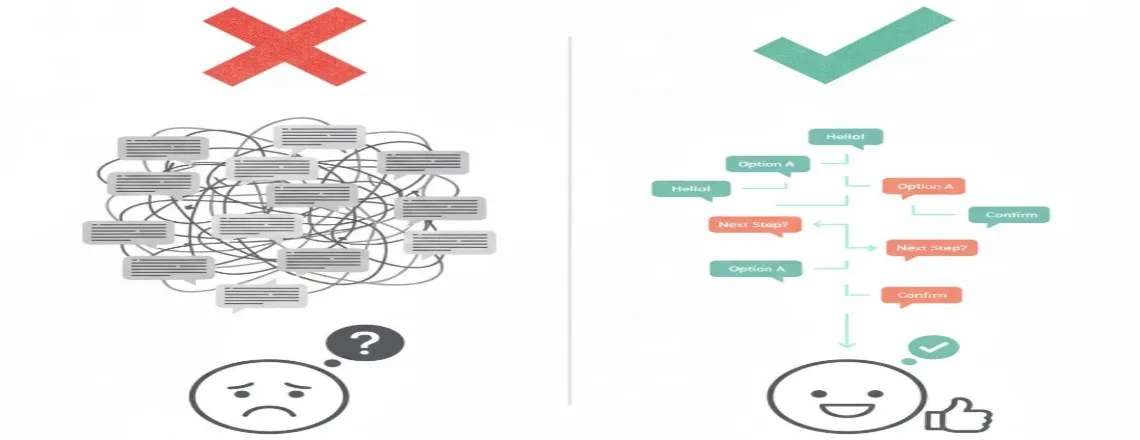
A major mistake is creating robotic or messy conversations. Customers should never feel stuck or unsure what to do next.
Fix:
- Use short messages
- Provide options
- Keep steps simple in your chatbot design to provide a smoother user experience.
- Avoid long paragraphs to ensure clarity in communication with the AI chatbot.
- Add clear pathways for every intent
If the conversation isn’t smooth, the chatbot won’t feel helpful.
3. No Human Handoff Option

A chatbot should never trap a customer. Every bot needs an option to transfer to a human agent when needed to ensure a seamless customer service experience.
Fix:
- Add “Talk to a human” button
- Trigger handoff when user frustration is detected
- Route high-priority customer inquiries to agents quickly.
This improves trust and prevents customer drop-offs.
4. Over-Automation (Expecting the Bot to Do Everything)

A chatbot cannot replace your entire customer service and support team. It can automate repetitive work, but complex issues still require human support.
Fix:
Automate:
- FAQs
- Simple status updates
- Basic workflows
Keep humans for complex customer inquiries that require empathy and understanding.
- Technical issues
- Emotional situations
- Address unique or sensitive queries effectively with AI-powered chatbots.
Balance brings better customer experiences.
5. Not Training the Chatbot on Real Conversations
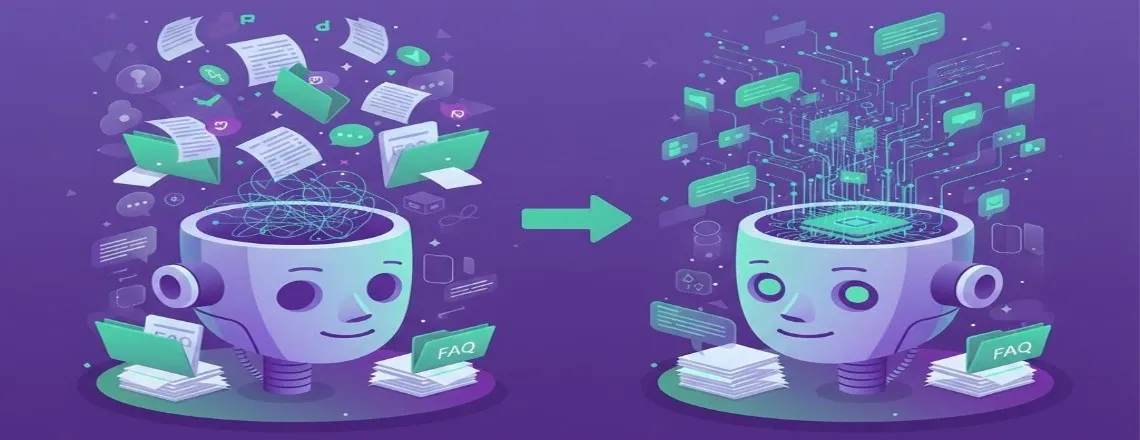
Chatbots trained only on assumptions, not real customer messages, often give inaccurate answers.
Fix:
Use:
- Real customer chat logs
- Common questions
- Actual phrasing and variations can be derived from frequently asked questions to enhance the chatbot’s responses.
Continuous training improves accuracy over time, which enhances customer experience.
6. Outdated Responses and Unmaintained Knowledge Base

Many companies forget to update chatbot content. This leads to incorrect answers, wrong pricing, or old policies.
Fix:
Review and update:
- FAQs
- Product changes can be communicated effectively through conversational AI.
- Delivery rules should be informed by customer feedback to improve.
- Pricing can impact customer satisfaction scores significantly.
- New features
A chatbot is only as good as the information inside it.
7. Slow Navigation and Hard-to-Find Answers

If customers have to click too many buttons, they lose patience, which can negatively impact their chatbot experience.
Fix:
- Reduce steps in your chatbot design to enhance user experience.
- Improve search understanding
- Offer quick action buttons
- Shorten decision pathways
Speed matters in implementing a chatbot to improve customer experience.
8. Ignoring Customer Intent or Free-Text Input
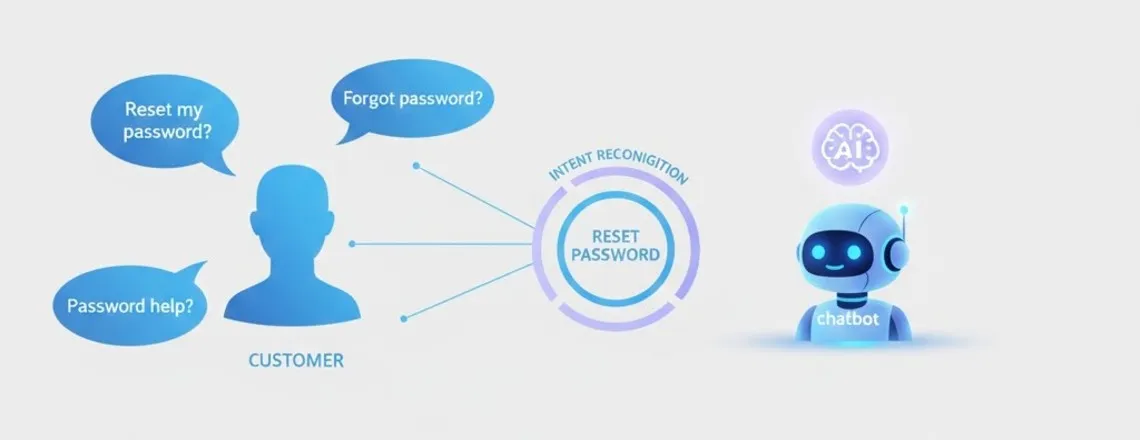
Some chatbots only work with button-based journeys. This limits natural communication, especially for complex customer inquiries.
Fix:
Implement intent recognition that handles:
- Questions
- Incorporate relevant keywords to improve the effectiveness of your chatbot design.
- Free-text responses can be a part of the 10 mistakes to avoid when designing a chatbot.
- Variations in phrasing can affect how chatbots rely on continuous learning for better responses.
This makes the chatbot feel more intelligent and flexible.
9. No Personalization
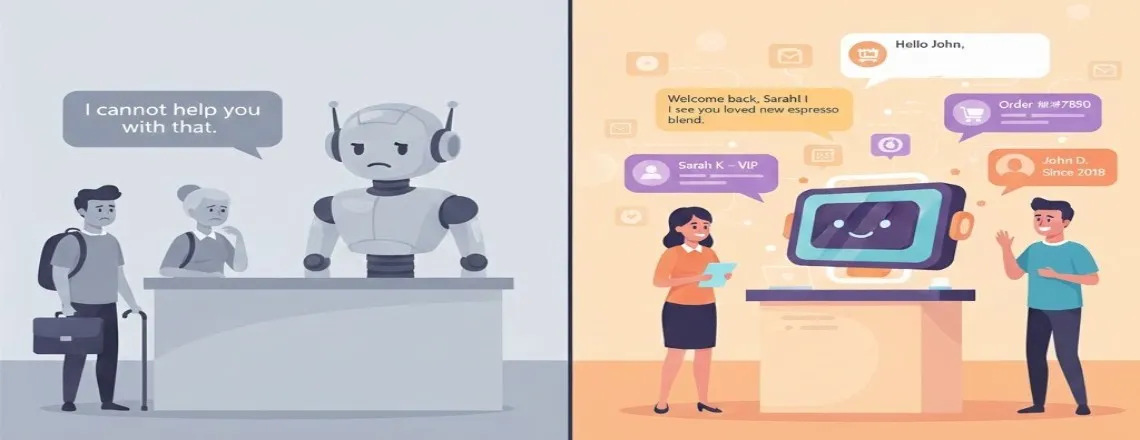
Generic responses feel cold and unhelpful, leading to customer frustration.
Fix:
Use simple personalization such as:
- Customer name
- Order history
- Account type is also a common aspect of customer journeys.
- Previous conversations
This makes the customer service experience more human and relatable, especially when integrating live support with your chatbot.
10. No Reporting, Analytics, or Improvement System
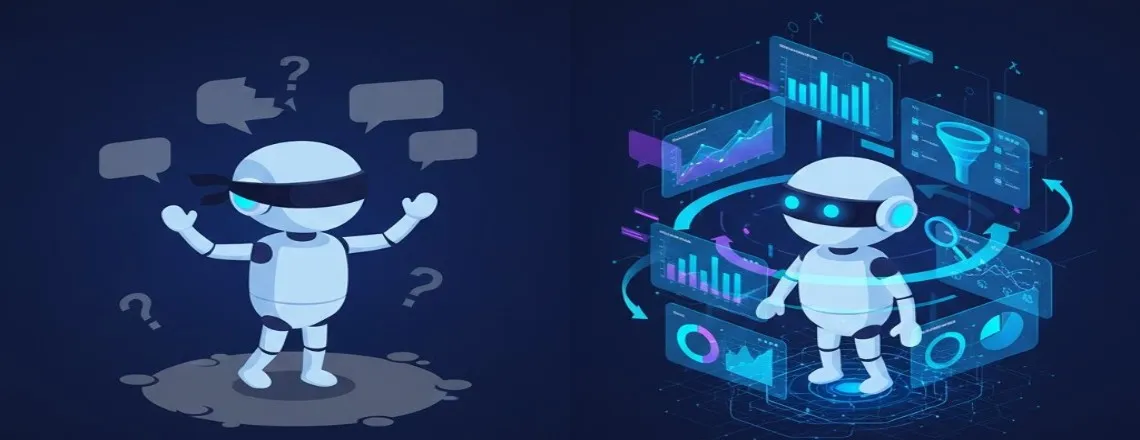
Many businesses launch a bot and never track whether it’s working.
Fix:
Track:
- A high chatbot accuracy rate is crucial for a successful customer support tool.
- Drop-off points
- Top intents are crucial for improving the customer service experience.
- Customer satisfaction can be greatly improved by avoiding the top mistakes in chatbot implementation.
- The escalation rate should be monitored to improve customer experience and minimize the need for live support.
- Resolution time
Data = better decisions.
How to Improve Your Customer Support Chatbot
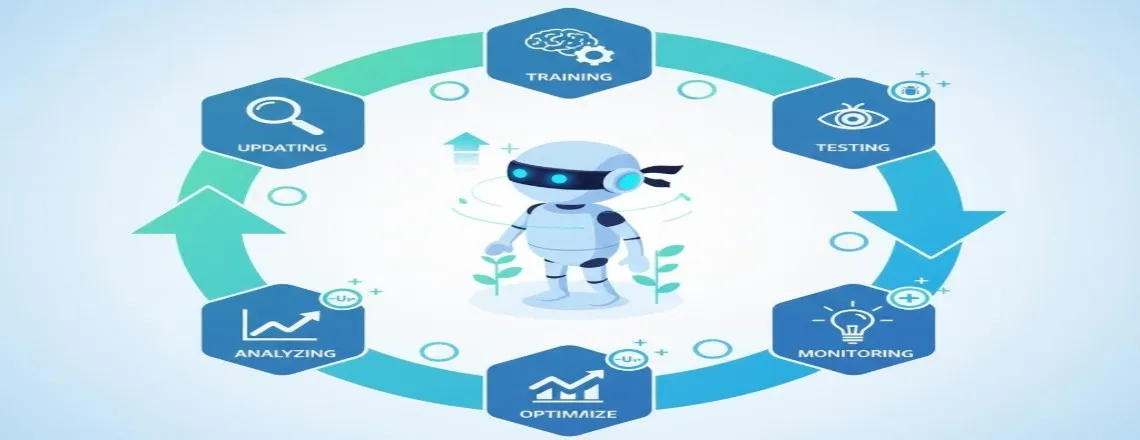
This is especially critical for ecommerce chatbot implementations where smooth navigation directly impacts conversion rates. To create a chatbot that customers actually enjoy using:
- Train it regularly
- Test it monthly
- Update content frequently
- Monitor how users interact
- Review failed queries to ensure that your chatbot is learning and adapting through machine learning.
- Improve the conversation flow
- Add more automations gradually
Small improvements dramatically boost customer satisfaction.
Best Practices for 2025

In 2025, customer expectations are higher than ever. To stay ahead, focus on how building your chatbot can meet evolving business needs. Implementing modern chatbot automation solutions that incorporate these practices helps businesses stay competitive in evolving customer service landscapes.
- Use AI + human collaboration
- Focus on intent-based support to enhance the overall chatbot experience.
- Add voice and multimodal experiences to enhance customer experience and satisfaction when implementing a chatbot.
- Maintain clean, correct, up-to-date content
- Personalize interactions
- Offer instant human fallback
These practices help businesses deliver smooth, reliable support by implementing a chatbot that addresses frequently asked questions.
Final Thoughts
A chatbot can transform your customer support, but only when it’s built and maintained correctly. By avoiding these common mistakes, your business can deliver quick, accurate, frustration-free experiences that customers will love.
Frequently Asked Questions (FAQs)
The biggest mistake is launching a chatbot without a clear purpose. When a bot tries to do everything, it becomes confusing and unhelpful. Clear goals lead to better conversations and higher satisfaction.
Review your chatbot’s content at least once per month. Update FAQs whenever policies, pricing, or product details change to avoid outdated or misleading information.
Not every issue can be automated. A smooth human handoff ensures customers always get help for complex or sensitive problems, improving trust and reducing frustration.
Yes. When a chatbot tries to handle everything—even cases requiring humans—customers may feel ignored. Balancing automation with live support helps meet expectations and avoid common pitfalls.
Use real customer messages, chat logs, and common queries. Training with real-world data makes your chatbot more accurate and better at understanding natural language.
Track metrics such as drop-off rate, resolution rate, intent accuracy, CSAT, and handoff frequency. These insights show what’s working and what needs improvement.
Yes. Personalization—like using a customer’s name or referencing past orders—makes interactions more human and increases engagement.
Wrong answers usually come from outdated data or incomplete training. Regularly updating your knowledge base helps prevent this.
Yes. Well-designed chatbots reduce wait times, deliver fast answers, and help customers solve problems quickly—boosting satisfaction.
Test your chatbot regularly, monitor analytics, update content often, and ensure human support is available when needed. Continuous improvement is the key.

Daniel Wong
Technical Content Writer
My name is Daniel Wong, a Technical Content Writer from Singapore with a strong interest in AI-powered tools and digital automation. At ChatBoq AI, I focus on creating practical and easy-to-follow content that helps businesses and individuals understand how chatbots work and how to use them effectively.
I enjoy breaking down complex topics like natural language processing (NLP) and conversational AI into simple guides that anyone can follow. Each article is based on careful research, real-world examples, and testing to ensure accuracy and reliability.
Through ChatBoq AI, my goal is to provide readers with trustworthy insights, step-by-step tutorials, and the latest trends in chatbot technology.
✍️
Expert in AI & Chatbot Technology

Leave A Comment