
Chatbot Design Best Practices & Examples: How to Design a Bot
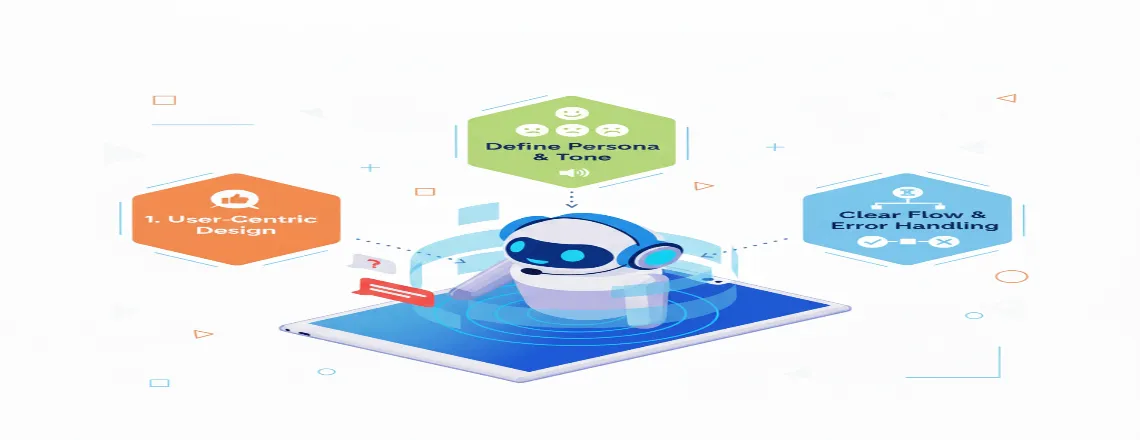
Chatbot design determines whether users interact with your bot or abandon it after the first interaction. The chatbot design mainly focuses on three components: intuitive chatbot UI design, natural conversational flow, and user experience planning.
📑 Table of Contents
- Chatbot Design Best Practices & Examples: How to Design a Bot
- Key Highlights
- Why Chatbot Design Matters?
- Core Benefits Of Thoughtful Chatbot Design
- Real-World Application: Where Great Chatbot Design Shines
- Chatbot Design Bot Practices: Building Bots People Actually Want To Use
- Chatbot UI Design: Creating Interfaces That Feel Effortless
- Chatbot Conversation Design: The Art Of Dialogue Flow
- Common Challenges In Chatbot UX Design And How To Fix Them
- Chatbot Design Examples That Got It Right
- Conclusion
- Frequently Asked Questions (FAQs)
This guide covers chatbot design best practices that actually work. You’ll learn how to design chatbot conversational flows that feel like a human. You’ll create an interface design that guides users effortlessly. You’ll also implement chatbot UX design principles that drive engagement.
Whether you are building an AI chatbot from scratch or modifying an existing bot, these proven methods will help you create a chatbot design that users actually want.
Build Your Bot
Key Highlights
| Clear purpose drives effective chatbot design Human-like conversations increase user engagement naturally Visual UI elements guide users effortlessly Mobile-first design ensures smooth interactions everywhere Thoughtful design boosts satisfaction and conversions |
Why Chatbot Design Matters?

The Chatbot market has reached $7 billion globally and is expected to continue growing in the coming days. Even after the growing usage of chatbots, research has shown that 60% users abandon chatbots after a poor experience. On the other hand, well-designed chatbots can handle up to 80% regular inquires while maintaining high satisfaction.
Users now expect more from conversational interfaces. With advanced AI models powering modern chatbots, people seek context-aware dialogue and a personalized approach, rather than scripted responses. Meeting these expectations may require a thoughtful chatbot design. Most of different industry regularly use chatbots. Each interaction with the chatbots either builds trust or can destroy it.
Core Benefits Of Thoughtful Chatbot Design
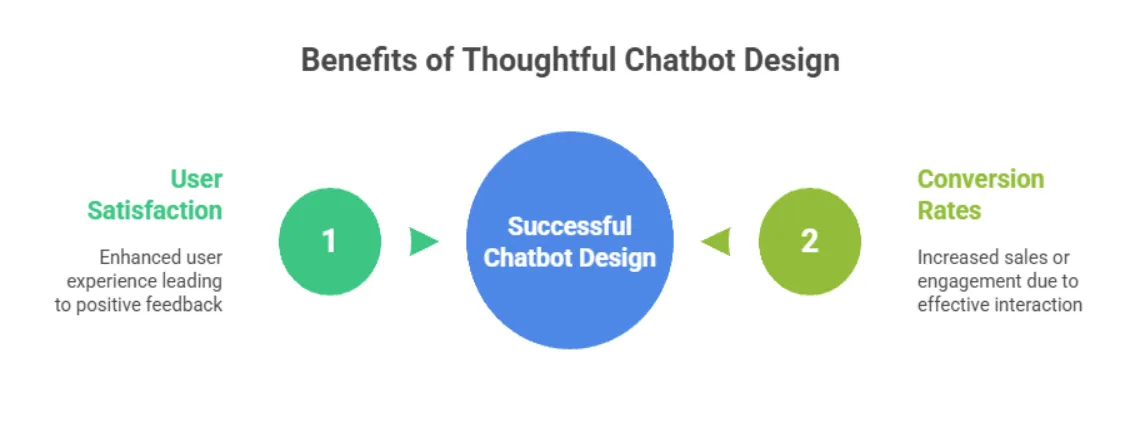
Improved User Satisfaction
Well-designed chatbots reduce complications by acknowledging user needs and providing clear responses to the issues. Chatbot interface design that prioritizes clarity through visual cues, intuitive buttons, and conversational feedback helps turn first-time users into repeat customers.
Spotify’s playlist recommendation bot demonstrates this perfectly. By asking simple questions about mood and genre, it creates personalized playlists in seconds. Users don’t have to navigate complex menus, as the bot handles everything for them.
When chatbot UX design removes barriers instead of creating them, satisfaction naturally follows and increases. Strong design also reduces support costs while maintaining the quality. According to IBM, most businesses can reduce customer service costs by implementing chatbots.
Higher Conversion Rates
Chatbots drive sales when designed with conversion in mind. They guide purchase decisions, answer objections in real-time, and reduce cart abandonment. H&M saw a 70% increase in engagement after launching a style assistant chatbot that provided friendly advice rather than aggressive selling.
E-commerce bots recover abandoned carts, travel bots book flights, and real estate bots schedule viewings all within chat. Bank of America’s Erica handles over 1 billion requests annually, demonstrating that AI chatbot design can scale without compromising personalization. These examples illustrate how chatbot design best practices directly translate to increased revenue.
Real-World Application: Where Great Chatbot Design Shines

E-Commerce and Customer Support
Chatbots eliminate barriers between browsing and buying by answering questions, recommending items, and processing orders within a single conversation. Sephora’s Virtual Artist combines recommendations with augmented reality, where users ask about lipstick shades and see real-time results. Customer support bots facilitate returns and shipping by integrating with order systems, leading to faster issue resolution.
Healthcare and Financial Services
Healthcare chatbots require careful design of chatbot conversations. Ada Health’s symptom checker stays professional yet compassionate, never downplaying concerns. Bank of America’s Erica handles balance inquiries and sends proactive spending alerts transparently: “I noticed increased dining spending. Want a breakdown?” The AI chatbot design utilizes simple visualizations—graphs and color-coded summaries — that users can instantly understand.
Chatbot Design Bot Practices: Building Bots People Actually Want To Use

Start With A Clear Purpose And User Goals
Before creating or designing any messages, always make sure what your chatbot wants to accomplish. Is it for answering FAQs? For Quality leads? For processing transactions? Each purpose demands different conversational flows and interface elements. Always track user behavior by identifying everyday tasks. For customer support, which includes tracking orders, processing returns, and resetting passwords. For lead generation, it’s about capturing contact information, qualifying interest, and scheduling demos.
Platforms like Chatboq offer built-in features for live chat widgets, chatbot automations, and omnichannel inbox management, simplifying implementation. Always focus on core functions and execute them perfectly. Then expand based on user feedback and analytics.
CTA: “Try Chatboq Free”
Craft Natural, Human-Like Conversations
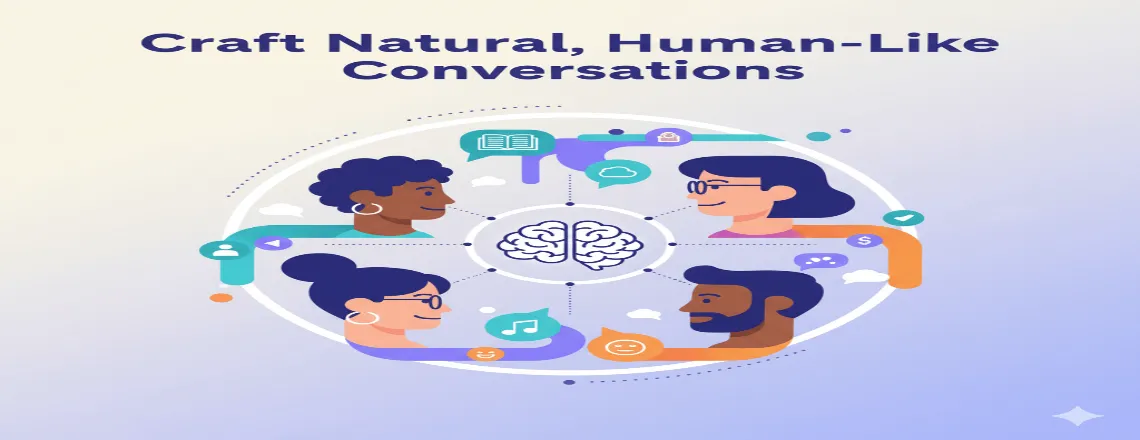
As people don’t communicate in keywords, they can change the course of the word or topic in the middle of a sentence. Your chatbot design should be able to handle real human interaction patterns.
Use Natural Language Processing (NLP) to understand intent beyond keywords. If someone types “I need help with my order,” the bot should recognize this as equivalent to “track my package.” Modern NLP tools can make this very possible by analyzing semantic meaning rather than exact phrases.
But technology alone doesn’t create natural conversations; writing matters. Compare:
Robotic: “Your inquiry has been received. Please provide the order number to proceed.”
Natural: “I’d be happy to help with your order! Can you share your order number?”
The second acknowledges the user, expresses willingness to help, and clarifies next steps while maintaining a human tone. This explains why AI chatbots are designed to sound like people: humans are hardwired for conversation. When bots mimic natural speech patterns, interactions feel comfortable rather than transactional.
Use conversational markers like “Got it,” “I see,” and “Now, let’s move on.” These small touches make dialogue feel less mechanical and more engaging.
Design Visual Elements That Guide Users
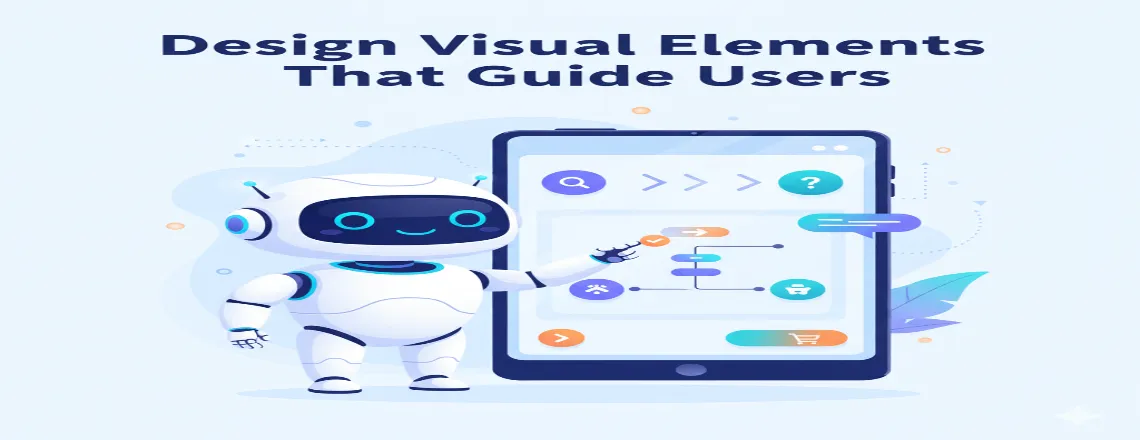
As chatbot UI designs are vital, they provide visual cues such as buttons, cards, images, and formatting to guide users and reduce mental strain.
Quick reply buttons eliminate guesswork by showing clear options. Carousel cards display multiple options visually, making complex choices feel simple. Typography and spacing significantly impact readability as short messages feel conversational, while long text blocks can overwhelm users, especially on mobile devices.
Color and branding create consistency. Your bot should reflect your brand’s visual identity, using the same colors, fonts, and tone as your website. This consistency builds recognition and trust through cohesive design that feels professional and polished.
Keep Mobile Users Front And Center
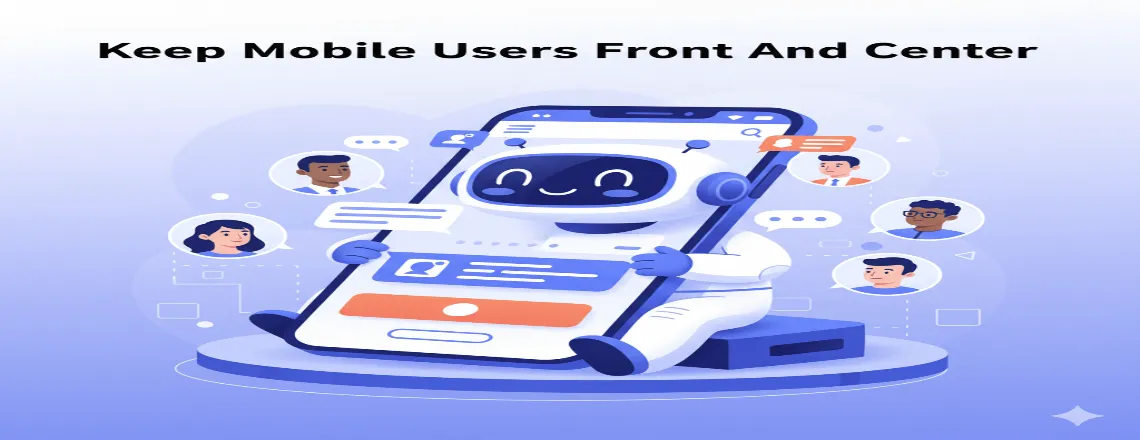
Over 60% of chatbot interactions happen on mobile devices. Your chatbot interface design must work smoothly on small screens with touch inputs.
Buttons should be finger-friendly as Apple’s Human Interface Guidelines recommend minimum tap targets of 44×44 pixels. Minimize typing by using buttons, quick replies, and selection menus whenever possible.
Test on multiple devices and screen sizes. Utilize responsive design principles to ensure your bot adapts to any screen, from small smartphones to large tablets.
Chatbot UI Design: Creating Interfaces That Feel Effortless

Visual Hierarchy And Message Bubbles
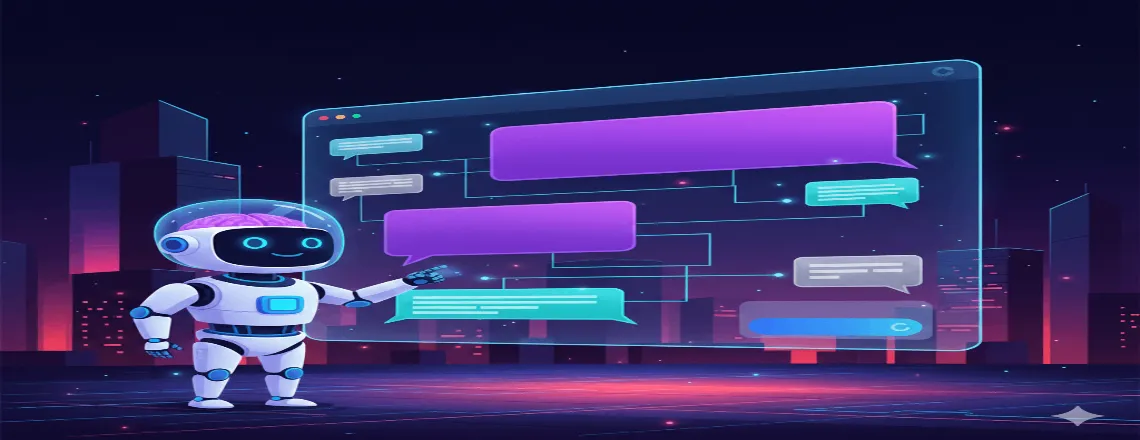
Message bubbles distinguish bot responses from user inputs. Standard convention puts user messages on the right in one color and bot messages on the left in another for instant conversation flow clarity.
Avatar icons reinforce identity and humanize interaction. Some bots utilize animated avatars that change expressions in response to the content of the message. Timestamps and read receipts set expectations, while typing dots provides feedback that the bot received input and is working on a response.
Button Placement And Quick Replies

Persistent menus and quick replies should appear at natural decision points. After greeting users, offer everyday actions such as “Check Order Status,” “Browse Products,” or “Contact Support” to immediately orient users.
Button text should be action-oriented and specific. Instead of “Yes” or “No,” use descriptive labels like “Schedule a Demo” versus “Not Right Now.” Limit choices to 3-4 options when possible to maintain a clean chatbot UI design.
Typography, Color, And Branding Consistency
Font choices affect readability and tone. Sans-serif fonts, such as Arial, Helvetica, and Roboto, are well-suited for chatbot interfaces due to their clean and screen-friendly nature.
Color psychology influences perception. Blue conveys trust, making it common in banking and healthcare bots. Select colors that align with your brand and evoke the desired emotions. WCAG guidelines recommend a contrast ratio of at least 4.5:1 between text and background for accessibility.
Consistent styling builds familiarity. Use the same button styles, message bubble designs, and spacing throughout to create a polished chatbot design.
Chatbot Conversation Design: The Art Of Dialogue Flow
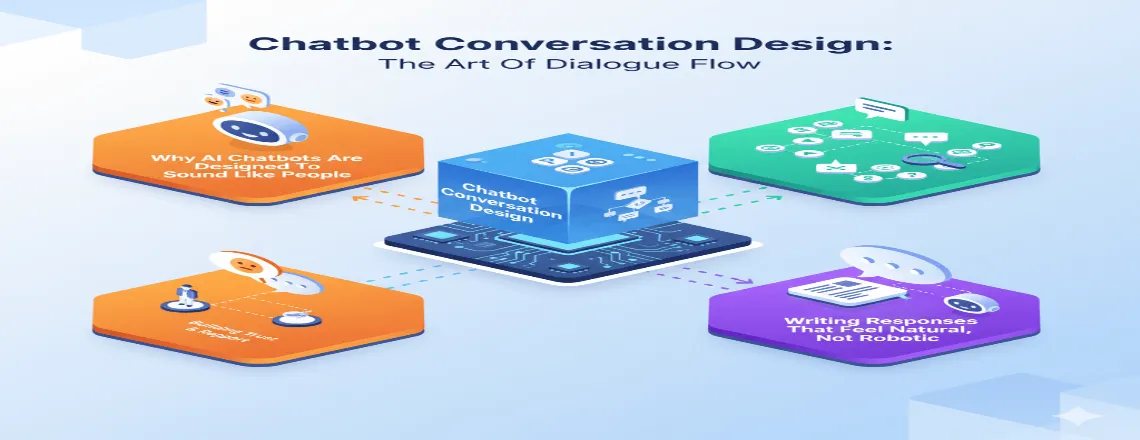
Why AI Chatbots Are Designed To Sound Like People
Humans interpret personality and intent from word choice, tone, and pacing. When chatbots mimic human conversational patterns, they tap into these instincts, making interactions feel natural rather than robotic.
But there’s a balance. Chatbots designed to sound precisely like people can trigger the “uncanny valley” effect. Users become frustrated when bots pretend to be human but lack genuine empathy or nuanced reasoning.
The solution? Transparency with personality. Make it clear users are talking to a bot, but give that bot a distinctive voice. Duolingo’s bots have quirky personalities and occasionally joke about being algorithms, creating connections without deception through effective chatbot conversation design.
Mapping User Intent And Conversation Patterns
Conversation design begins with intent mapping, which involves identifying what users want to accomplish and the paths they’ll take. Each intent becomes a conversation flow with clear steps and decision points.
Begin by creating a decision tree that maps the ideal path for each intent. But users rarely follow ideal paths, so your conversation design must handle deviations gracefully through context awareness and flexible branching.
Intent recognition through NLP helps identify what users want, even when they express it in different ways. “I need my package,” “track my order,” and “shipping status?” all express the same intent and should trigger the same conversation flow.
Writing Responses That Feel Natural, Not Robotic
Voice and tone guidelines ensure consistency. Document how your bot should sound: friendly yet professional. Playful and casual? Every response should align with this defined personality. Vary sentence structure and length. Mix short, punchy sentences with longer, detailed ones.
Inject personality through word choice. A travel bot might say “Pack your bags!” instead of “Booking confirmed.” These small touches create emotional connection and demonstrate effective conversational design that resonates with users.
Common Challenges In Chatbot UX Design And How To Fix Them
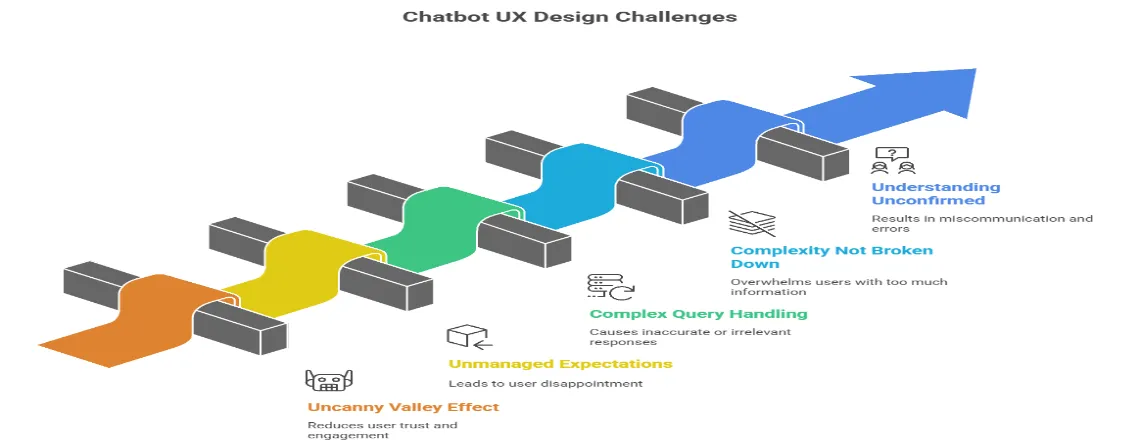
Avoiding the “Uncanny Valley” Effect
Set clear expectations upfront. Introduce the bot as an automated assistant with specific capabilities: “Hi! I’m a bot that can help with orders, returns, and product questions.” This honesty builds trust.
Managing User Expectations
Guide users toward supported capabilities. After greeting them, show what the bot does best through quick reply buttons or a capabilities menu. This frames conversations around strengths rather than limitations.
Handling Complex Queries
Know when to escalate. Design clear handoff points where bots transfer users to human agents, passing along conversation history. This hybrid approach combines efficiency with empathy.
Breaking Down Complexity
Guide users through specific questions instead of expecting them to provide all information at once. “Let me help you with that return. First, What’s your order number?” feels more conversational and reduces errors in your chatbot conversation design.
Confirming Understanding
When processing important requests, summarize what the bot understood and ask for confirmation. “Just to confirm, you’d like to cancel order #12345 and receive a refund. Is that correct?” This prevents costly mistakes.
Chatbot Design Examples That Got It Right
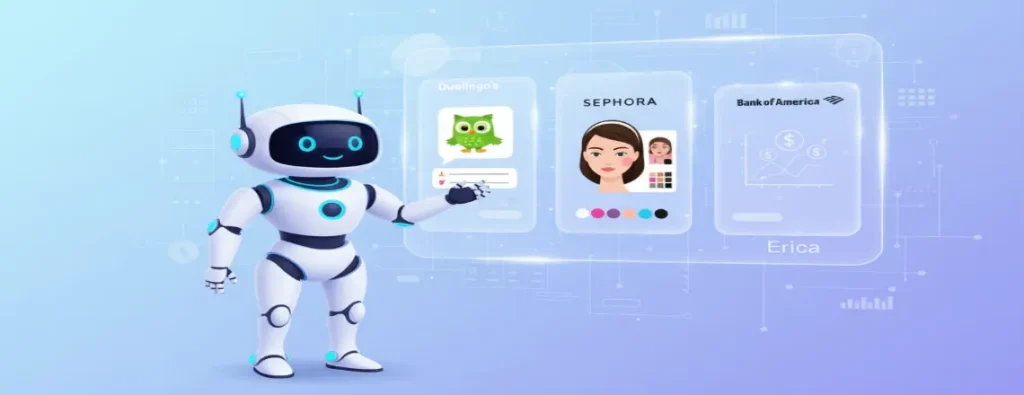
Duolingo’s Conversational Learning Bot
Duolingo’s practice bots enable language learners to engage in conversations at their skill level, providing hints when users get stuck and adjusting difficulty based on their performance.
What makes it work: The bots have distinct personalities, such as a friendly barista, a helpful taxi driver. Visual elements, such as character illustrations and speech bubbles, create immersive experiences. The bot’s error handling encourages learning, gently correcting mistakes, and letting users try again, demonstrating excellent chatbot design best practices.
Sephora’s Virtual Artist Experience
Sephora’s chatbot combines product recommendations with virtual try-on technology. Users ask about makeup looks, browse products, and see how they’d look wearing them through augmented reality.
What makes it work: The chatbot UI design integrates visual elements naturally. Users tap products to see details or try them on virtually, blending a conversational interface with visual discovery. Conversation flow focuses on discovery rather than hard selling, demonstrating how effective chatbot interface design respects user autonomy.
Bank Of America’s Erica: Financial Assistant
Erica handles everything from balance inquiries to credit score monitoring. The bot proactively sends alerts about unusual activity, upcoming bills, and ways to save money.
What makes it work: Trust is built through transparency. Erica explains what she’s doing and why, keeping users in control. The AI chatbot design prioritizes clarity through simple visualizations, including graphs, charts, and color-coded summaries. Security measures are visible and reassuring, building confidence through thoughtful design.
Conclusion
Great chatbot design is about understanding user needs, removing barriers, and creating helpful conversations. Define a clear purpose, build thoughtful conversation flows, design intuitive chatbot UI and UX, and implement robust error handling. Utilize platforms such as Chatboq, Dialogflow, Botpress, or IBM Watson to implement these best practices. Test, iterate, and balance automation with empathy, as bots should handle tasks effectively and escalate when needed. Track key metrics like engagement rates, resolution rates, CSAT, and NPS, while staying aware of trends like voice-first interfaces, multimodal experiences, emotion recognition, and hyper-personalization. Audit your bot, improve conversation flow, visual design, or error handling, and apply these chatbot design best practices consistently.
Frequently Asked Questions (FAQs)
Chatbot design is the process of creating conversational flows, UI, and UX to make bots user-friendly and effective.
Good design improves user satisfaction, engagement, and conversion while reducing abandonment.
Intuitive UI, natural conversation flow, and thoughtful UX are the main components.
Use NLP to understand intent, human-like phrasing, and conversational markers like “Got it” or “I see.”
E-commerce, customer support, healthcare, finance, and travel industries see significant gains.
Popular platforms include Chatboq, Dialogflow, Botpress, and IBM Watson.
Track engagement rates, resolution rates, CSAT, NPS, and conversion metrics.
Design clear escalation paths to human agents and provide context from previous interactions.
Clear buttons, message bubbles, consistent typography, and mobile-friendly design.
Continuously—test with real users, fix friction points, and iterate based on analytics.

Daniel Wong
Technical Content Writer
My name is Daniel Wong, a Technical Content Writer from Singapore with a strong interest in AI-powered tools and digital automation. At ChatBoq AI, I focus on creating practical and easy-to-follow content that helps businesses and individuals understand how chatbots work and how to use them effectively.
I enjoy breaking down complex topics like natural language processing (NLP) and conversational AI into simple guides that anyone can follow. Each article is based on careful research, real-world examples, and testing to ensure accuracy and reliability.
Through ChatBoq AI, my goal is to provide readers with trustworthy insights, step-by-step tutorials, and the latest trends in chatbot technology.
✍️
Expert in AI & Chatbot Technology

Leave A Comment