
20 Best Canned Response Examples to Improve Live Chat and Customer Support
Efficient customer support can make or break a business. In today’s fast-paced digital world, customers expect quick, accurate responses. Canned responses for live chat are pre-written replies that help agents answer queries instantly, saving time while maintaining consistency and professionalism.
📑 Table of Contents
- 20 Best Canned Response Examples to Improve Live Chat and Customer Support
- What are canned Responses
- Why Canned Responses Are Important
- Benefits of using Canned Responses
- Best Practices for Using Canned Responses
- 20 Best Canned Response Examples
- Customization and Personalization of Canned Responses
- Conclusion
- Frequently Asked Questions (FAQs)
In this guide, we’ll explore the benefits, best practices, and 20+ actionable canned response examples that can enhance live chat, email support, and CRM efficiency. By using these strategies, your team can boost customer satisfaction, reduce response errors, and streamline support operations.
Pro Tip: Platforms like Chatboq.com make it easy to automate canned responses across live chat, email, and CRM systems.
What are canned Responses

Canned responses are pre-written chat replies that customer support agents can reuse to answer common questions efficiently. These responses can be saved as chat shortcuts, macros, or message templates in live chat software like Slack, Microsoft Teams, helpdesk software or CRM systems like Chatboq
They allow support teams to focus on complex queries while maintaining brand voice consistency and high agent productivity.
Why Canned Responses Are Important
- Ensure consistency in communication across all agents
- Save time by providing instant replies to customers
- Reduce response errors and maintain a professional tone
- Allow agents to focus on complex issues rather than repetitive questions
- Enhance multi-channel support across live chat, email, and social media
Canned responses are versatile and useful for SaaS companies, e-commerce stores, and enterprise-level customer support operations.
Benefits of using Canned Responses
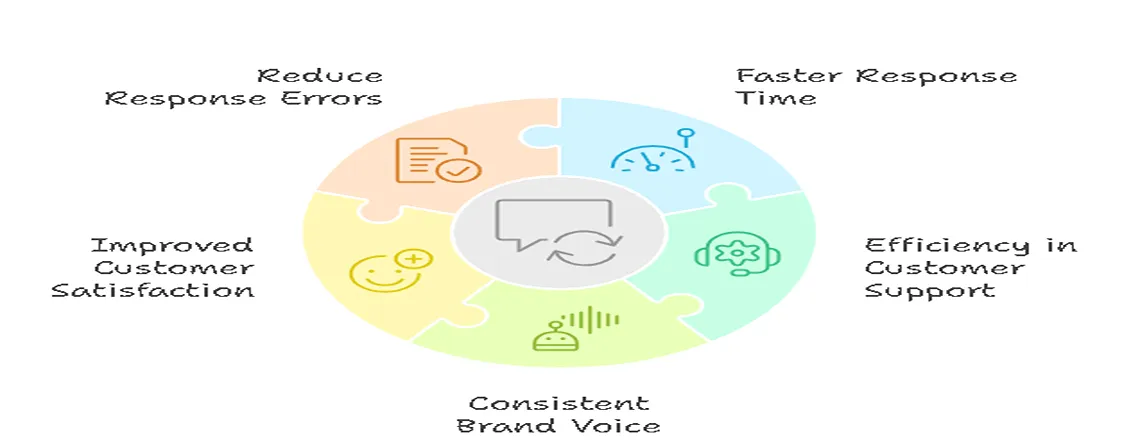
Using canned chat responses brings measurable improvements to your support operations.
- Faster Response Time in Live Chat: Customers expect quick replies, and studies show 75% of users expect a response within five minutes. Canned responses allow agents to respond instantly, improving your first response time metric.
- Efficiency in Customer Support: With pre-written chat replies, agents spend less time typing repetitive answers. This increases productivity, allowing your team to handle more tickets per day.
- Consistent Brand Voice: Canned responses help maintain a consistent brand voice in chat, ensuring customers receive uniform information regardless of the agent they interact with.
- Improved Customer Satisfaction: Timely and accurate responses make customers feel valued, boosting satisfaction and loyalty. Personalized canned responses also create a human touch in automated replies.
- Reduce Response Errors: Using saved live chat messages minimizes mistakes, especially for technical queries, pricing questions, or sensitive issues.
Best Practices for Using Canned Responses
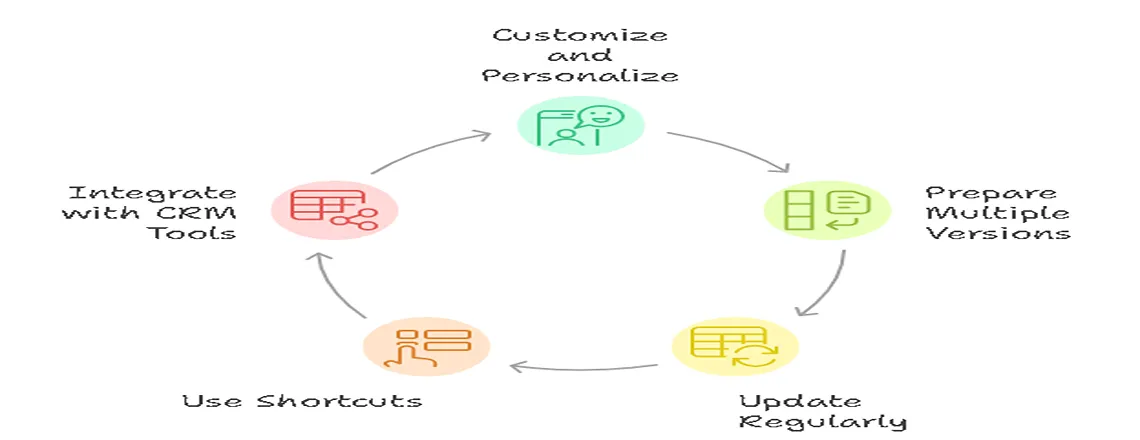
To maximize customer support automation:
- Customize and Personalize: Always address customers by name and add a touch of friendliness. Avoid robotic replies.
- Prepare Multiple Versions: Create variations for new vs. returning customers, international users, or different product lines.
- Update regularly: Update your canned response templates regularly to reflect new products, policies, or seasonal changes.
- Use shortcuts: Use shortcuts to quickly insert pre-written replies without wasting time navigating a long list.
- Integrate with CRM Tools: Platforms like Chatboq.com allow seamless CRM and multi-channel integration.
Automate your personalized canned responses today with Chatboq.
20 Best Canned Response Examples
Greeting a Customer
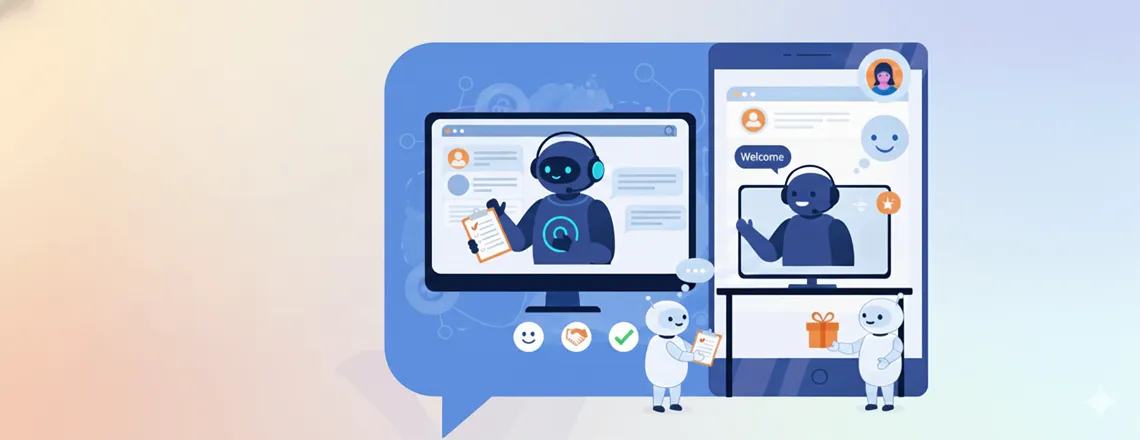
Start chats with a friendly greeting to cut first-response time and create a positive impression.
Example 1 – Customer Query
Hello [Name], thanks for reaching out! I’m [Agent], happy to help. Please give me a moment to check your question.
Example 2 – Website Visitor
Hi there, welcome to [Website]! I’m [Agent] and I’ll be assisting you today.
Offline Message
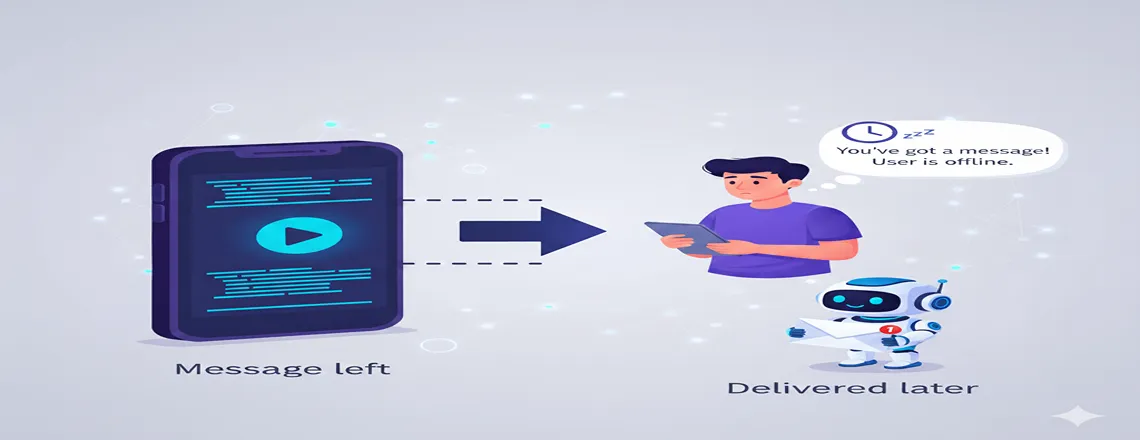
When agents are away, keep the chat visible so visitors can still leave a note. Collect their name and email for follow-up.
Example: Thanks for your message! Our team is offline and will reply during business hours (Mon–Fri, 9 AM–5 PM). We’ll email you as soon as we’re back.
Forwarding the Chat to Another Agent
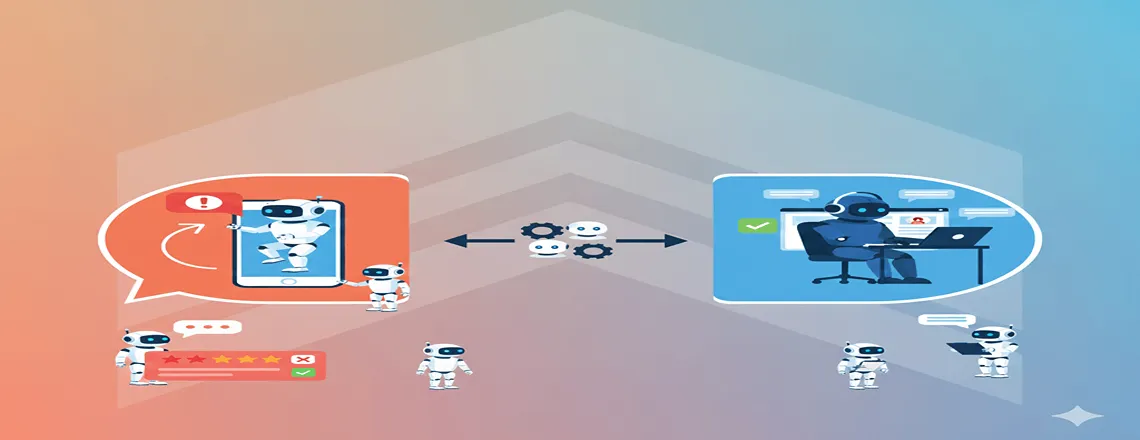
When a query needs another team’s expertise, use a polite hand-off message so the customer stays informed.
Example 1
“Hi [Name], our [Team/Department] can help you better. I’m connecting you now and will leave the chat with your permission.”
Example 2
“Hello [Name], my colleague [Colleague Name] is best suited for [Issue]. I’m forwarding the chat, and they’ll join in a moment.”
Apology Messages
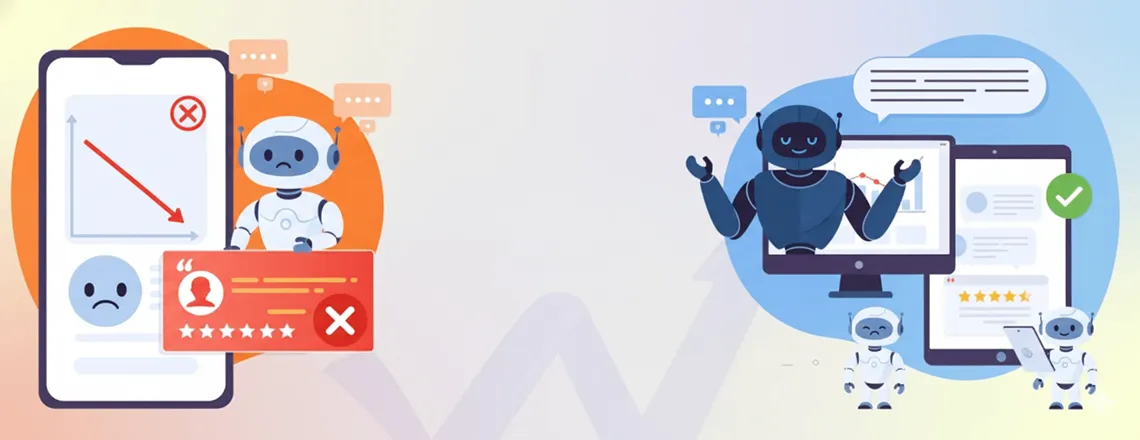
Quickly acknowledge mistakes like delays or downtime.
Example
Sorry for the delay, [Name]. We’re fixing [Issue] and expect it to be resolved by [ETA]. Thanks for your patience.
Feature Request Responses
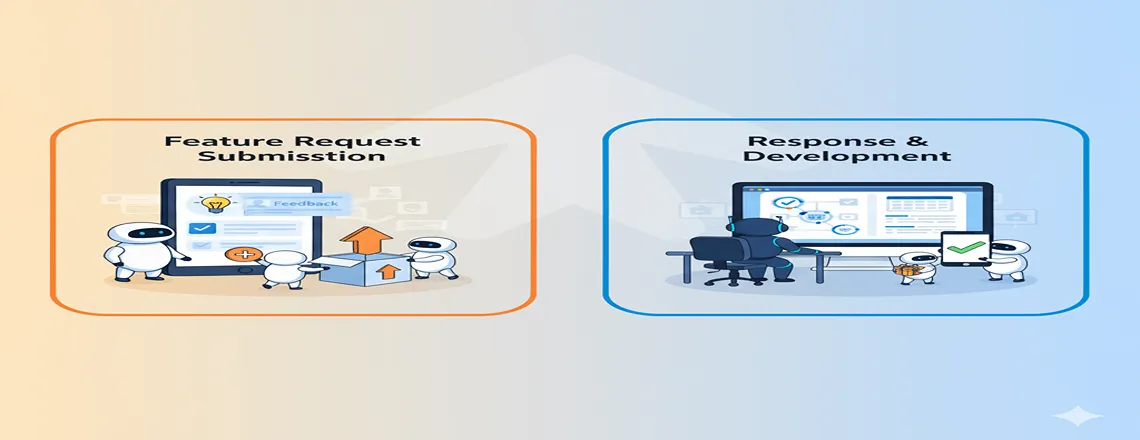
Customers frequently ask if you offer a specific feature like SaaS, E-commerce.
Here are a couple of possible responses to “Do you have [X] feature?:
- Yes, we do. Our [Plan-1] includes X among other features like Y and Z.
- Unfortunately, we don’t provide X at the moment. However, we’re launching it next month. Would you like to be notified about it?
- Hey, sorry, we don’t have [Feature]. And I just talked with our product manager, and we aren’t planning to launch anytime soon.
Booking Demo via Chat
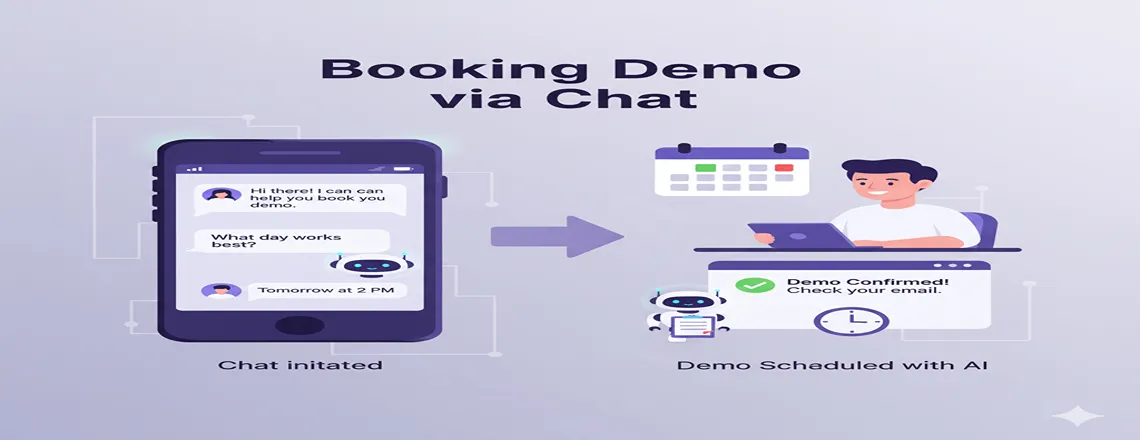
When a visitor wants to schedule a call or demo, share a link, or confirm their time.
Here’s an example canned response for users who want to book an appointment:
- Great decision! Click on this Calendly (or Motion) link to book your appointment (or schedule your call). Alternatively, let me know when you’d be free, and I’ll cross-check to see if the time works for us. Thanks
Pricing Inquiry Responses
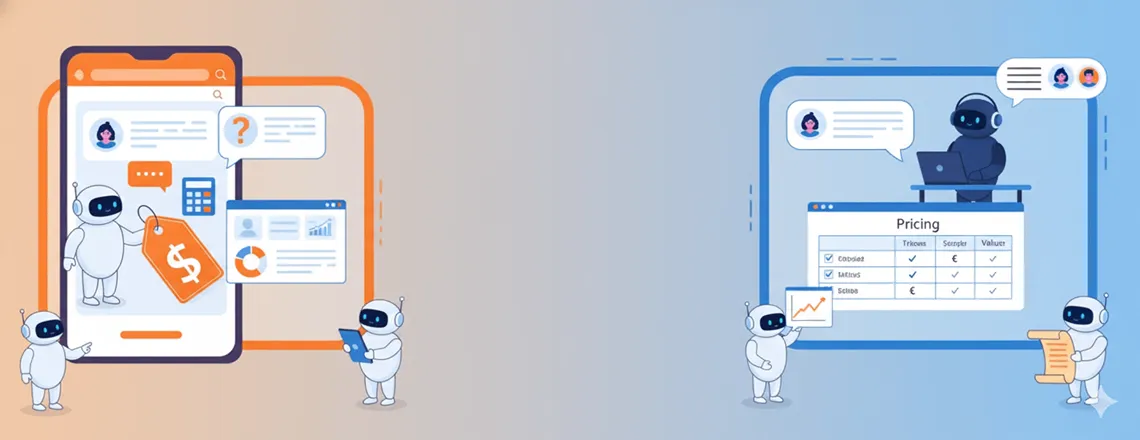
Visitors often ask about costs if your site hides pricing. Keep a quick reply ready.
Example
“Hi, our plans start at [Price] for [Features] and go up to [Advanced Price] for [Advanced Features]. Want details or a custom quote?”
Discount Code Messages
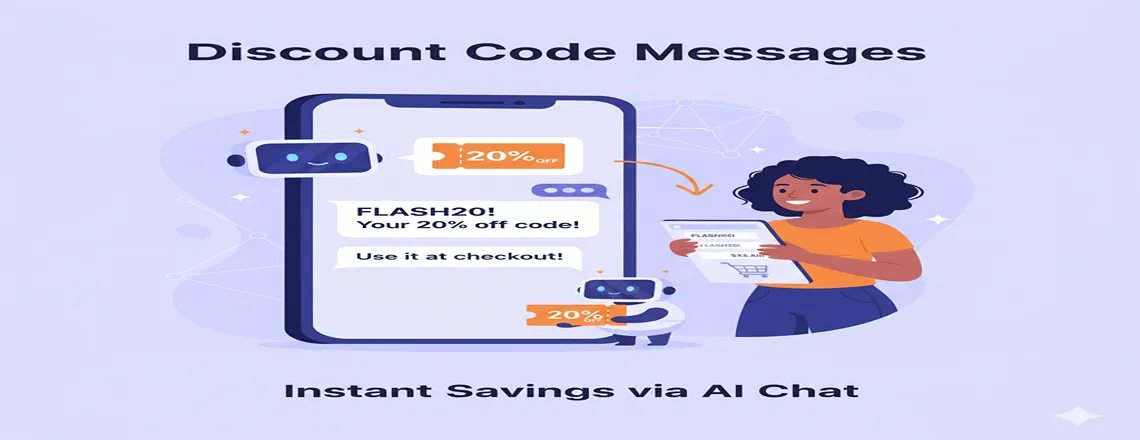
Predictably, people always want a discount. And hence one of the most common requests live chat agents, especially of e-commerce stores, get is asking for discount codes.
Example
- Sure! Use code [CODE20] for 20% off orders over $100.
- Sorry, we aren’t running any discounts at the moment. But if you buy products worth $100 or more, I’ll be happy to give a 10% off exclusive coupon from my side
- We don’t have any discounts at this time. In case you are waiting for a sale, please visit the store in December.
Issue Resolved Messages
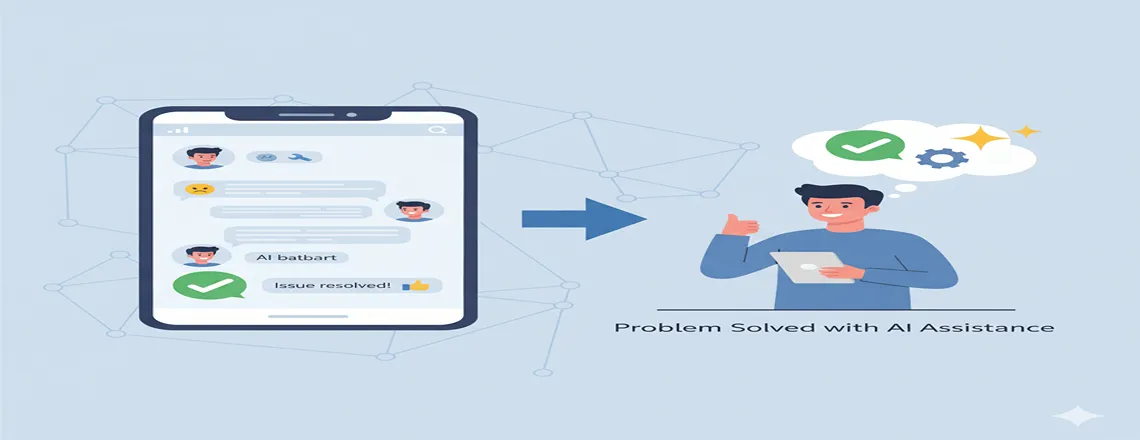
Have response templates ready for when the issue is fixed. For example, say an update push led to an issue you got a lot of messages about. Have someone create a canned message while the engineering team pushes the fix.
Example
Good news, [Name]! The [Issue] is fixed. Please refresh and let us know if you see any problems.
Asking for feedback

Asking for customer feedback is vital to improving customer support and experience. Plus, it’s also a great note to end the live chat on.
Example:
- Thanks for being patient, [Name]! I am happy I could help. Could you do me a favor and leave a quick review of your experience? Here’s the link: [CSAT Survey].
- It was great chatting with you, [Name]! If you can spare a couple of minutes, would you mind sharing your feedback about the support you just received?
Delivery/Shipping Updates
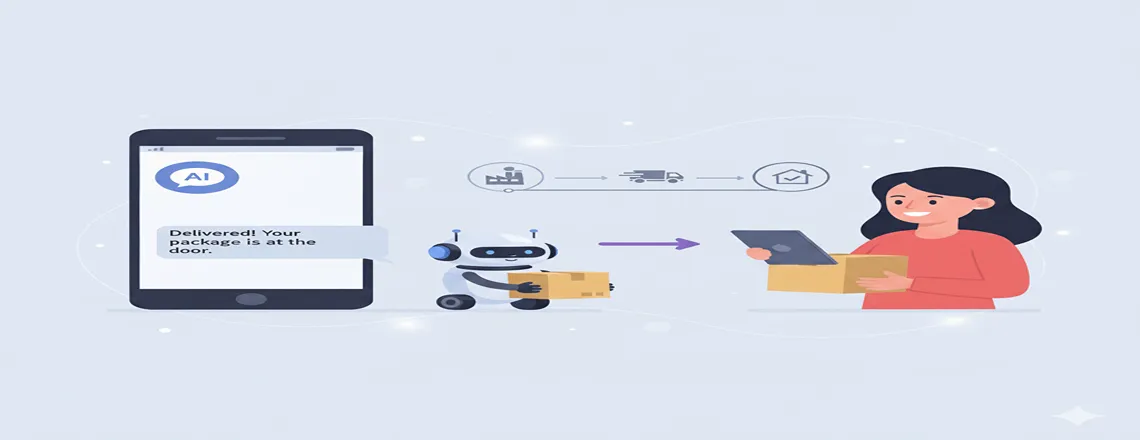
Provide real-time order updates.
Example:
Hi [Name], your order [Order Number] is on the way and expected to arrive by [Date].
Refund Request Responses
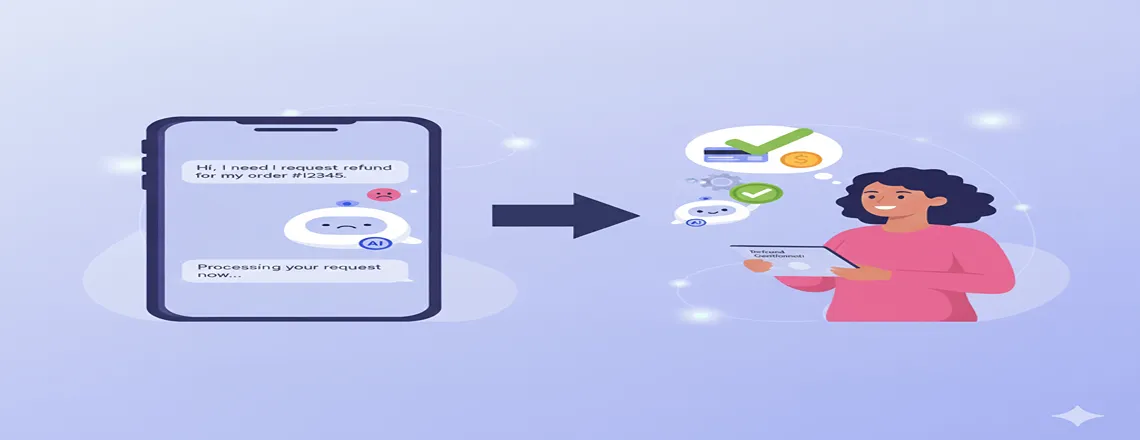
Communicate the refund status clearly
Example:
Your refund request has been processed. The amount will reflect in your account within [Time Frame].
Technical Support Guidance
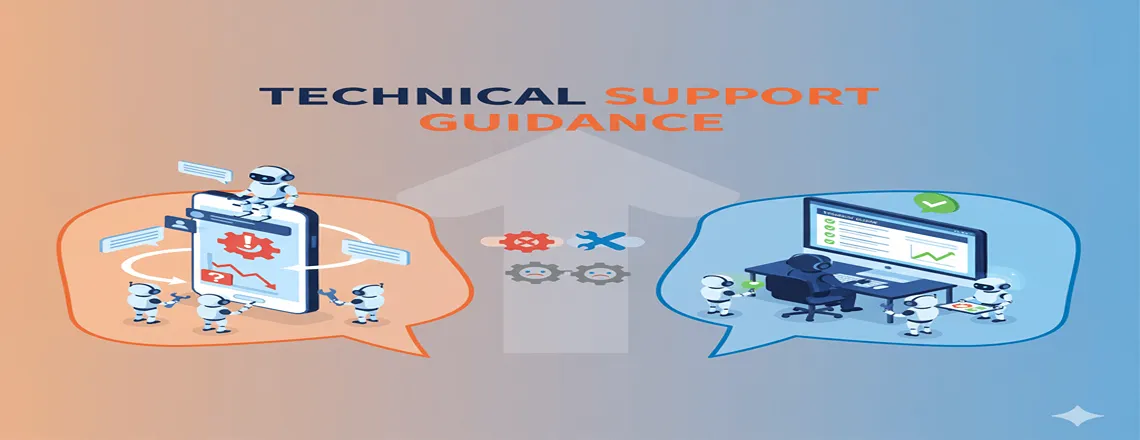
Guide users step-by-step for technical issues.
Example:
Hi [Name], here’s a step-by-step guide to fix the issue: [Link]. Let me know if you need further help.
Follow-Up on Previous Issues
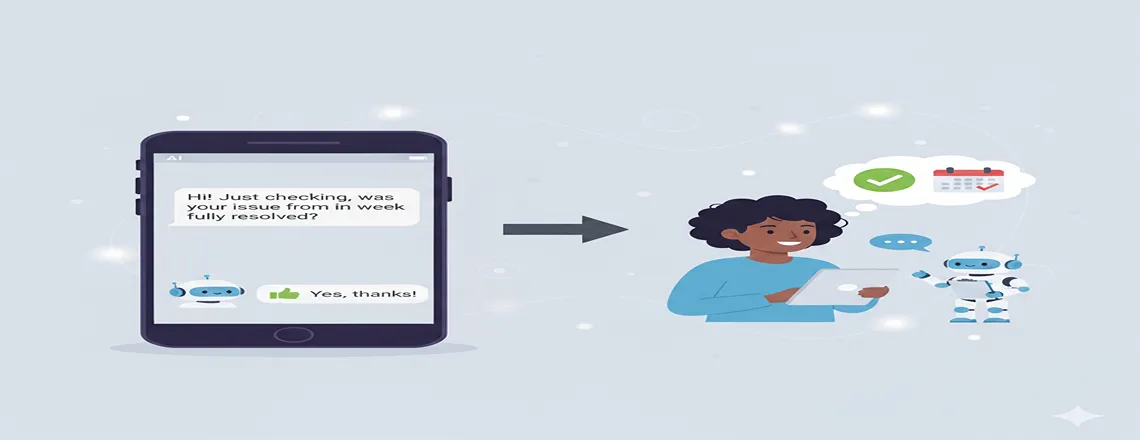
Ensure problems are fully resolved.
Example:
Hi [Name], following up on your previous request regarding [Issue]. Is everything resolved now?
Providing Help Resources

Share relevant knowledge base or guides.
Example:
You can find helpful resources here: [Link]. Feel free to reach out if you need additional assistance.
Saying Thank You

End conversations politely.
Example:
Thank you for contacting us, [Name]! We appreciate your patience and trust in [Company Name].
Upselling or Cross-Selling Messages
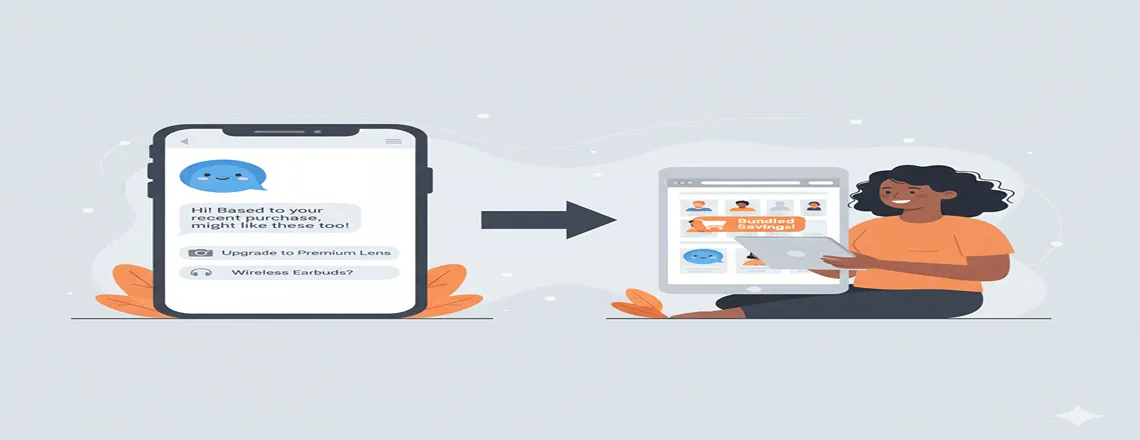
Suggest related products naturally.
Example:
Since you’re using [Product], you might also benefit from [Related Product]. Check it out here: [Link].
System Downtime Notifications
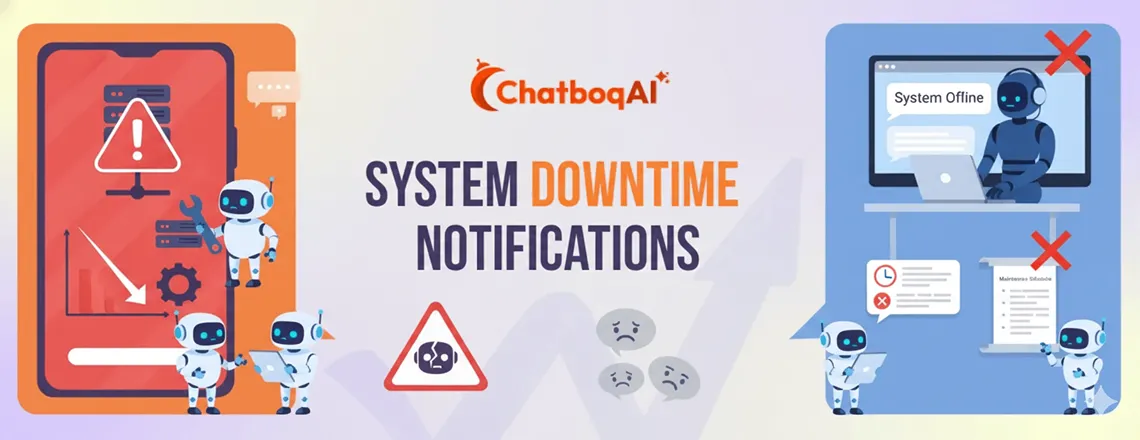
Communicate maintenance schedules clearly.
Example:
We’re currently performing maintenance. Some features may be unavailable. We apologize for the inconvenience.
Ending the Chat Politely

Close interactions with positivity.
Example:
It was a pleasure assisting you, [Name]. Have a great day!
Requesting More Details
Ask for additional information to resolve queries effectively.
Example:
Hi [Name], I can help you with this issue. Could you please provide [Required Info] to proceed?
Customization and Personalization of Canned Responses
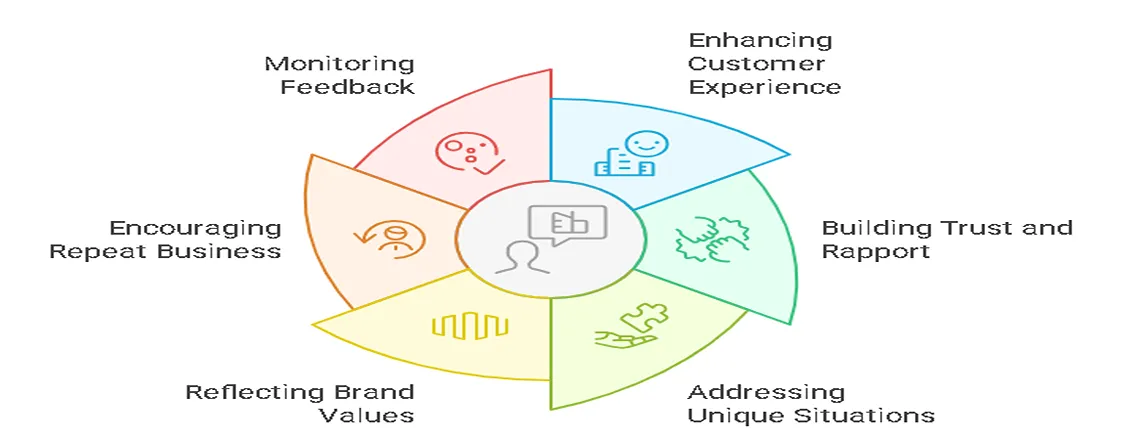
Canned responses can significantly enhance the customer experience and build trust.
- Enhancing the Customer Experience: Add names, previous interaction references, and personalized greetings.
- Building Trust and Rapport: Show customers their concerns are understood and valued.
- Addressing Unique Situations: Tailor replies for specific or uncommon queries.
- Reflecting Brand Values: Maintain your SaaS or e-commerce brand tone and voice.
- Encouraging Repeat Business: Suggest relevant products or services naturally.
- Monitoring Feedback: Use feedback request templates to improve future support.
Platforms like Chatboq make it easy to automate personalized canned responses across live chat, email, and CRM systems.
Conclusion
Canned responses are a powerful tool to improve live chat, CRM-integrated customer support, and multi-channel automation. By using these 20+ examples and following best practices, your team can save time, reduce errors, maintain a consistent brand voice, and boost CSAT.
For SaaS companies and e-commerce businesses, Chatboq allows automated, CRM-integrated canned responses, freeing agents to focus on high-value interactions.
Ready to streamline your support and boost customer satisfaction? Try Chatboq Today!
Frequently Asked Questions (FAQs)
Pre-written chat replies that help agents answer common questions quickly and consistently.
They save time, reduce errors, and ensure faster, more professional responses.
Yes, you can add customer names, past interactions, and a friendly tone to make them personal.
Platforms like Chatboq.com, Slack, Microsoft Teams, and most live chat/CRM software.
Absolutely, they streamline support, handle repetitive queries, and improve CSAT scores.
Track metrics like first response time, ticket resolution rate, and customer feedback.
It automates and personalizes canned responses across live chat, email, and CRM channels.
It’s best to review and update your canned responses every 3–6 months to align with new features, pricing changes, or seasonal updates.
Avoid overusing robotic replies, outdated templates, or irrelevant responses. Always personalize messages and keep your tone friendly and natural.

Daniel Wong
Technical Content Writer
My name is Daniel Wong, a Technical Content Writer from Singapore with a strong interest in AI-powered tools and digital automation. At ChatBoq AI, I focus on creating practical and easy-to-follow content that helps businesses and individuals understand how chatbots work and how to use them effectively.
I enjoy breaking down complex topics like natural language processing (NLP) and conversational AI into simple guides that anyone can follow. Each article is based on careful research, real-world examples, and testing to ensure accuracy and reliability.
Through ChatBoq AI, my goal is to provide readers with trustworthy insights, step-by-step tutorials, and the latest trends in chatbot technology.
✍️
Expert in AI & Chatbot Technology

Leave A Comment