

10 Best Live Chat Triggers to Boost Visitor Engagement
Most website visitors leave within seconds if they can’t find what they need. Live chat triggers change this by starting conversations at the right moment. These smart tools watch visitor behavior and offer help exactly when required.
📑 Table of Contents
Studies prove websites using live chat software see 40% higher conversions. This guide shows you the 10 best live chat triggers that turn browsers into customers.
Key Highlights
| Smart chat triggers boost visitor engagement fast. Proactive messaging converts browsers into buyers. Ten proven triggers improve website conversions. Best practices optimize chat timing and tone. Chatboq offers all-in-one trigger automation. |
What Are Live Chat Triggers?

Live chat triggers are automated rules that launch chat windows based on visitor behavior. They work like smart assistants, watching your website and noticing when someone needs help. These triggers differ from regular chat widgets because proactive chat messages reach out first. The technology tracks actions like time spent, pages visited, or mouse movements instantly.
Companies using chatbot triggers see remarkable results across all metrics. Response times drop from minutes to seconds with chat automation. Lead generation chat captures more emails than passive methods. Customer support teams handle fewer repetitive questions and save valuable time.
Why Visitor Engagement Matters
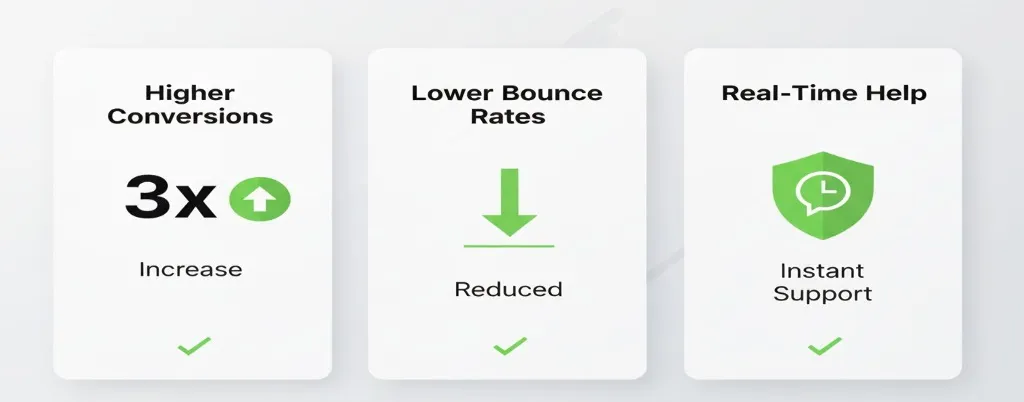
Visitor engagement directly impacts your bottom line every single day.
- Conversion Impact: Engaged users stay longer and explore more pages. They’re three times more likely to make purchases than passive browsers.
- Bounce Rate Problems: Low engagement kills conversion rates fast. When people bounce quickly, you lose potential customers. Search engines notice high bounce rates, hurting your rankings.
- Real-Time Help: Real-time chat keeps people interested and answers questions immediately. If you get stuck while shopping online, don’t you want help right away?
SaaS companies rely on engagement to predict trial-to-paid conversions. Engaged trial users convert at five times higher rates. Service businesses need engagement to schedule consultations. eCommerce stores depend on it to overcome buying objections.
User engagement tools provide valuable data about visitors. You learn what confuses them and what sparks interest. The connection between chat and lead generation is crystal clear.
Want to boost engagement starting right now? Try Chatboq’s powerful triggers and watch your numbers climb.
Top 10 Live Chat Triggers That Drive Results
1. Welcome Trigger
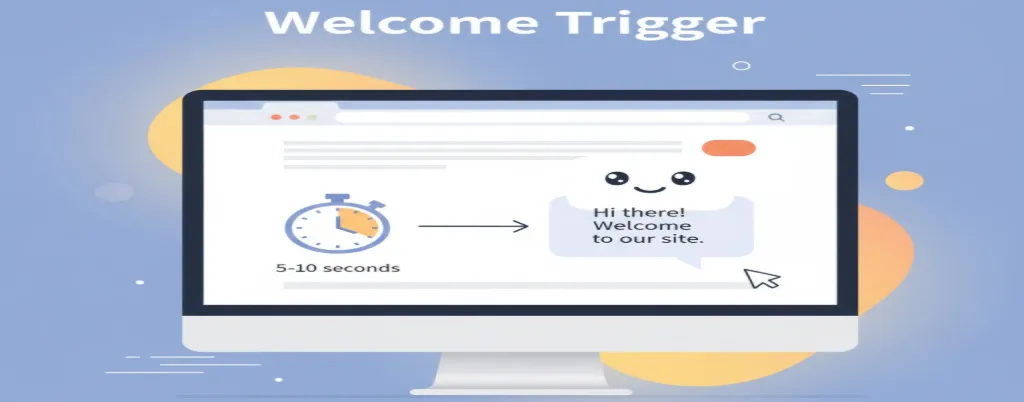
Greets first-time visitors within seconds of their arrival. The message appears after 5-10 seconds on any page. This creates an immediate connection and shows you’re available to help.
- Recognizes new visitors automatically
- Customizable for different traffic sources
- Increases engagement by 23%
Example: “Hi there! Welcome to our site. Need help finding anything?”
Best for: Brand awareness, reducing bounce rates, and establishing your presence
Keep messages friendly and non-pushy always. Test different timing options. Some audiences prefer instant greetings within five seconds.
2. Exit Intent Trigger
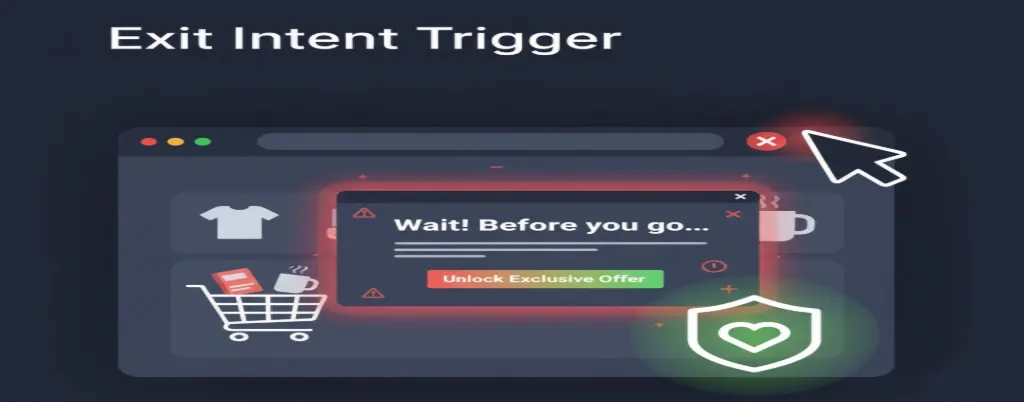
Catches visitors trying to leave your website immediately. Detects mouse movement toward the browser’s close button. The chat window appears right before someone exits your site.
- Saves lost sales with last-second engagement
- Recovers 10-15% of abandoned visitors
- Perfect for cart abandonment scenarios
Example: “Wait! Before you go, can we answer any questions quickly?”
Best for: Reducing cart abandonment, capturing email leads, and offering special discounts
Precision matters with exit intent systems. False triggers annoy visitors and hurt your brand reputation badly.
3. Time-Based Trigger
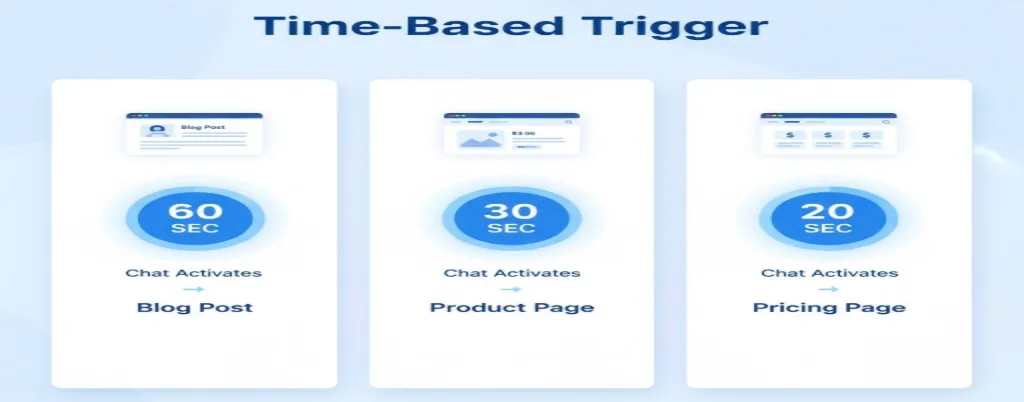
Starts chat after visitors spend a specific time on pages. Respects the visitor space by waiting before interrupting their reading. Different pages need different timing strategies.
- Blog posts: 60 seconds
- Product pages: 30 seconds
- Pricing pages: 20 seconds
- 18% higher engagement rates
Example: “I see you’re reading about our plans. Any questions?”
Best for: High-value pages, product details, pricing sections, service pages
Time-based triggers work because quick popups feel too pushy. Waiting shows you care about their experience first.
4. Scroll-Based Trigger
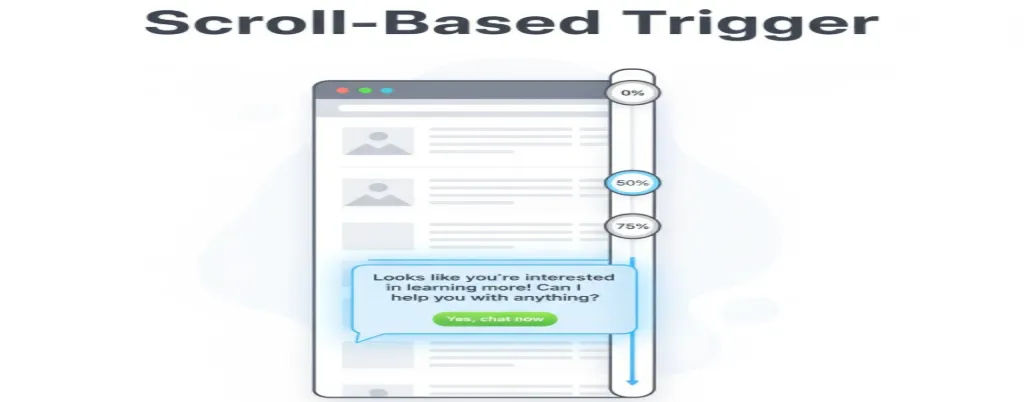
Activates when visitors scroll to specific page sections. Monitors scroll depth percentage as visitors read content. Chat appears when reaching 50% or 75% scroll depth markers.
- Shows genuine reading interest
- 25% more qualified leads
- Works great for long-form content
Example: “Looks like you’re interested in our features. Want a demo?”
Best for: Long-form content, landing pages, product showcases, blog articles
You can set multiple triggers at different scroll depths. 50% depth gets a soft offer, while 75% gets stronger calls to action.
5. Cart Abandonment Trigger
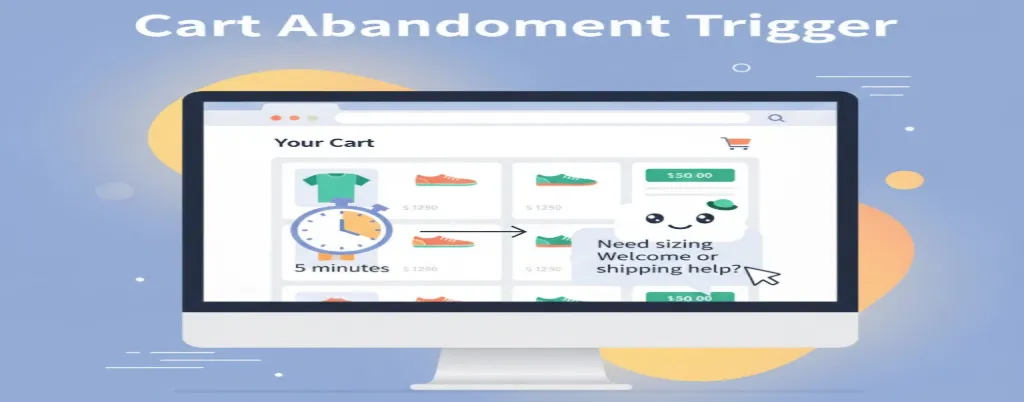
Engages shoppers who add items but don’t check out. Activates when items sit in carts for several minutes. About 70% of shopping carts get abandoned before purchase.
- Recovers 15-30% of lost sales
- Addresses concerns before customers leave
- Integrates with eCommerce platforms
Example: “I see items in your cart. Need sizing or shipping help?”
Best for: eCommerce stores, subscription services, booking systems, online retail
Sometimes people just need reassurance about return policies. Other times, they want coupon codes or shipping information.
6. Page-Specific Trigger
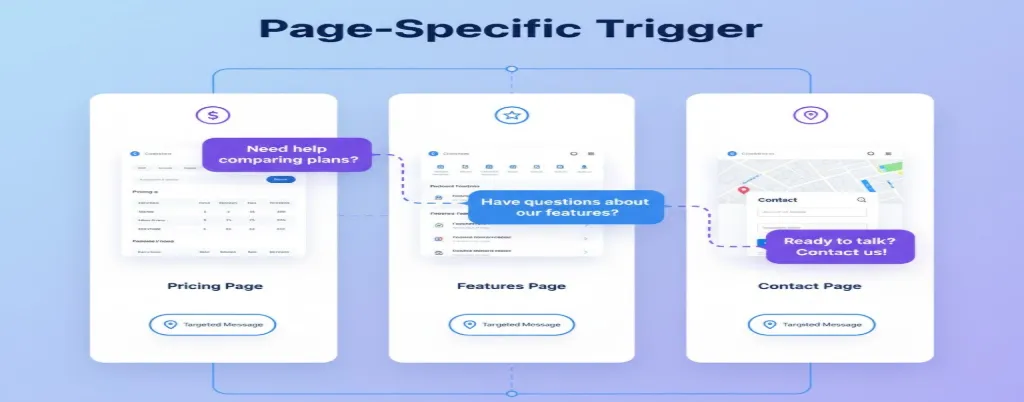
Targets high-intent pages like pricing, features, or contact pages. Appears only on crucial pages showing buying intent. People visiting pricing pages are seriously considering a purchase.
- 35% higher conversion rates
- Perfect for decision-making pages
- Customizable for each page
Example: “Comparing our plans? I can help you choose perfectly.”
Best for: SaaS pricing pages, service inquiry pages, product comparison pages
You can create unique messages for every important page. Contact page visitors already want to talk anyway.
7. Behavioral Trigger
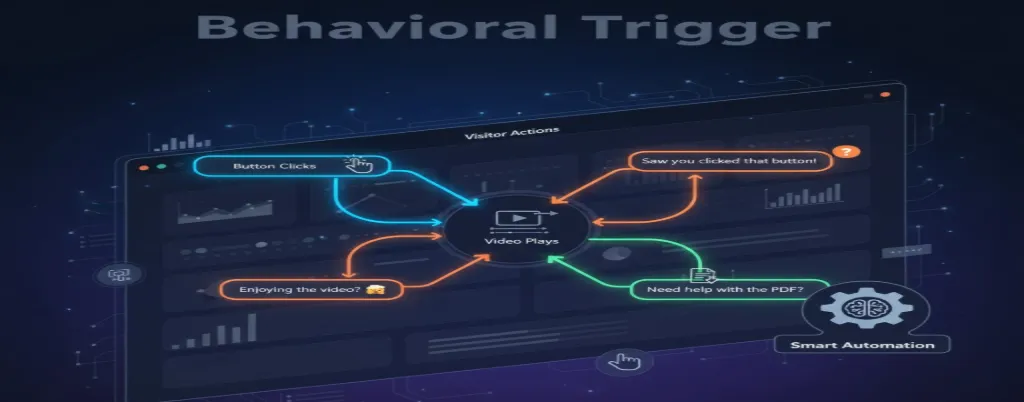
Responds to specific actions like clicking buttons or viewing videos. This is the most sophisticated live chat trigger type available. Tracks meaningful actions that signal purchase intent.
- Monitors clicks, video views, downloads
- 40% higher quality leads
- Perfect for complex products
Example: “I noticed you watched our demo. Want to see more?”
Best for: Complex products, high-ticket services, B2B sales, enterprise solutions
Trigger chats when someone views pricing after watching a demo video. That’s a much stronger intent than either action alone.
8. Repeat Visitor Trigger
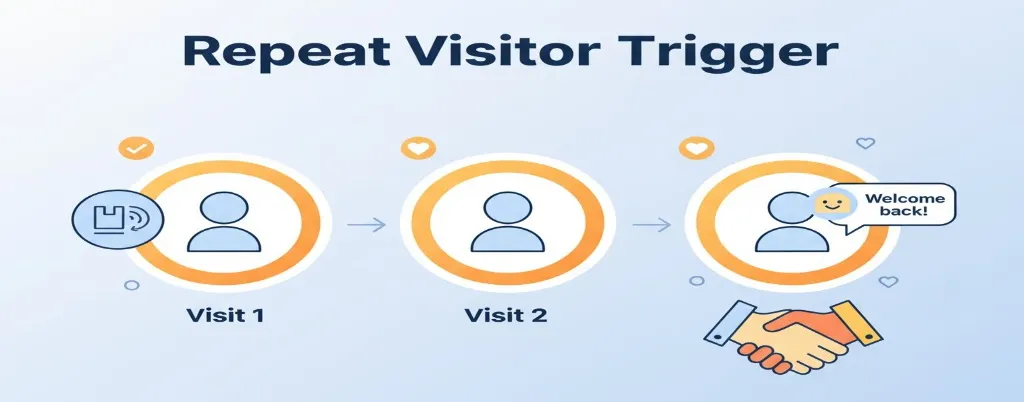
Welcomes back returning visitors with personalized messages. Recognizes visitors who return multiple times. Repeat visitors are 2-3 times more likely to convert than first-timers.
- References previous visits
- 28% faster deal closing
- Builds trust and relationships
Example: “Welcome back! Ready to pick up where you left off?”
Best for: Building relationships, nurturing leads, supporting trial users, and retention
Your returning message can reference their last visit easily. Treating repeat visitors special accelerates the decision-making process significantly.
9. Form Abandonment Trigger
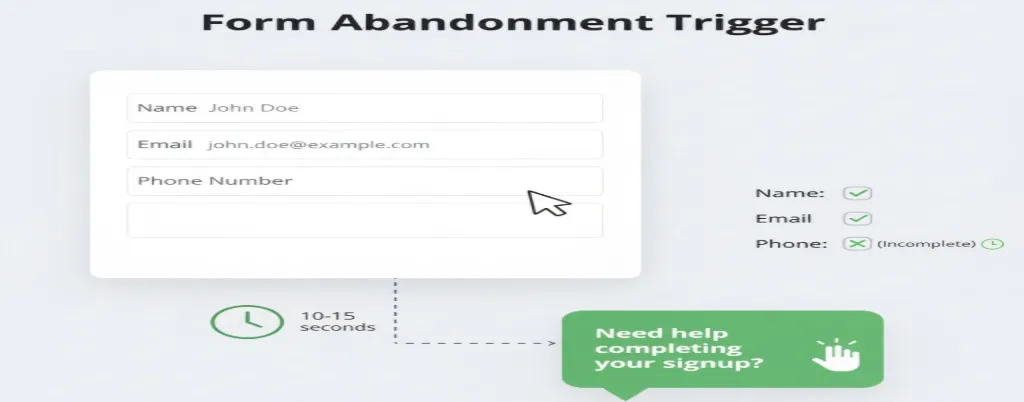
Captures leads who start forms but don’t submit them. People start signing up, then get distracted or confused. Long forms intimidate people who worry about spam.
- Recovers 20-25% of lost leads
- Activates after 10-15 seconds
- Shows which fields cause problems
Example: “Need help completing your signup? I can answer questions.”
Best for: Lead generation, account signups, consultation requests, contact forms
The trigger activates when forms are started but not submitted. This offers assistance right when doubt creeps in.
10. Campaign Trigger
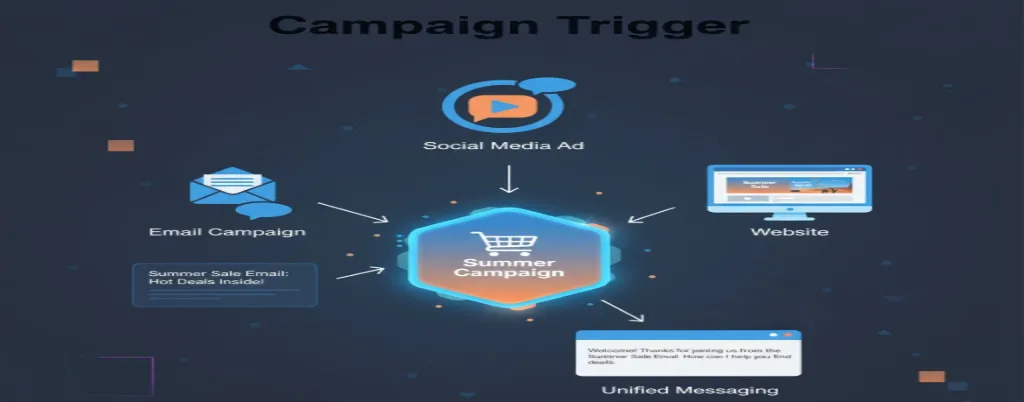
Aligns chat messages with active marketing campaigns you’re running. Ensures consistent messaging across all channels. Visitors from email campaigns see relevant chat messages immediately.
- 32% better campaign ROI
- Detects traffic sources automatically
- Works for multiple campaigns
Example: “I see you clicked our Black Friday email! Need help?”
Best for: Promotions, product launches, seasonal campaigns, limited-time offers
This connects all your marketing efforts into one seamless experience. You can run multiple campaigns simultaneously with different triggers.
Ready to implement these triggers? Chatboq offers all 10 trigger types on a single platform.
Best Practices for Live Chat Triggers
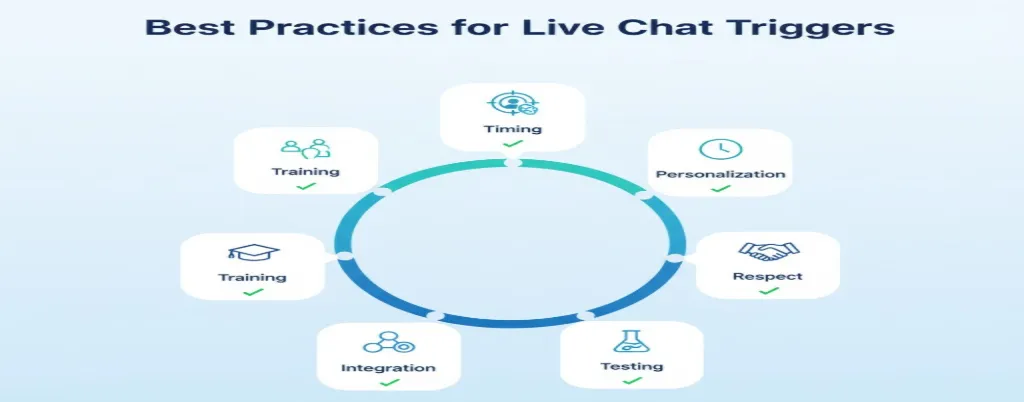
Following best practices ensures your triggers work well and boost chat conversion rate. Here’s how to maximize results from your website chat triggers.
Perfect Your Timing
Timing matters more than most people think initially. Too fast feels pushy and annoys visitors. Too slow misses the opportunity window completely. Start conservative with 20-30 second delays across most pages. Monitor engagement rates and adjust accordingly. Run tests for at least two weeks to get significant data.
Personalize Your Messages
Personalization increases response rates by 50% on average. Generic messages get ignored by visitors. Use visitor data to customize trigger messages based on behavior. Mention their location, traffic source, or browsing patterns. Modern systems insert relevant details into templates automatically. Keep it helpful, not creepy or invasive.
Respect Visitor Preferences
Never be intrusive with your chat triggers. Chat should help people, not harass them. Provide easy dismissal options that work immediately. If someone closes chat, don’t trigger again right away. Some people don’t want chat assistance at all. Mobile optimization is absolutely essential since 60% of traffic comes from mobile devices.
Test Continuously
A/B test everything constantly without stopping. What works today might not work next month. Test message wording, timing, trigger conditions, and button colors. Focus on improving trends over time. Set up weekly reviews of trigger performance. Pause underperforming triggers and double down on winners.
Integrate With Tools
Connect triggers with your CRM and analytics platforms. Every chat interaction provides valuable customer intelligence. Chat transcripts and engagement data should sync automatically. This integration ensures your entire team benefits from visitor insights. Sales teams get qualified leads while support teams understand common issues.
Train Your Team
Automated triggers start conversations, but humans continue them. Ensure support teams respond quickly with helpful answers. Slow responses defeat the purpose of proactive chat. If you can’t respond in 30 seconds, don’t use aggressive triggers. Train teams on different scenarios and maintain friendly tones.
Get expert trigger optimization with Chatboq’s support team today.
Measuring Success With Key Metrics
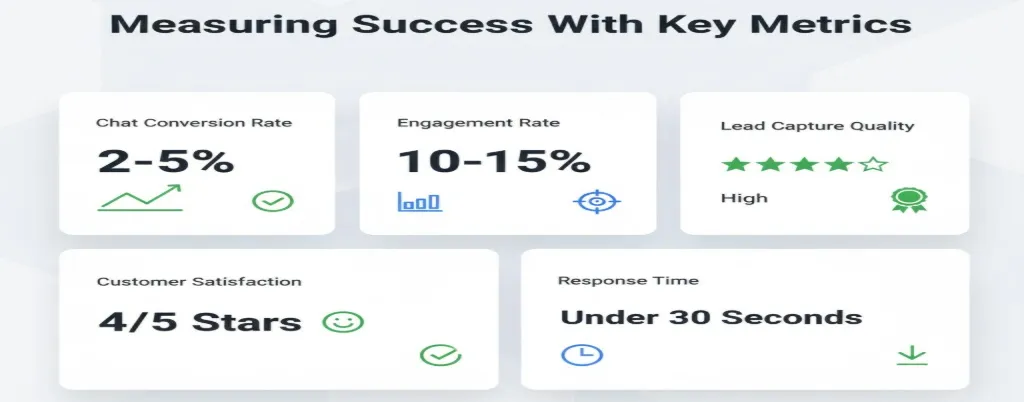
Tracking the right metrics tells you what’s working currently. These key performance indicators reveal trigger effectiveness and guide optimization efforts.
Chat Conversion Rate Analysis
Chat conversion rate measures how many chats lead to desired actions. This could mean purchases, signups, appointments, or other conversion goals. Calculate it as conversions divided by total chats initiated successfully.
Good chat conversion rates range from 2-5% for cold traffic. Warm leads should convert at 10-20% or even higher. Track this weekly and by each trigger type separately.
Engagement Rate Monitoring
Engagement rate shows what percentage of visitors interact with triggers. Low rates mean messages aren’t compelling enough for your audience. High rates indicate strong relevance and perfect timing together.
Aim for 10-15% engagement on high-intent pages like pricing. General pages might see just 3-5% engagement rates normally. Anything below 2% needs immediate improvement and testing adjustments.
Lead Capture Quality Tracking
Lead capture rate matters for businesses focused on generating contacts. How many chats successfully collect email addresses or phone numbers? This builds your marketing database for future campaigns and outreach.
Quality matters way more than quantity here every single time. Ten qualified leads beat fifty tire-kickers every single day. Track both volume and lead quality scores together always.
Customer Satisfaction Scores
Customer satisfaction scores reveal if chat helps or annoys people. Send quick surveys after conversations, asking if chat was helpful. Ask if the chat resolved their issues or questions completely.
Maintain satisfaction scores above 4 out of 5 consistently. Anything lower suggests serious problems with messaging or support quality. This feedback helps refine trigger timing and message tone.
Response Time Metrics
Response time averages impact satisfaction greatly across all industries. Track how quickly agents respond after triggers activate and fire. Faster is always better for customer experience and satisfaction.
Under 30 seconds is excellent and industry-leading performance always. Under 60 seconds is acceptable for most business types. Anything over 90 seconds frustrates people and kills conversions fast.
Quality dashboards show all these metrics in real-time. You can drill down by trigger type, page, or time period. The insights help you improve continuously over weeks and months.
Conclusion
Live chat triggers transform passive websites into engaging experiences that convert. They reach out at perfect moments when visitors need help most. This proactive approach dramatically improves visitor engagement and conversion rates.
Start with welcome and exit intent triggers for immediate value. Add time-based and page-specific triggers next for better targeting. Remember that live chat software is only as good as strategy.
Ready to boost your visitor engagement significantly? Start your free Chatboq trial and see results within days.
Frequently Asked Questions (FAQs)
Live chat triggers are automated rules that launch chat windows based on visitor behavior. They monitor actions like time spent, scrolling, or clicking to start conversations automatically.
Chatboq offers the most comprehensive trigger system with all 10 types included. It combines ease of use with powerful automation features better than competitors.
Chat triggers reach out proactively when visitors need help. This timely assistance keeps people interested, answers questions faster, and reduces bounce rates significantly.
Reactive chat waits for visitors to initiate. Proactive chat messages use triggers to start conversations first, based on behavior patterns and intent signals.
Yes, cart abandonment and exit intent triggers are perfect for eCommerce. They recover lost sales by addressing concerns before customers leave your store.
Start with 20–30 seconds for most pages. High-intent pages, such as pricing, can trigger after 15 seconds. Always test different timings for your specific audience.
Studies show websites using smart chat triggers see 25–40% higher conversion rates. The key is using relevant triggers at appropriate moments.
Focus on chat conversion rate, engagement rate, lead capture rate, customer satisfaction scores, and average response times for complete performance insights.
Exit intent triggers recover 10–15% of abandoning visitors. They’re highly effective when offering genuine value or addressing specific concerns before people leave.
Chatboq provides all 10 trigger types, easier setup, better personalization, and superior analytics compared to Intercom, Drift, LiveChat, or HubSpot alternatives.

Daniel Wong
Technical Content Writer
My name is Daniel Wong, a Technical Content Writer from Singapore with a strong interest in AI-powered tools and digital automation. At ChatBoq AI, I focus on creating practical and easy-to-follow content that helps businesses and individuals understand how chatbots work and how to use them effectively.
I enjoy breaking down complex topics like natural language processing (NLP) and conversational AI into simple guides that anyone can follow. Each article is based on careful research, real-world examples, and testing to ensure accuracy and reliability.
Through ChatBoq AI, my goal is to provide readers with trustworthy insights, step-by-step tutorials, and the latest trends in chatbot technology.
✍️
Expert in AI & Chatbot Technology

Leave A Comment