24 Best AI Chatbots for 2025 [ChatGPT & Alternatives]
Conversational AI flipped the script on how businesses connect with customers. AI chatbots don’t just give robotic responses anymore; they actually understand what you mean and never stop working. Businesses using them are saving costs and hours every week.
📑 Table of Contents
- 24 Best AI Chatbots for 2025 [ChatGPT & Alternatives]
- Key Highlights
- What is an AI Chatbot & Why It Matters
- Criteria for Evaluating Best AI Chatbots
- 24 Best AI Chatbots for 2025
- Use Cases: How Businesses Use AI Chatbots
- Implementation Tips & Best Practices for 2025
- What to Look Out for in 2025
- Conclusion
- Frequently Asked Questions (FAQs)
Best AI chatbots run on large language models trained on millions of real conversations. These AI-powered assistants keep grinding while your team grabs coffee or sleeps. They answer questions, troubleshoot issues, and sometimes they close sales too.
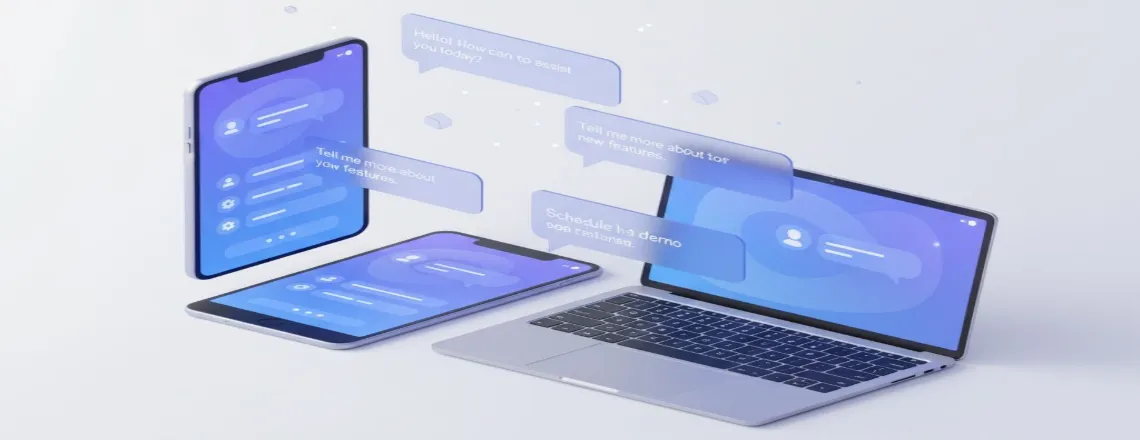
This guide walks through the 24 best AI chatbot apps that are worth checking out in 2025. We’re breaking down what they do, the costs, and how actual businesses use them. After reading this, you’ll know exactly which AI chatbot software fits your situation.
Key Highlights
| AI chatbots revolutionize business customer interactions. Top 24 chatbots reviewed for 2025. Pricing, features, and use cases compared. Context-aware bots improve support efficiency. Voice and multimodal AI dominate the future. |
What is an AI Chatbot & Why It Matters
An AI chatbot is software that chats with people using natural language processing. The old versions? They blindly followed scripts, feeling robotic. Modern ones use generative AI chat systems that actually understand what you’re getting at, not just keywords.
These run on large language models like GPT-4 or Claude. They learned from mountains of text. That’s why interacting with them feels almost like talking to a real person.
Businesses love AI chatbots because of their numerous benefits:
- One bot handles thousands of questions simultaneously
- Support costs drop roughly 30% on average
- Available 24/7, no holidays
- Answers stay consistent regardless of who asks
- They gather data that improves personalization
Context-aware chatbots remember stuff from earlier in your chat. They switch topics without acting lost. Some now handle multimodal interaction and mix text, images, and voice seamlessly.
In 2025, voice AI and text-to-speech chatbots will dominate the tech scene. Businesses want that omnichannel AI experience where customers get consistent help everywhere.
Criteria for Evaluating Best AI Chatbots
Not every chatbot tool for customer service deserves attention. We picked these 24 using strict standards.
Feature Criteria
- Human-like conversation: Does it sound natural or still robotic?
- Generative capabilities: Creates fresh responses or recycles templates?
- Integration options: Plays nice with your website, CRM, other tools?
- Real-time chatbot analytics: Shows useful conversation data?
Business Criteria
- Pricing model: Free version available or pay-to-play?
- Scalability: Works equally well for 10 or 10,000 users?
- Customer support automation: Actually reduces ticket volume?
- Ease of setup: How long till you’re running?
Technology Criteria
- Underlying LLM: What powers it(GPT-4, Claude, Gemini)?
- Multimodal support: Handles text, voice, and images together?
- Chatbot automation tools: Let’s you build workflows?
- Security features: Protects data and stays compliant?
Our 24 picks nail these standards. Each excels somewhere specific. Some crush it on websites. Others dominate enterprise setups.
24 Best AI Chatbots for 2025
Here’s our full AI chatbot comparison, sorted by use case.
1. Chatboq
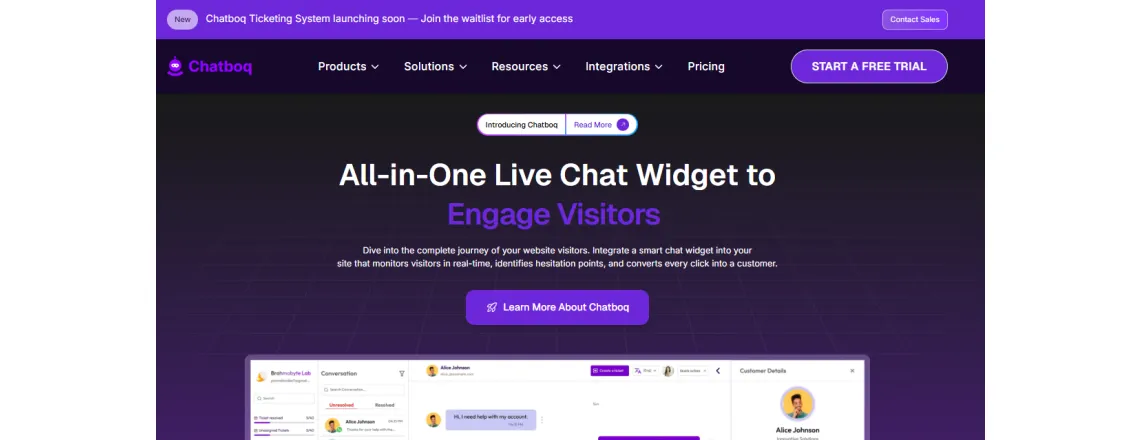
Chatboq beats competitors for businesses of any size. Powerful AI minus technical nightmares.
Key features:
- Latest LLM tech makes conversations sound natural
- Easy connections to websites and apps
- Real-time analytics dashboard that makes sense
- Free plan available, paid unlocks more power
Best for: Small/medium businesses wanting fast wins.
Pricing: Contact info@chatboq.com
Why it stands out: Focuses on measurable results, not flashy unused features. Setup? Under 10 minutes.
2. ChatGPT by OpenAI
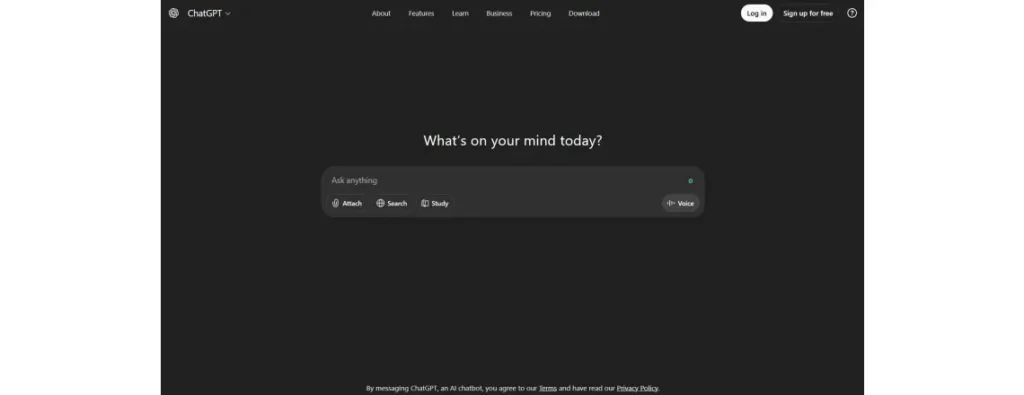
ChatGPT exploded in 2023 and remains one of the most popular AI conversation tools today.
Key features:
- Powered by GPT-4 and newer GPT-4o
- Handles tricky questions surprisingly well
- Writes code, essays, and creative content
- API for developers
Best for: General knowledge, creative work, problem-solving.
Pricing: Free version, Plus $20/month, and Enterprise custom.
Why it stands out: Massive knowledge base, constant OpenAI updates.
3. Microsoft Copilot
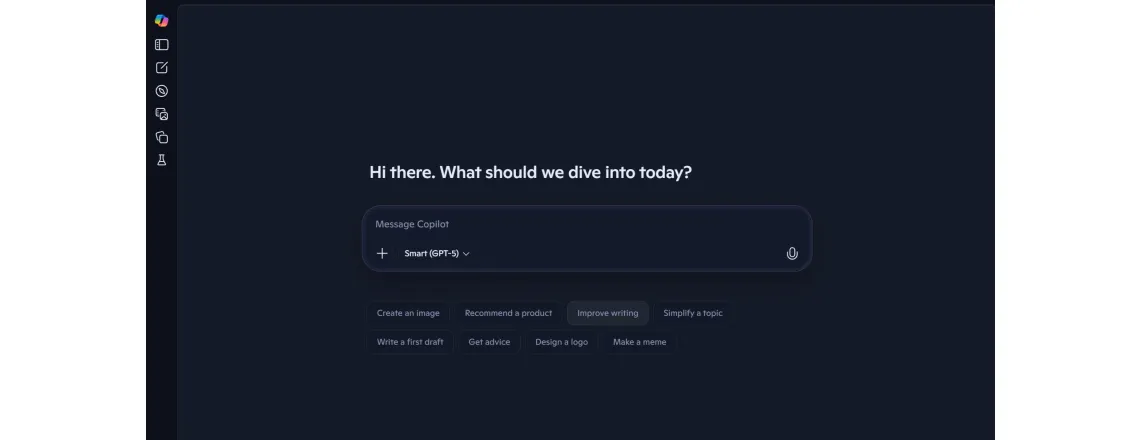
Microsoft Copilot embeds AI straight into your workflow. Works across Office and Bing.
Key features:
- Built into Windows 11, Edge, and Office 365
- GPT-4 powered
- Web search built in
- Image creation via DALL-E
Best for: Office users living in the Microsoft ecosystem.
Pricing: $30/user/mo (business add-on, annual)
Why it stands out: Already connected to the tools you use daily.
4. Anthropic Claude

Claude by Anthropic prioritizes safety and helpfulness. Great for detailed work.
Key features:
- 200,000 token context window (huge)
- Strong analysis and reasoning
- Ethical AI principles
- Developer API available
Best for: Research, long documents, detailed analysis.
Pricing: Free, Pro $20/mo, API usage-based
Why it stands out: Remembers way more conversation context than competitors.
5. Google Gemini
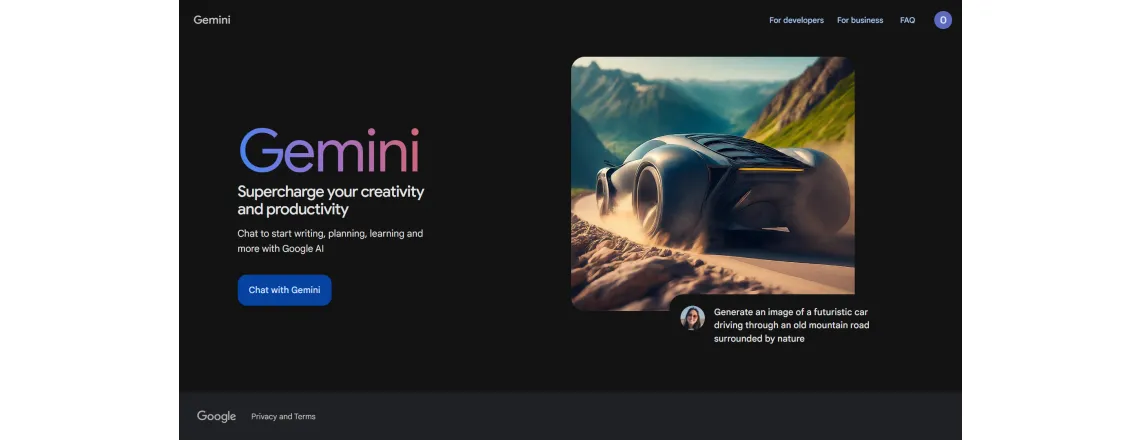
Google Gemini (formerly Bard) taps Google’s search power. DeepMind tech keeps it accurate.
Key features:
- Real-time web access
- Multimodal interaction with images
- Google Workspace integration
- Multiple sizes (Nano, Pro, Ultra)
Best for: Research and Google ecosystem fans.
Pricing: Free tier available; paid “Google AI Pro / Gemini Advanced” ≈ $19.99/month for higher-capability access.
Why it stands out: Direct pipeline to current Google Search info.
6. Intercom
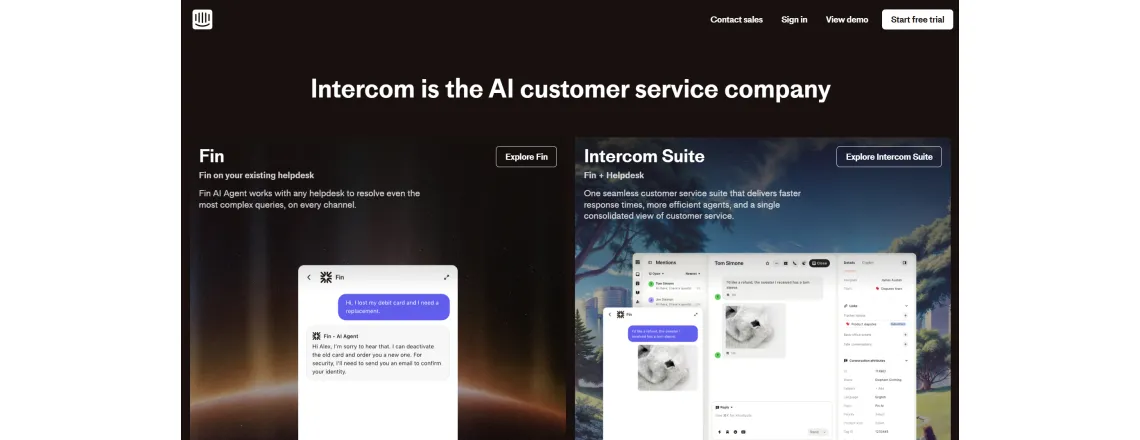
Intercom specializes in customer support automation. Built for sales and service teams.
Key features:
- Smart ticket routing and deflection
- Handoff to human agents when needed
- Customer data integration
- Automated custom workflows
Best for: SaaS companies, e-commerce sites.
Pricing: Essential plan starts at $29/seat/month (annual billing) OR $39/seat/month billed monthly.
Why it stands out: Complete customer platform, not just a bot.
7. Drift
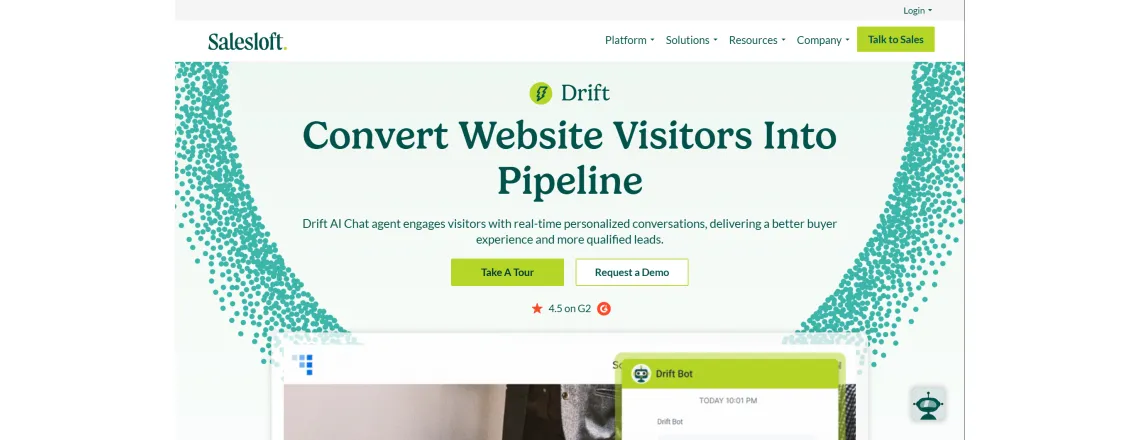
Drift focuses on conversational marketing. Captures leads and books meetings automatically.
Key features:
- Visitor identification
- Calendar integration
- A/B conversation testing
- CRM connections
Best for: B2B sales teams hunting qualified leads.
Pricing: Premium starts $2,500/month.
Why it stands out: Converts random visitors into qualified leads automatically.
8. Zendesk Answer Bot
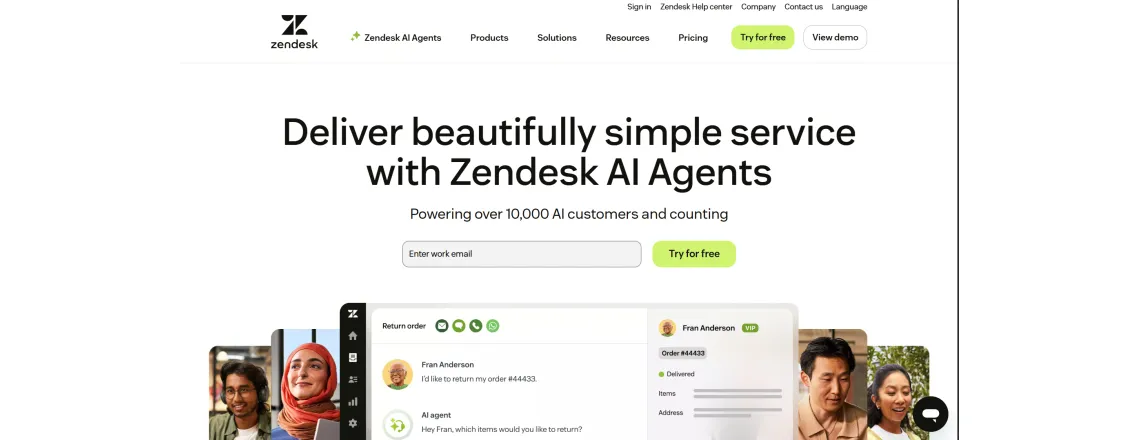
Zendesk Answer Bot lives inside their popular platform. Suggest articles before creating tickets.
Key features:
- Knowledge base integration
- Ticket deflection tracking
- Multilingual support
- Trigger-based automation
Best for: Existing Zendesk customers.
Pricing: Part of Zendesk Suite, $55/agent/month starts.
Why it stands out: Native integration means zero extra setup.
9. LivePerson
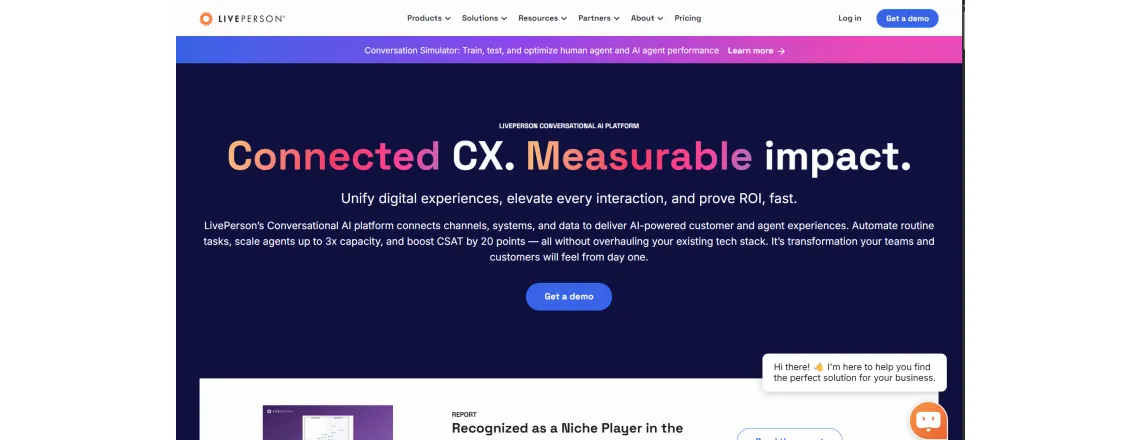
LivePerson offers enterprise conversational AI. Handles millions of chats across channels.
Key features:
- Voice-enabled AI systems
- Intent detection and routing
- Agent assist tools
- Deep analytics
Best for: Large enterprises with high volume.
Pricing: Custom quotes only.
Why it stands out: Handles SMS, WhatsApp, Facebook, and more in one spot.
10. Ada
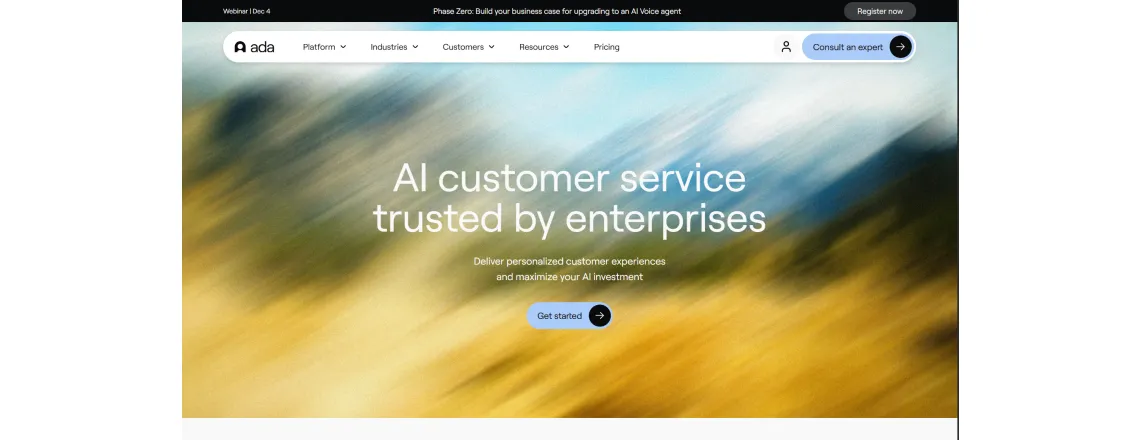
Ada powers automated customer service without code. Marketing teams can build bots themselves.
Key features:
- No-code builder (actually intuitive)
- Automated workflows
- User data personalization
- Performance metrics
Best for: Non-technical teams avoiding code.
Pricing: Custom based on volume.
Why it stands out: Beautiful interface that anyone figures out quickly.
11. IBM Watsonx Assistant
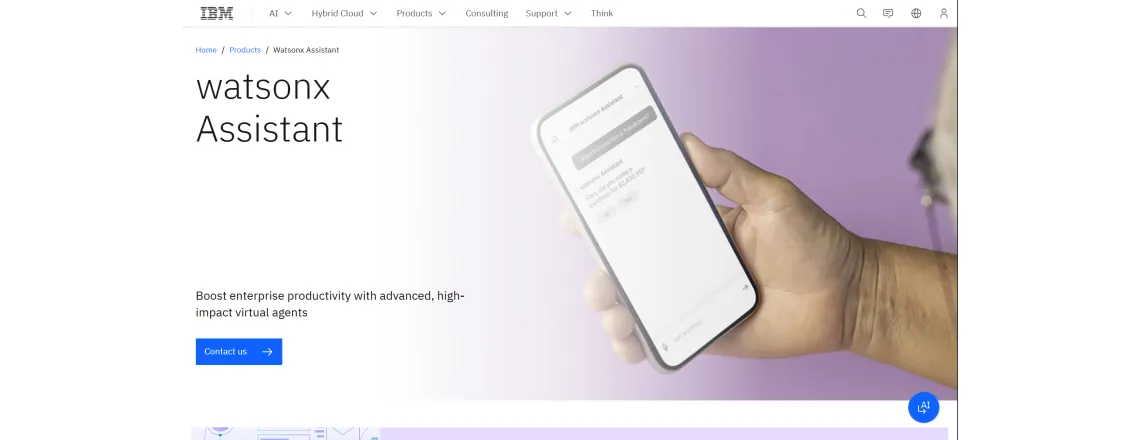
IBM brings decades of AI research here. Built for complex business requirements.
Key features:
- Advanced natural language processing
- Industry templates ready
- On-premise deployment for security
- Strong compliance features
Best for: Regulated industries (healthcare, finance).
Pricing: Lite is free, starting around US $140/month for certain entry plans. Usage/instance-based pricing also applies.
Why it stands out: Enterprise security meets powerful AI.
12. Salesforce Einstein Bots
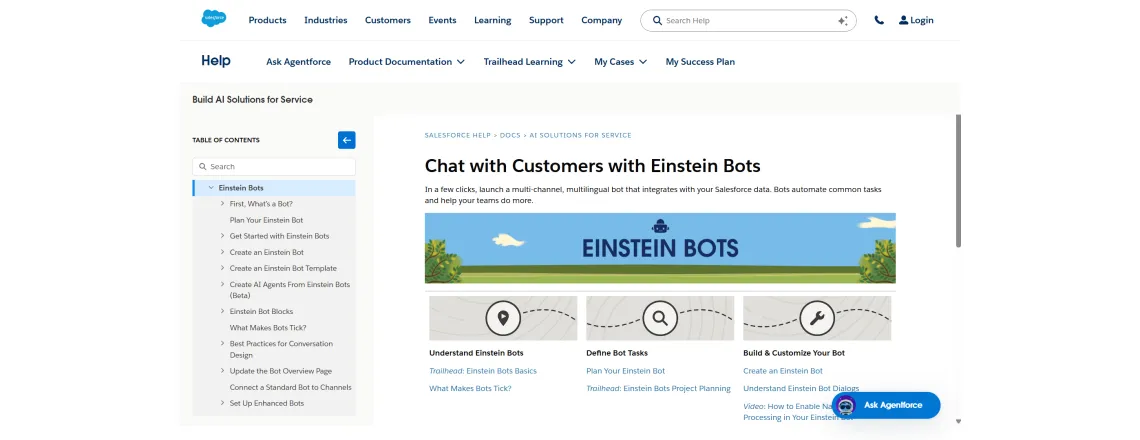
Einstein Bots live inside Salesforce CRM. Access customer data for personalized service.
Key features:
- Full CRM integration
- Customer journey tracking
- Predictive recommendations
- Smooth agent handoff
Best for: Salesforce customers, obviously.
Pricing: Included in Service Cloud plans.
Why it stands out: Already knows everything about your customers.
13. Amazon Lex
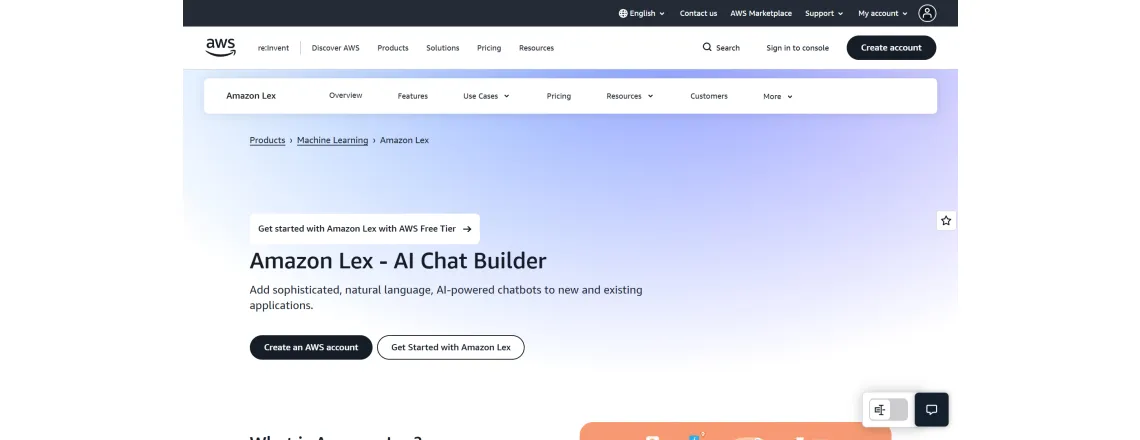
Amazon Lex powers Alexa. Use that same tech for business chatbots.
Key features:
- Voice and text interfaces
- AWS integration
- Pay-per-use model
- Automatic speech recognition
Best for: Companies on AWS infrastructure.
Pricing: Pay per request ($0.00075 per text request, $0.004 per voice request).
Why it stands out: Same tech running millions of Alexa devices.
14. Jasper Chat
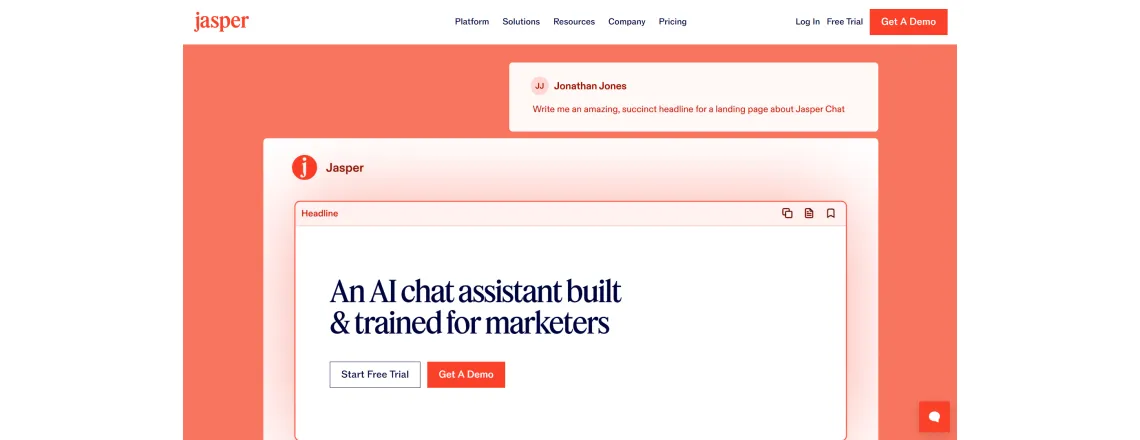
Jasper Chat helps marketers create content faster. Trained for business writing.
Key features:
- Marketing-focused responses
- Brand voice customization
- SEO suggestions built in
- Content templates
Best for: Content teams, marketing agencies.
Pricing: Creator $49–$69/month, depending on annual vs monthly billing.
Why it stands out: Understands marketing goals and language.
15. Character.AI
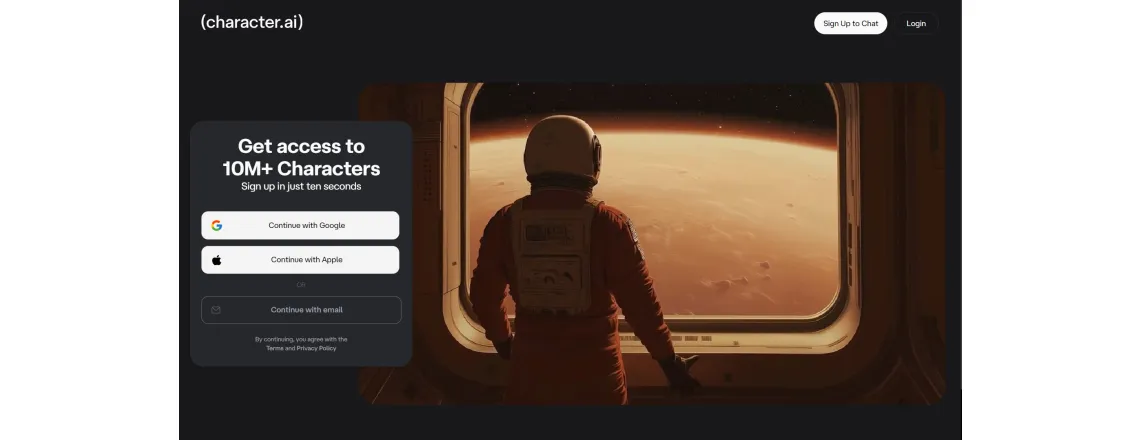
Character.AI lets you chat with fictional characters or create your own. Fun and creative.
Key features:
- Deep personality customization
- Role-play scenarios
- Community-created characters
- Conversation memory
Best for: Entertainment, creative exploration.
Pricing: Free with an optional subscription $9.99/month.
Why it stands out: Most personality-driven platform available.
16. Perplexity AI
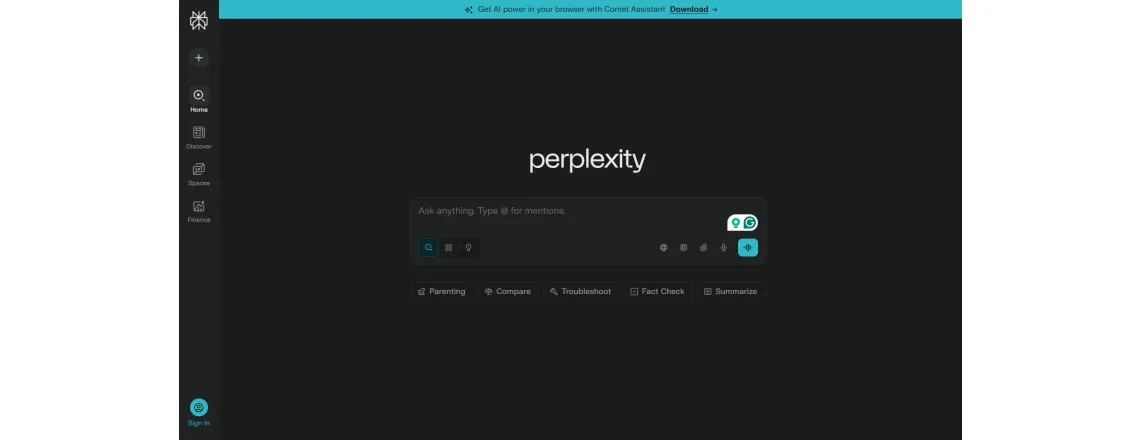
Perplexity AI mixes search with chat. Cites sources for every answer.
Key features:
- Real-time web search
- Source citations with links
- Follow-up questions
- Mobile apps
Best for: Research, fact-checking.
Pricing: Free, Pro $20/month.
Why it stands out: Shows exactly where info comes from.
17. YouChat

YouChat is built into You.com search. Answers while you browse results.
Key features:
- Search integration
- Multiple AI modes
- Privacy-focused
- No data collection
Best for: Privacy-conscious users.
Pricing: Free tier available, paid plans around US$15/month
Why it stands out: Doesn’t store or sell your conversation data.
18. Replika

Replika acts as a personal companion. Learns from conversations over time.
Key features:
- Emotional support focus
- Personality development
- Daily check-ins
- AR avatar
Best for: Personal companionship.
Pricing: Free basic, Pro $19.99/month.
Why it stands out: Designed for emotional connection.
19. HuggingChat

HuggingChat is open-source and transparent. Built by the Hugging Face community.
Key features:
- Multiple model options
- Completely free
- No usage limits
- Community-driven
Best for: Developers, AI enthusiasts.
Pricing: Free forever.
Why it stands out: Open-source means full transparency.
20. Pi by Inflection AI

Pi focuses on personal intelligence. Designed for supportive conversations.
Key features:
- Empathetic responses
- Voice mode
- Clean interface
- Short interactions
Best for: Quick advice, brainstorming.
Pricing: Free.
Why it stands out: Optimized for mobile and voice.
21. Chatsonic by Writesonic
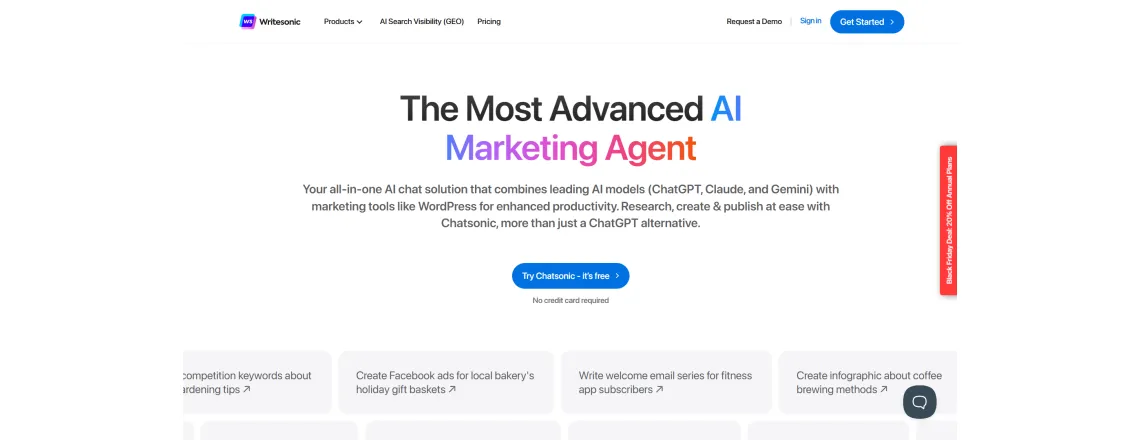
Chatsonic adds extras to ChatGPT-style chat. Includes images and web search.
Key features:
- Current event awareness
- Image creation
- Voice commands
- Chrome extension
Best for: Content creators wanting variety.
Pricing: Free trial, plans start $39/month.
Why it stands out: Combines multiple AI capabilities in one spot.
22. Kuki AI

Kuki AI won the Loebner Prize for the most human-like bot. Fun, engaging, learns fast.
Key features:
- Award-winning conversation
- Personality and humor
- Gaming integrations
- Mobile apps
Best for: Casual chat, entertainment.
Pricing: Free with premium features.
Why it stands out: Won competitions for being human-like.
23. Meta Llama 2 Chat
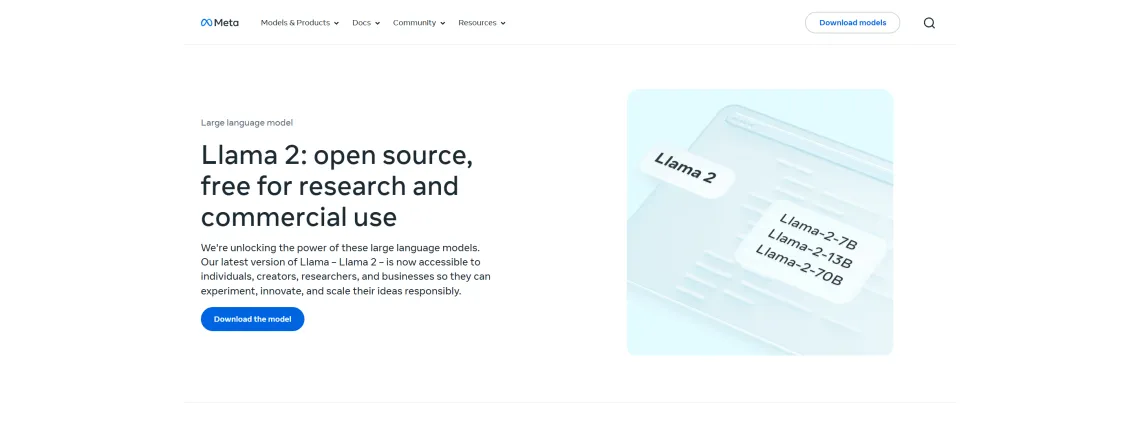
Meta Llama is open-source but powers tons of chatbots. Run it yourself or use hosted versions.
Key features:
- Open-source access
- Commercial use allowed
- Multiple model sizes
- Fine-tuning options
Best for: Developers building custom solutions.
Pricing: Free (hosting costs separate).
Why it stands out: True ownership of your AI stack.
24. Poe by Quora
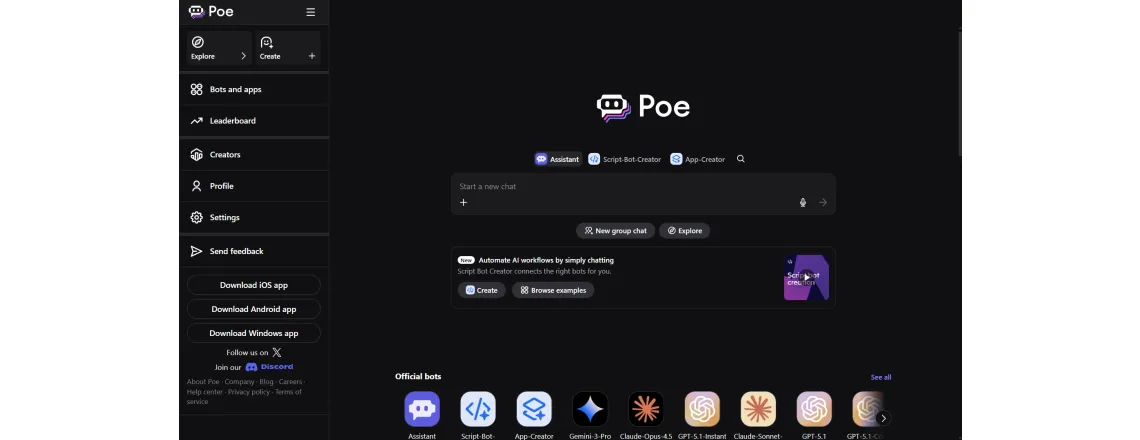
Poe gives access to multiple AI models in one app. Switch between ChatGPT, Claude, and others easily.
Key features:
- Multiple AI models
- Create custom bots
- Mobile-first design
- Bot marketplace
Best for: People wanting choice without multiple apps.
Pricing: Free with limits, Premium $19.99/month.
Why it stands out: One subscription for many AI models.
ChatGPT & Top Alternatives Comparison
Let’s compare the five most popular AI assistant software options head-to-head.
| Feature | ChatGPT | Microsoft Copilot | Anthropic Claude | Google Gemini | Chatboq |
| Free Version | Yes | Yes | Yes | Yes | Yes |
| Pricing | $20/mo | Included w/ MS365 | $20/mo | Free/Premium | Custom |
| Best For | General use | Office users | Long analysis | Research | Business chat |
| Context Length | 128K tokens | 32K tokens | 200K tokens | 32K tokens | 64K tokens |
| Web Access | Limited | Yes | No | Yes | Yes |
| Integrations | API only | Microsoft apps | API only | Google apps | Website, CRM |
| Image Support | Yes | Yes | Yes | Yes | Coming soon |
When to Choose Each
ChatGPT: If you need general AI for various tasks and don’t mind paying for advanced stuff.
Microsoft Copilot: If you live in Microsoft 365 and want AI built into your workflow.
Anthropic Claude: If you work with long documents needing careful responses.
Google Gemini: If you need current info constantly and use Google Workspace.
Chatboq: If you want business features minus enterprise complexity or costs.
These ChatGPT alternatives each have unique strengths. Your pick depends on existing tools and needs.
Use Cases: How Businesses Use AI Chatbots

Real companies get real results from chatbot deployment platforms. Here’s how.
Customer Service Automation
Support teams drown in tickets asking identical questions. AI chatbots answer instantly.
Example: An online store uses e-commerce chatbots for customer service. Bot answers “Where’s my order?” 5,000 times monthly. Agents tackle complex issues instead.
Results: Tickets dropped 40%, responses were 60% faster, and customers.
Website Chatbots for Lead Capture
Sales teams need qualified leads, not random browsers. Smart chatbots for sales qualify visitors before demos..
Example: A B2B software company adds a chatbot for websites. Asks three qualifying questions. Only serious prospects reach the calendar.
Results: 3x more qualified demos, sales stop wasting time.
Internal Business Assistants
Employees ask HR and IT identical questions daily. Internal bots become the first help.
Example: 500-person company deploys HR chatbot. Handles PTO, benefits questions, and policy lookups instantly.
Results: HR saves 15 hours weekly, and employees get instant answers.
Omnichannel & Voice-Enabled Systems
Customers want help everywhere, on the website, app, SMS, and voice. Omnichannel AI experience keeps consistency.
Example: A Bank uses voice-enabled AI systems for phone support. Customers check balances, transfer money by talking.
Results: 70% of calls resolved without human agents.
Pick AI conversation tools matching your situation. Don’t chase features you’ll never use.
Implementation Tips & Best Practices for 2025
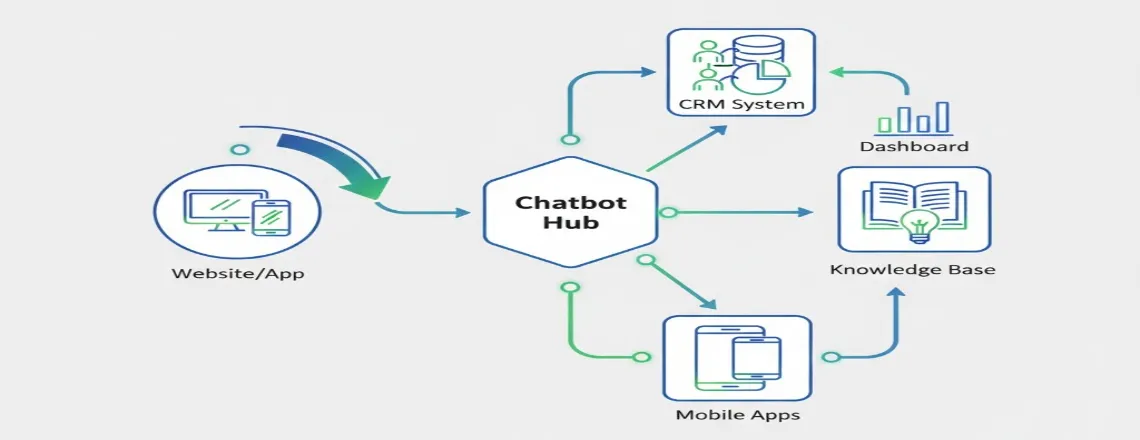
Building great chatbots takes more than picking software. Follow these steps.
Integration Strategy
Start with one channel, expand later. Most companies begin with a chatbot for websites, then add more.
Steps:
- Install tracking code on the site
- Connect knowledge base or FAQ docs
- Test with the internal team first
- Launch to a small user percentage
- Monitor and adjust before full rollout
Tools needed: Chatbot platform, website CMS, and analytics.
Training Your Model
Context-aware chatbots need solid training data. Feed them business info.
Best practices:
- Upload product docs, FAQs, policies
- Review conversations weekly
- Mark the good and bad responses
- Add new info when things change
- Use AI-driven personalization for user types
More specific training equals better results.
Monitoring & Analytics
Real-time chatbot analytics show what works. Track these:
- Containment rate: Percentage solved without humans
- User satisfaction: Ratings after conversations
- Response accuracy: How often the bot gets it right
- Conversation length: Shorter is usually better
Set alerts for problem patterns. Fix issues before they spread.
Avoiding Common Pitfalls
- Don’t over-automate. Some questions need human empathy. Always offer escape to real support.
- Don’t ignore privacy. Machine learning chat tools collect data. Be transparent about what you keep.
- Don’t launch and forget. AI needs ongoing training. Schedule monthly reviews minimum.
- Don’t skip mobile testing. Most users chat on phones. Make sure the bot works perfectly on small screens.
Looking Ahead: AI Trend Forecasting
Watch these developments in 2025:
- Multimodal interaction becomes standard. Expect bots to understand images, voice, and video together.
- Voice-enabled AI systems handle increasingly complex tasks. Text-to-speech chatbots sound nearly human.
- Virtual customer assistants predict needs before customers ask. Proactive beats reactive.
- Chatbot automation tools connect deeper into business systems. Think inventory checks, order mods, and account updates all through chat.
Stay flexible. AI moves fast. What works today might be outdated next quarter.
What to Look Out for in 2025

The AI chatbot landscape keeps changing. Here’s what matters most this year.
Pricing Models Evolution
Free AI chatbots work for basic needs. Serious businesses need paid plans eventually.
Expect more usage-based pricing. Pay for conversations, not seats. Makes costs predictable as you scale.
Some vendors offer “freemium forever.” Others limit free tiers heavily. Read fine print.
Technology Shifts
Large language models get smarter monthly. GPT-5 rumors float everywhere. Google and Anthropic aren’t sitting still.
Generative AI chat systems handle more edge cases. Fewer “I don’t understand” responses.
Natural language processing keeps improving. Bots understand slang, jokes, and cultural references better.
Competition & Ecosystem
More companies will launch AI chatbot software in 2025. Some merge. Others disappear.
- Buy versus build: Most businesses should buy. Building custom LLMs costs millions. Use that money for marketing.
- Integration matters: Pick platforms with strong API access. You’ll want to connect with other tools.
Future-Proofing Your Choice
Look for these qualities:
- Scalability: Can it handle 10x your current volume?
- Multilingual support: Even if English-only today, you might expand.
- Regular updates: Monthly improvements beat annual ones.
- Community or support: Can you get help when stuck?
- Data portability: Can you export conversation data if switching?
Don’t chase every new feature. Focus on solving real problems well.
Conclusion
Picking the right AI chatbot for your business isn’t hard. We showed you 24 solid options across types and budgets.
For most businesses, Chatboq hits the sweet spot. Powerful AI that’s simple to set up. Enterprise features minus enterprise headaches or prices.
For general stuff, ChatGPT works great. Handles almost anything.
Microsoft users should check Copilot. Already built into your tools.
Need research depth? Claude does it best. Long context windows mean better analysis.
Best AI chatbots for 2025 share traits: natural conversation, easy integration, and real business value. They save time, cut costs, and make customers happier.
Start with your biggest pain point. Pick the AI chatbot software solving that first. Expand later.
Conversational AI’s future is here now. Companies adopting it now lead industries. Those waiting spend years catching up.
Frequently Asked Questions (FAQs)
Chatboq leads for most businesses due to easy setup and strong features. ChatGPT works well for general tasks. Choice depends on your specific needs.
Free versions work for basic testing and low volume. Serious customer support automation needs paid plans with better integration and analytics.
Most chatbot deployment platforms provide simple code snippets. Copy the code into your site’s header. Configuration happens through their dashboard.
No, they complement human agents. Bots handle routine questions. Humans tackle complex issues requiring empathy and judgment. The best results combine both.
ChatGPT excels at general knowledge and creative tasks. Business-focused chatbots like Chatboq specialize in customer service, lead generation, and workflows.
Prices range from free to thousands per month. Small business plans typically cost $29–$99 monthly. Enterprise solutions require custom quotes based on volume.
GPT-4 powered bots like ChatGPT and Copilot offer excellent NLP. Claude provides strong performance. Google Gemini and Chatboq also deliver natural conversation abilities.
Most modern chatbots support 50+ languages. Quality varies by language. English, Spanish, French, and German are typically the most accurate across platforms.
Context-aware chatbots remember conversation history and understand references to earlier topics. This creates more natural, human-like interactions.
Upload your FAQs, product docs, and policies. Review conversations regularly. Mark correct and incorrect responses. Most platforms include training tools.
Multimodal chatbots process multiple inputs like text, voice, images, and video. Users can speak or upload images, and the bot understands all formats.
Neither is universally better. Voice works well for hands-free situations. Text is faster for complex info. The best platforms offer both modes.
Track containment rate, user satisfaction scores, response accuracy, and time saved. Compare support costs before and after chatbot deployment.

Daniel Wong
Technical Content Writer
My name is Daniel Wong, a Technical Content Writer from Singapore with a strong interest in AI-powered tools and digital automation. At ChatBoq AI, I focus on creating practical and easy-to-follow content that helps businesses and individuals understand how chatbots work and how to use them effectively.
I enjoy breaking down complex topics like natural language processing (NLP) and conversational AI into simple guides that anyone can follow. Each article is based on careful research, real-world examples, and testing to ensure accuracy and reliability.
Through ChatBoq AI, my goal is to provide readers with trustworthy insights, step-by-step tutorials, and the latest trends in chatbot technology.
✍️
Expert in AI & Chatbot Technology

Leave A Comment